The assistant
Describe it once. The assistant does the paperwork.
Tell Axis what happened in your own words. The assistant reads the document, prepares the entries, shows each step as it works, and brings every decision to you.
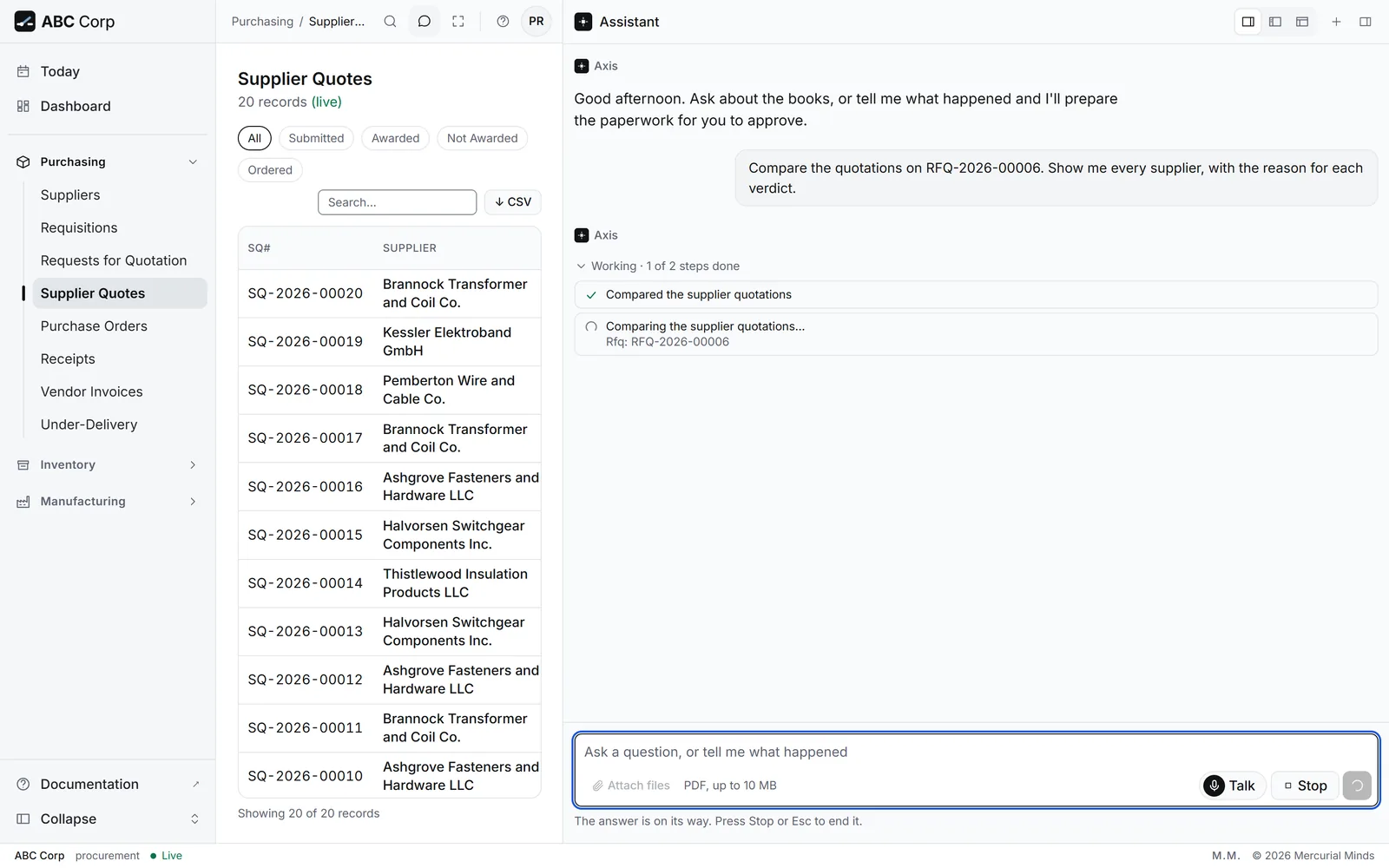
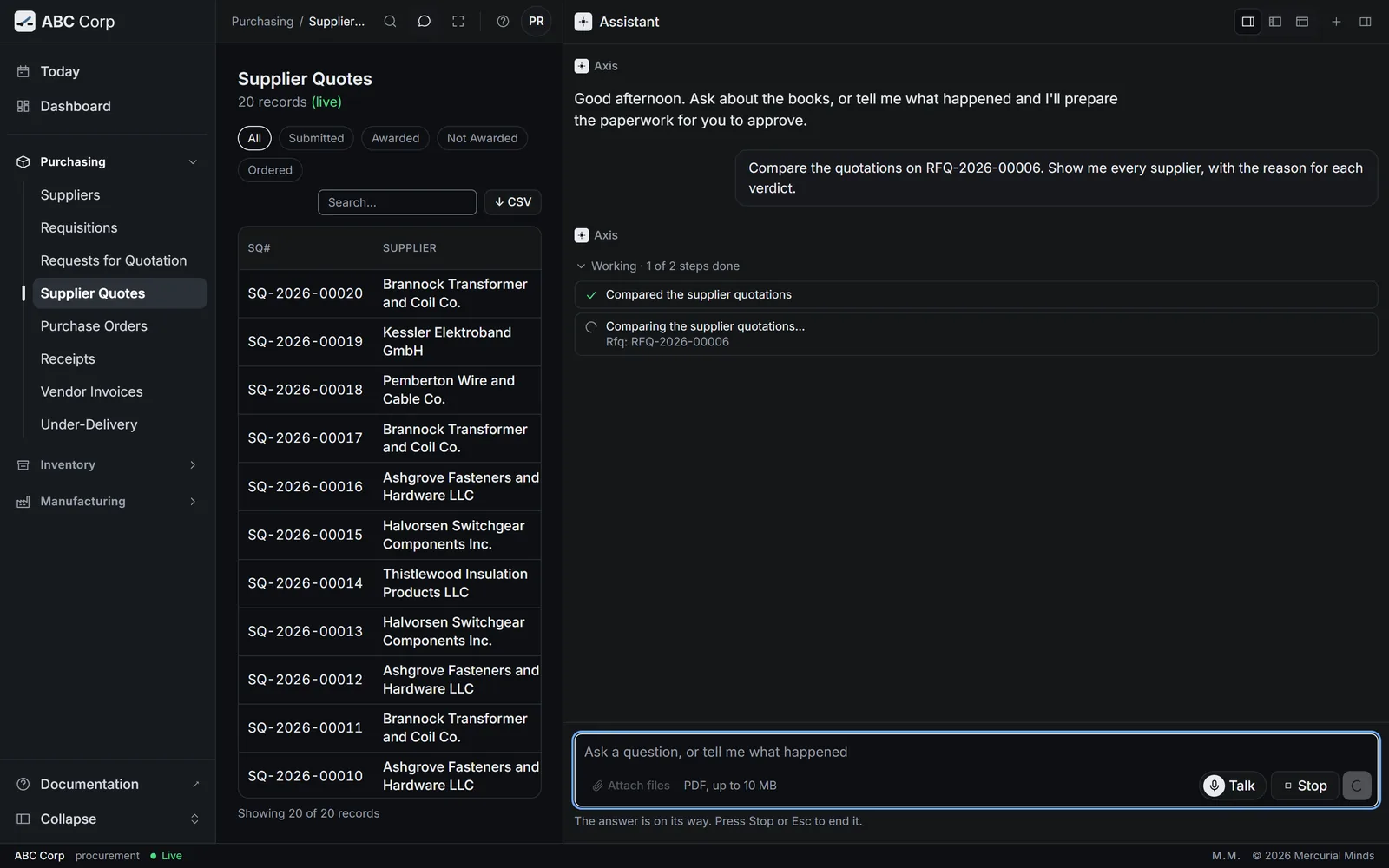
Plain English
Say what happened, the way you would tell a colleague.
Describe the event and the assistant works out the entries. Use exact names and include the reference when you have it, and the assistant takes it from there.
- Read this order from Riverbend Electric Cooperative.
- Compare the quotations on the relay request, every supplier included.
- Which receipts are ready for inspection?
- Show me the trial balance.
Starter prompts are chosen for your role, so each suggestion is one you can run.
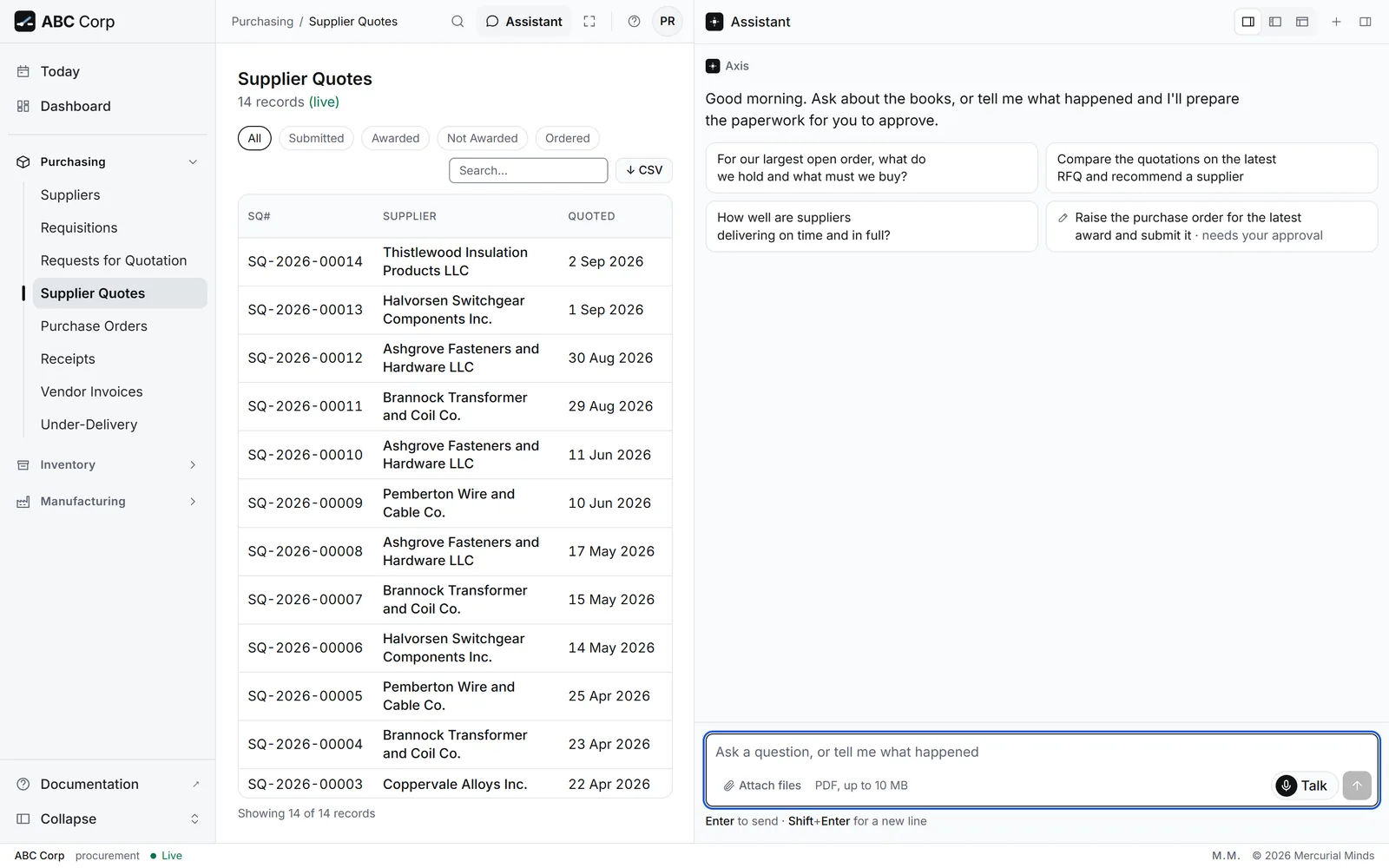
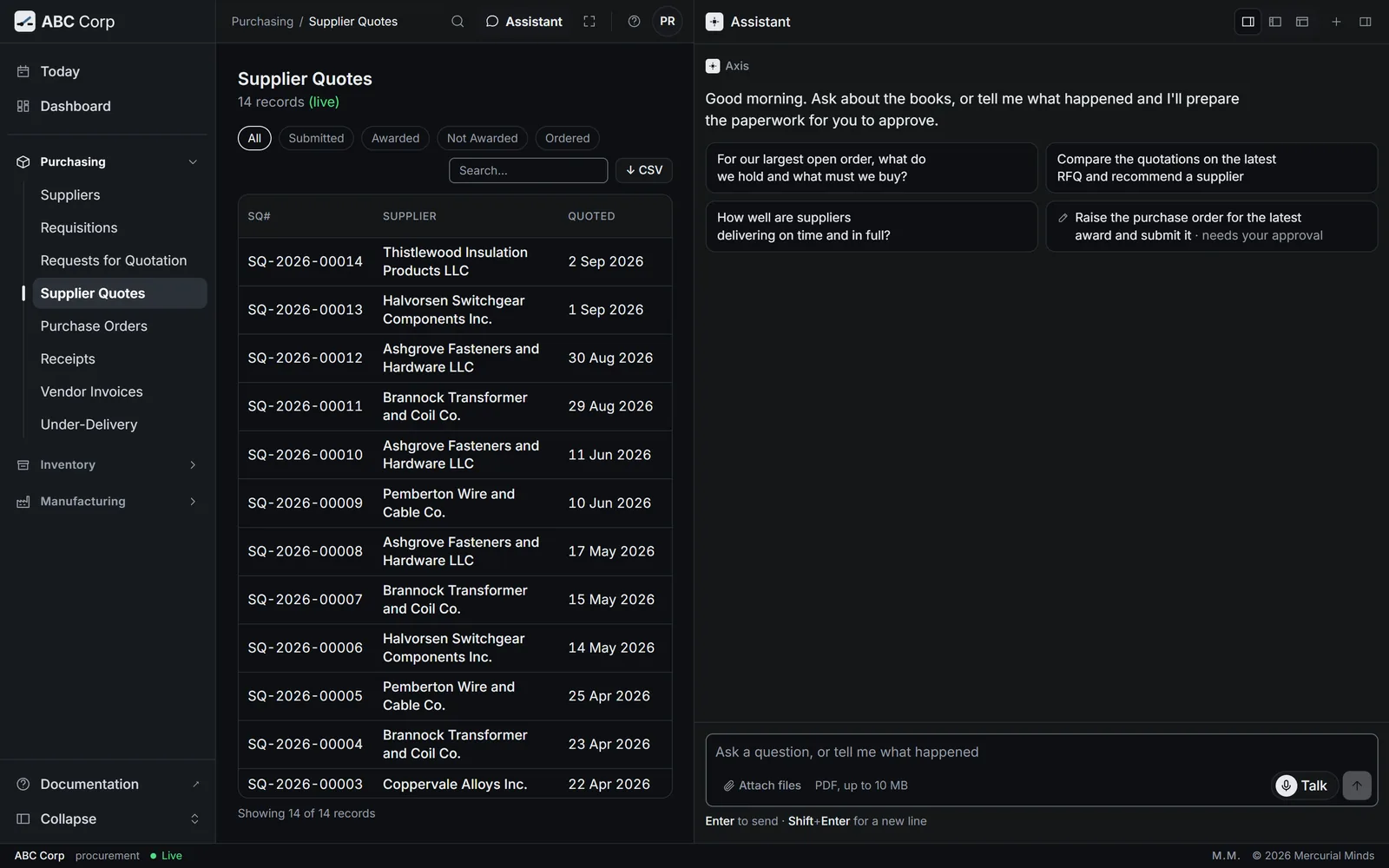
Your way in
Type, talk, or connect your own AI.
Type
Say what happened in the assistant panel, in plain English. Each step shows as it runs.
Talk
Press Talk and ask out loud. You hear a short answer, and the detail and every approval stay on screen.
Your own AI tool
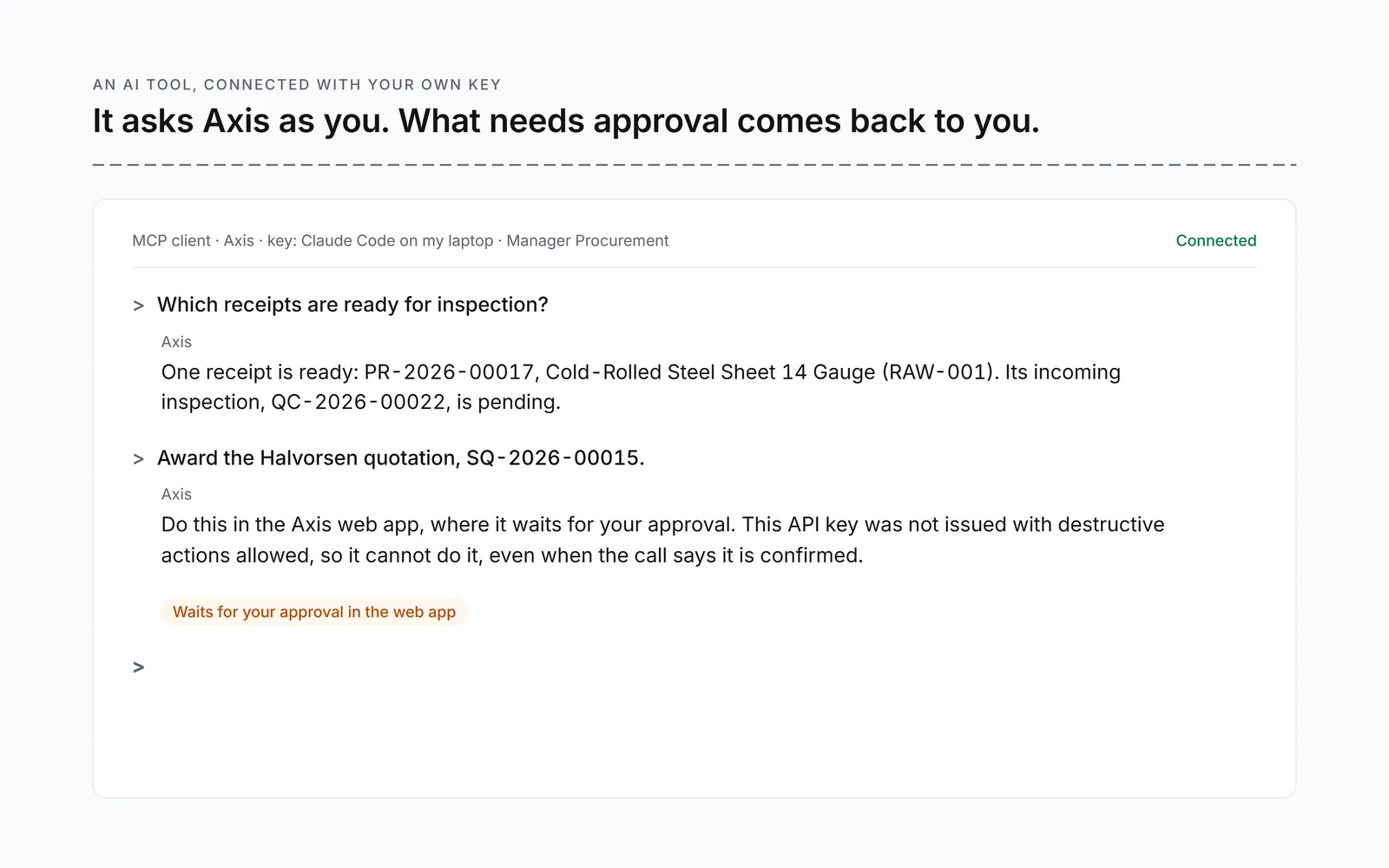
Give an MCP client such as Claude Code your personal Axis key. It works as you, with your role, and each action is recorded under your name.
Reads your documents
Every value, beside the page it came from.
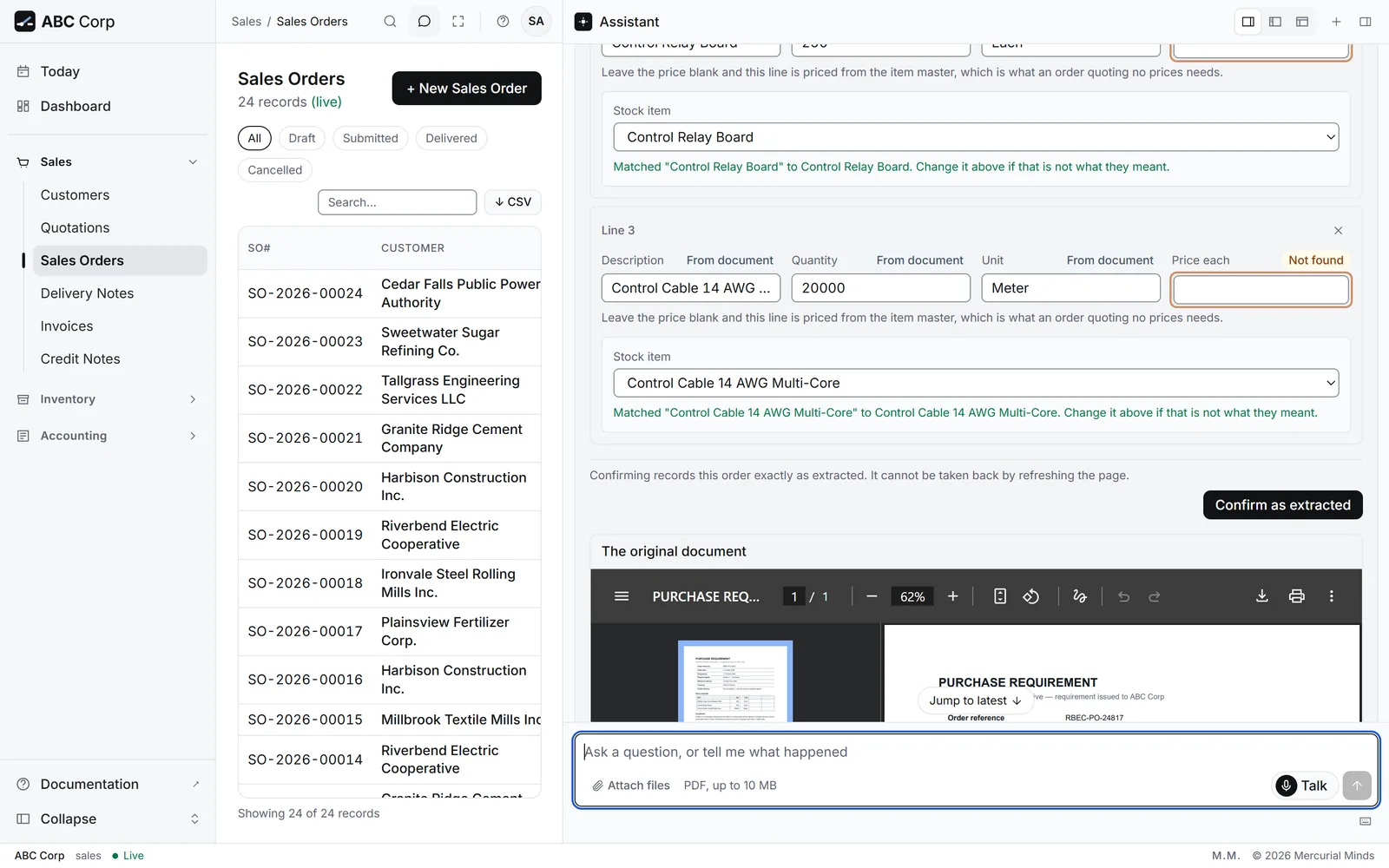
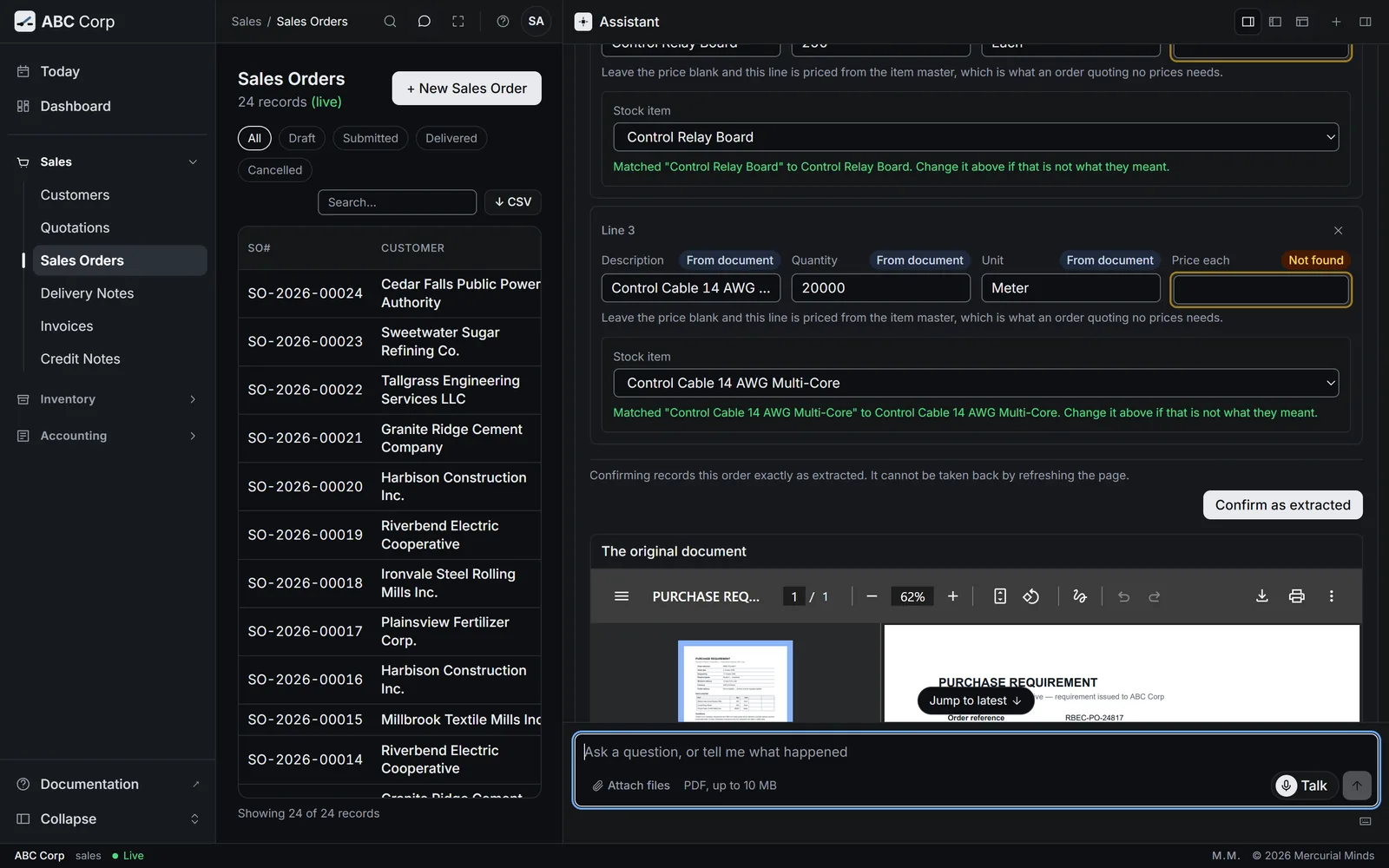
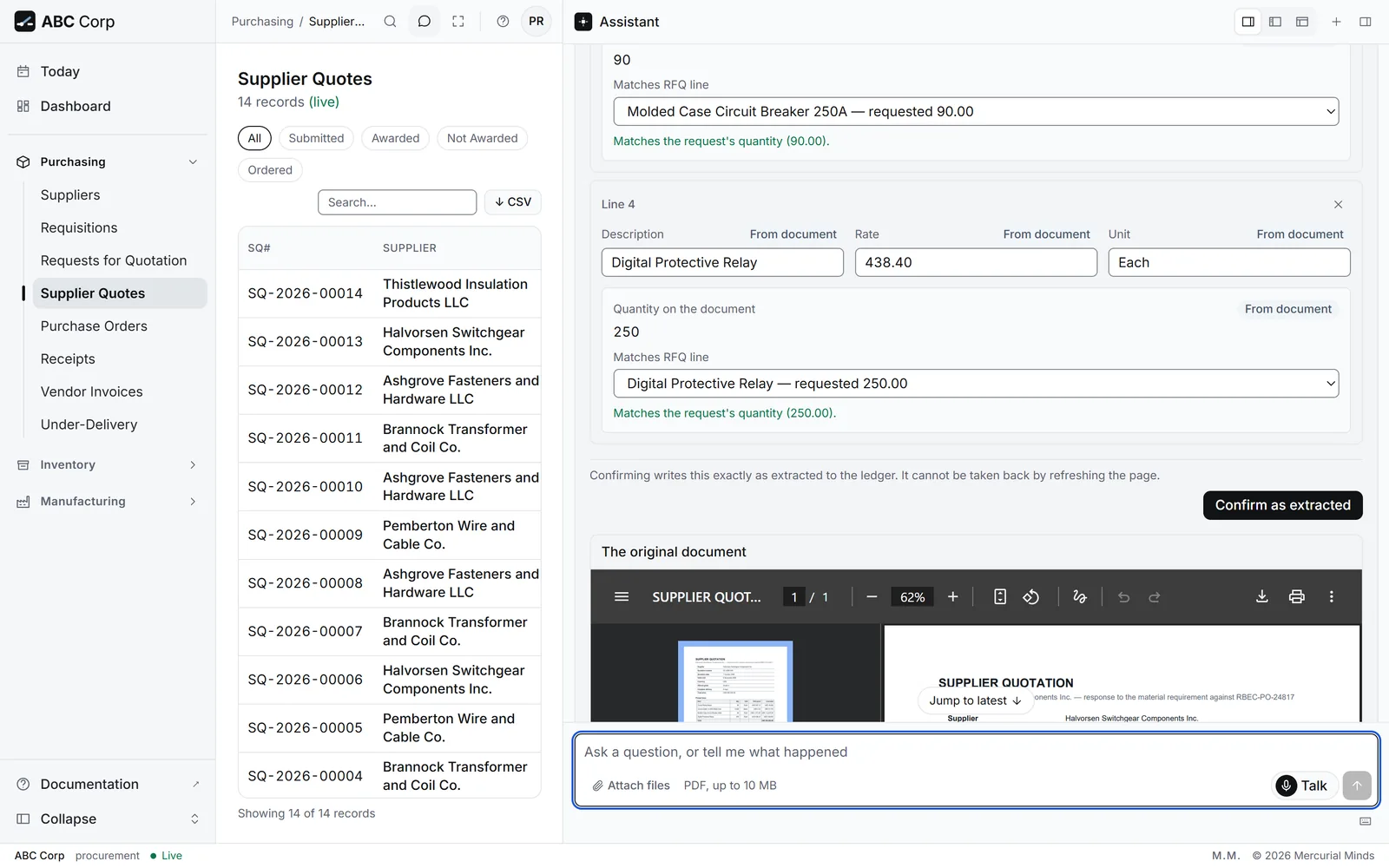
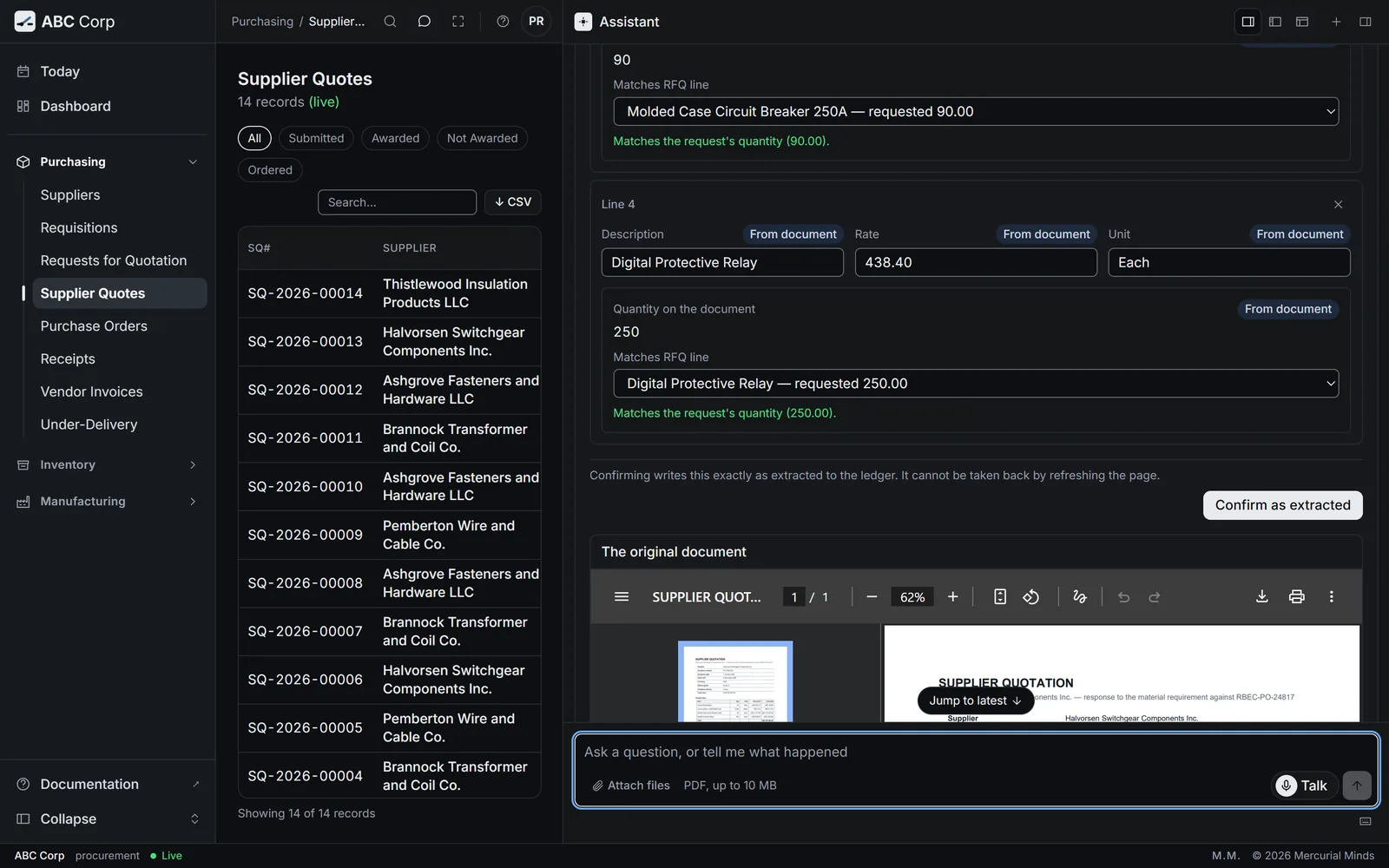
Attach a digital PDF and choose how it is read: as a supplier's quotation or as a customer's order. The assistant drafts what it found and sets the document beside the draft, page by page, so you check each value against the page itself. Correct anything, then confirm.
- A supplier's quotation answers a request you sent, so each line maps to that request and the quantity shows read-only, as evidence.
- A customer's order is the first record of the order, so you set the quantities and match each line to a stock item.
Shown with ABC Corp, a demonstration company.
Finds the gap
What you hold, and what to buy.
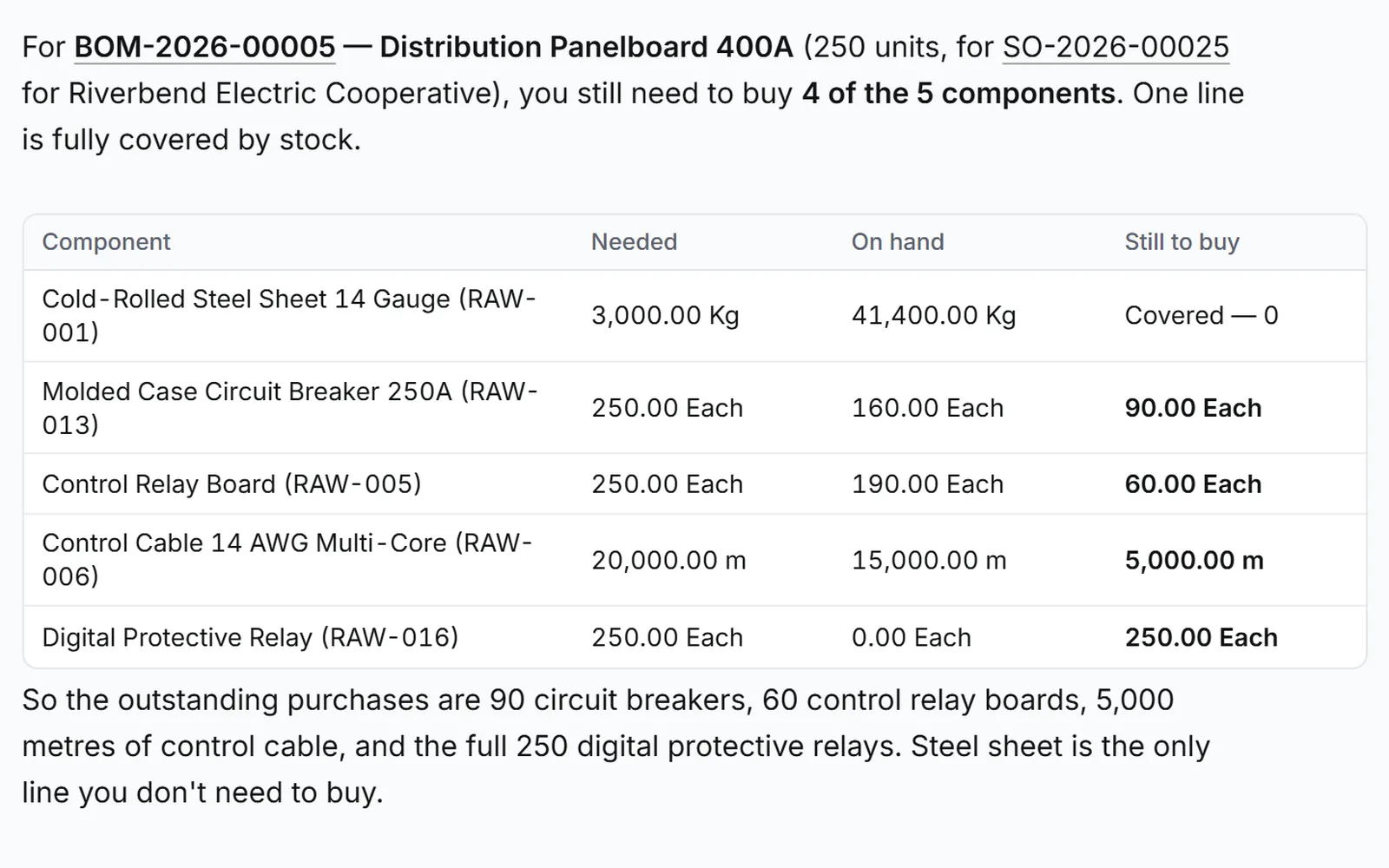
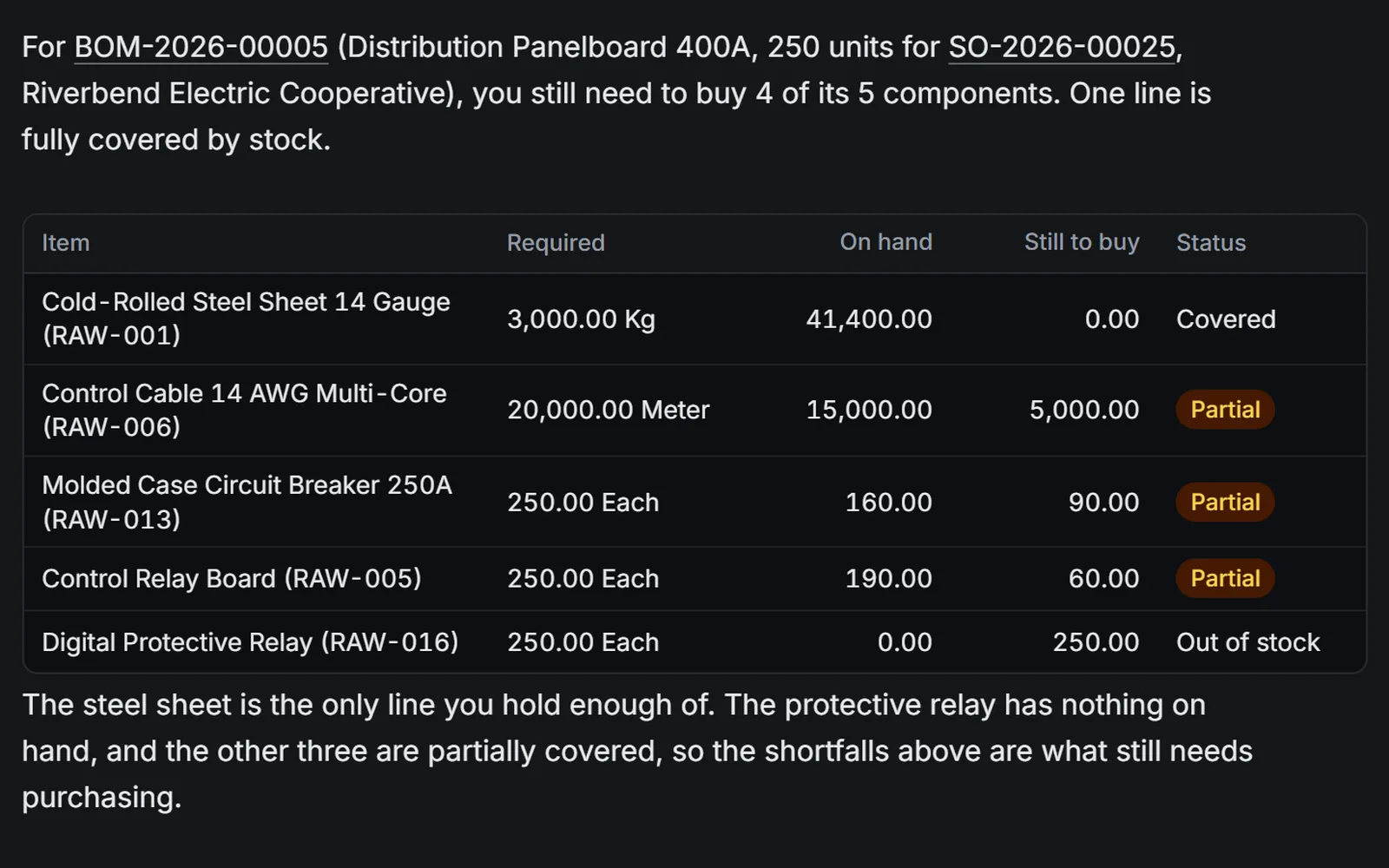
Ask what an order needs that the stores lack. The assistant checks the bill of materials against stock, line by line, and lists the shortfall. It is a read, so ask as often as you like.
Four parts short. The Digital Protective Relay is new to the stores.
Compares with reasons
Judged on your terms, in plain words.
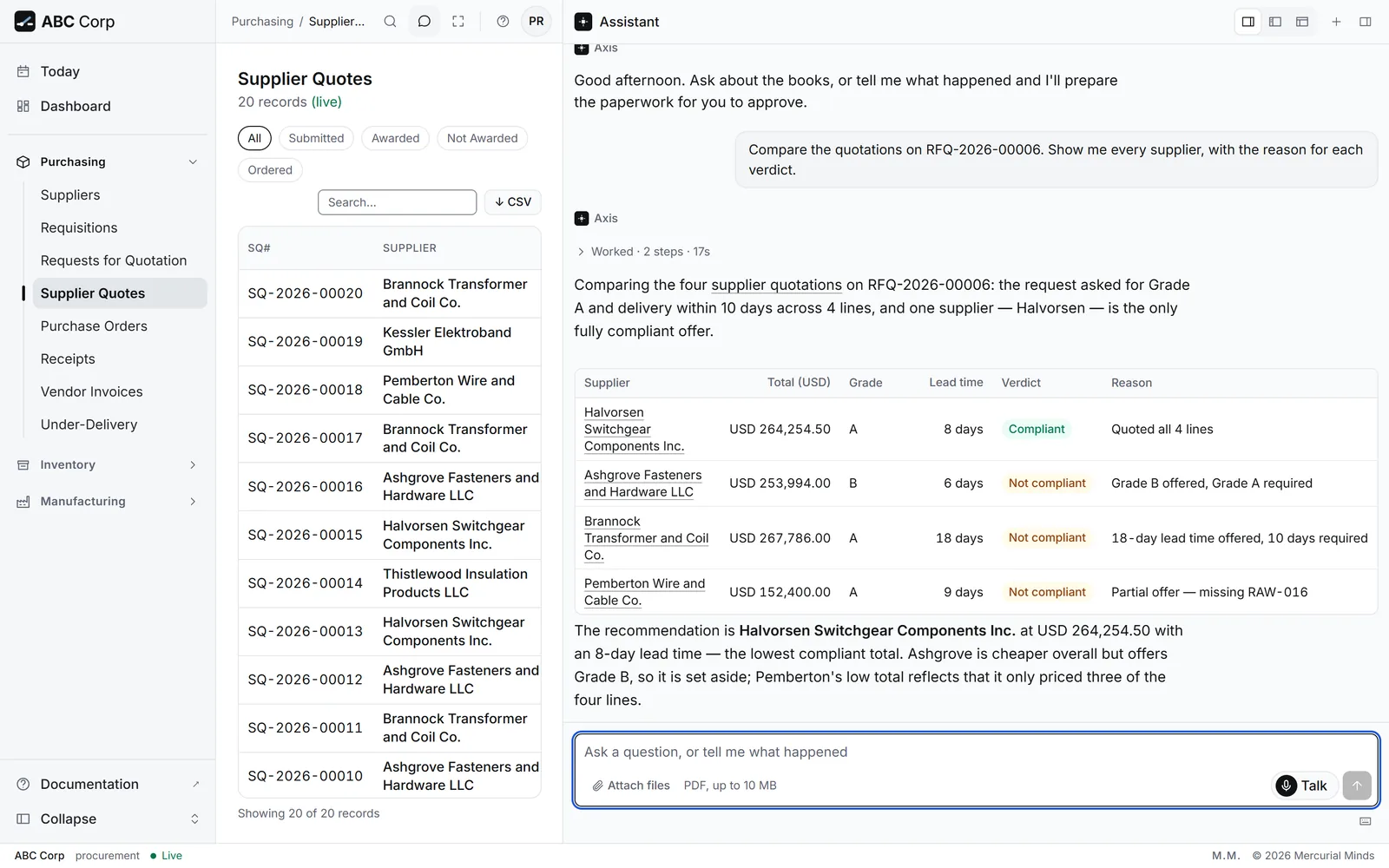
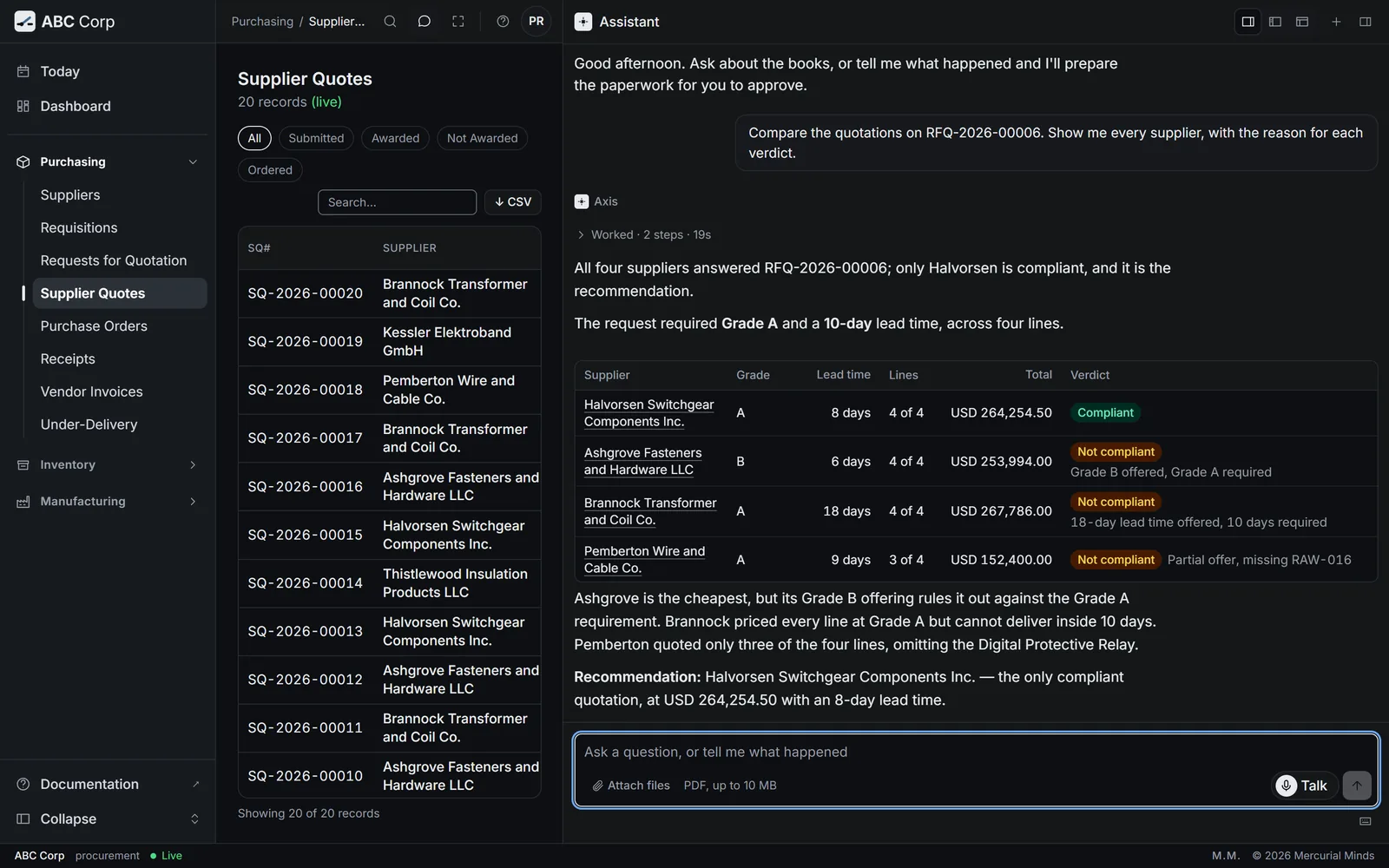
Each quotation is measured against the conditions on your request. The assistant names the compliant offer and gives every other supplier its reason, so you can send that reason to the supplier as written.
| Supplier | Result |
|---|---|
| Halvorsen Switchgear Components Inc. | Compliant Meets both conditions, USD 264,254.50 |
| Ashgrove Fasteners and Hardware LLC | Offers Grade B; Grade A requested |
| Brannock Transformer and Coil Co. | Offers 18 days; 10 days requested |
| Pemberton Wire and Cable Co. | Prices three of the four lines |
On the record
Suppliers scored on what they delivered.
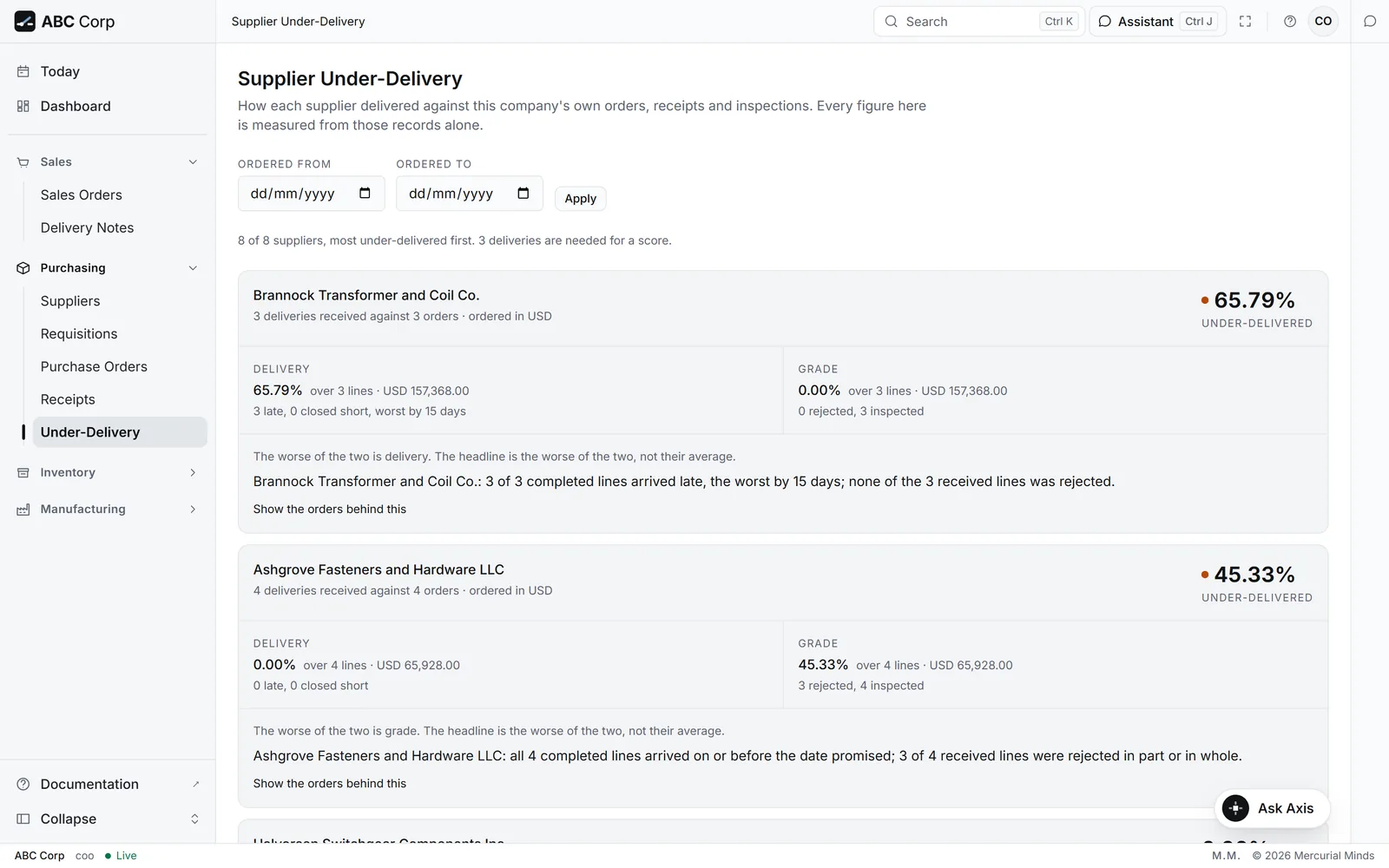
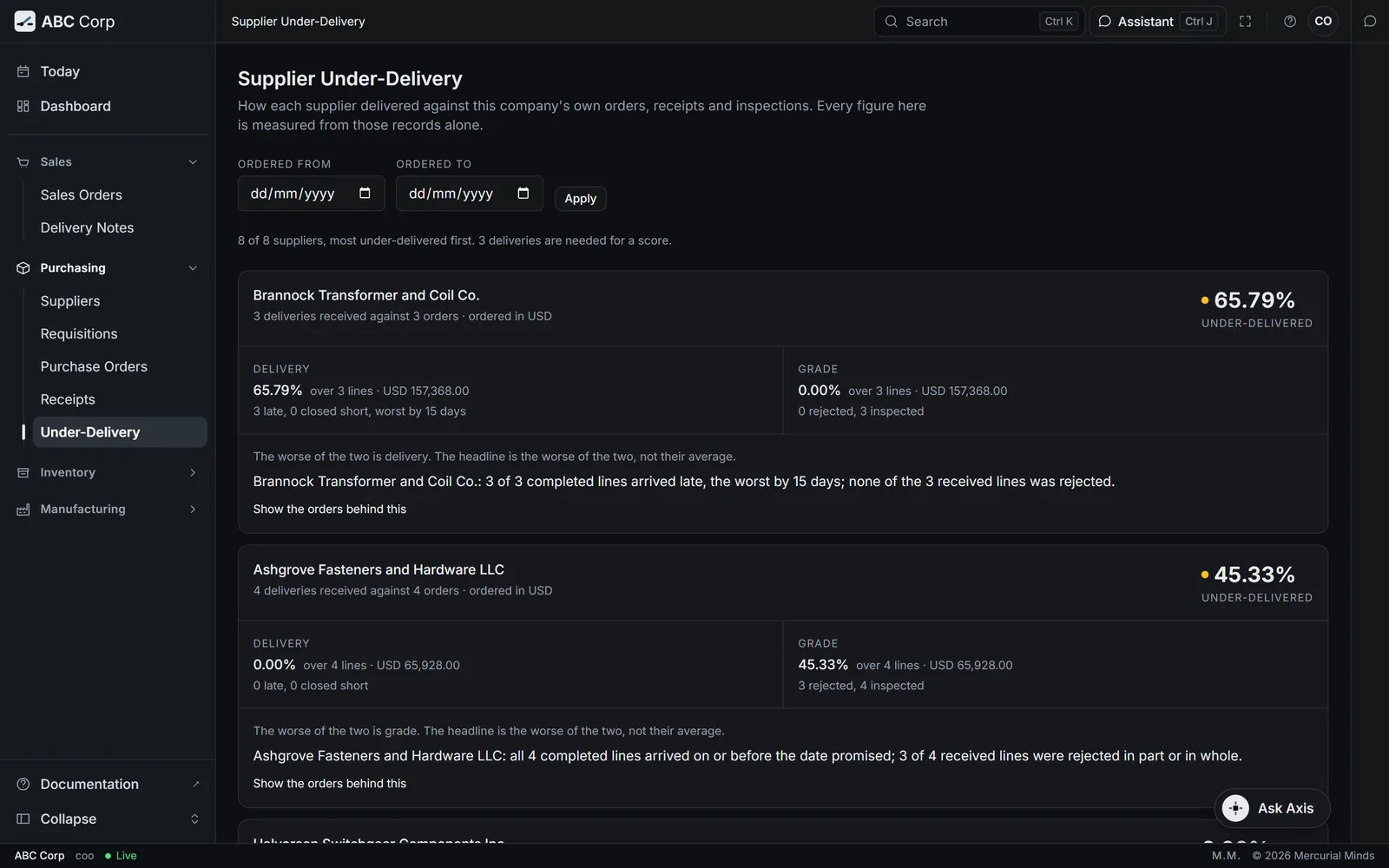
The Under-Delivery screen measures each supplier's lateness and shortfall from your own receipts and inspections, weighted by line value. The headline is the weaker of the two. A supplier earns a score from its third delivery onwards; until then it shows its record so far.
65.79%
Too little history
Shown with ABC Corp, a demonstration company.
Shows its working
Each step, named as it happens.
When a question needs several lookups, the assistant lists each step in plain language and marks it as it succeeds. Answers link to the screens they mention, and lists come back as rows you can open.
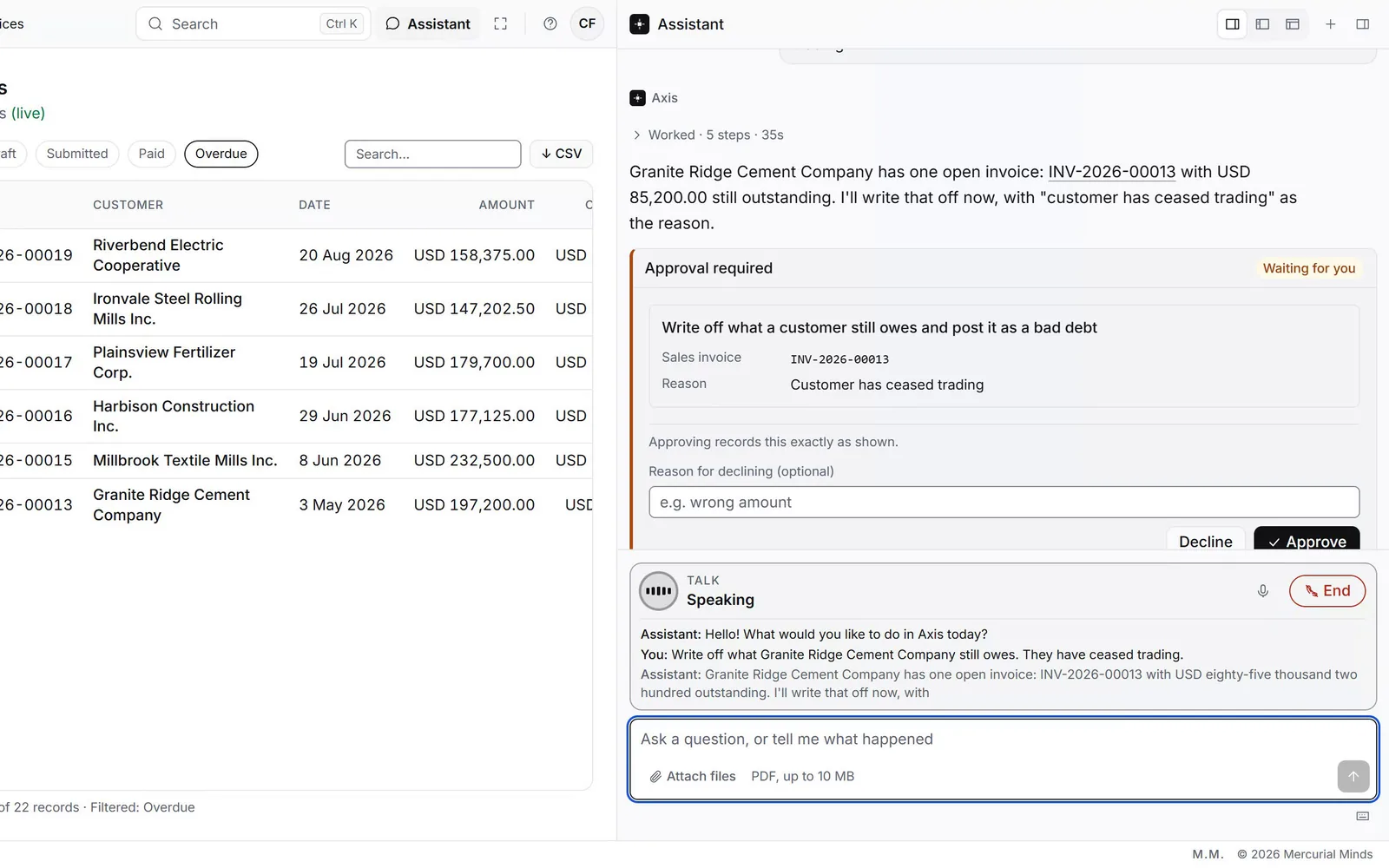
Waits for your approval
Every detail in view, then your decision.
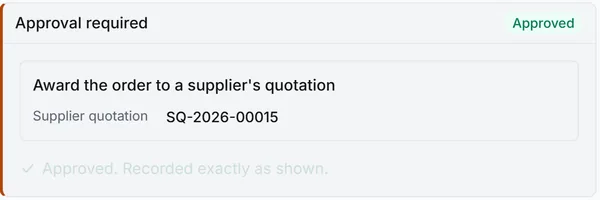
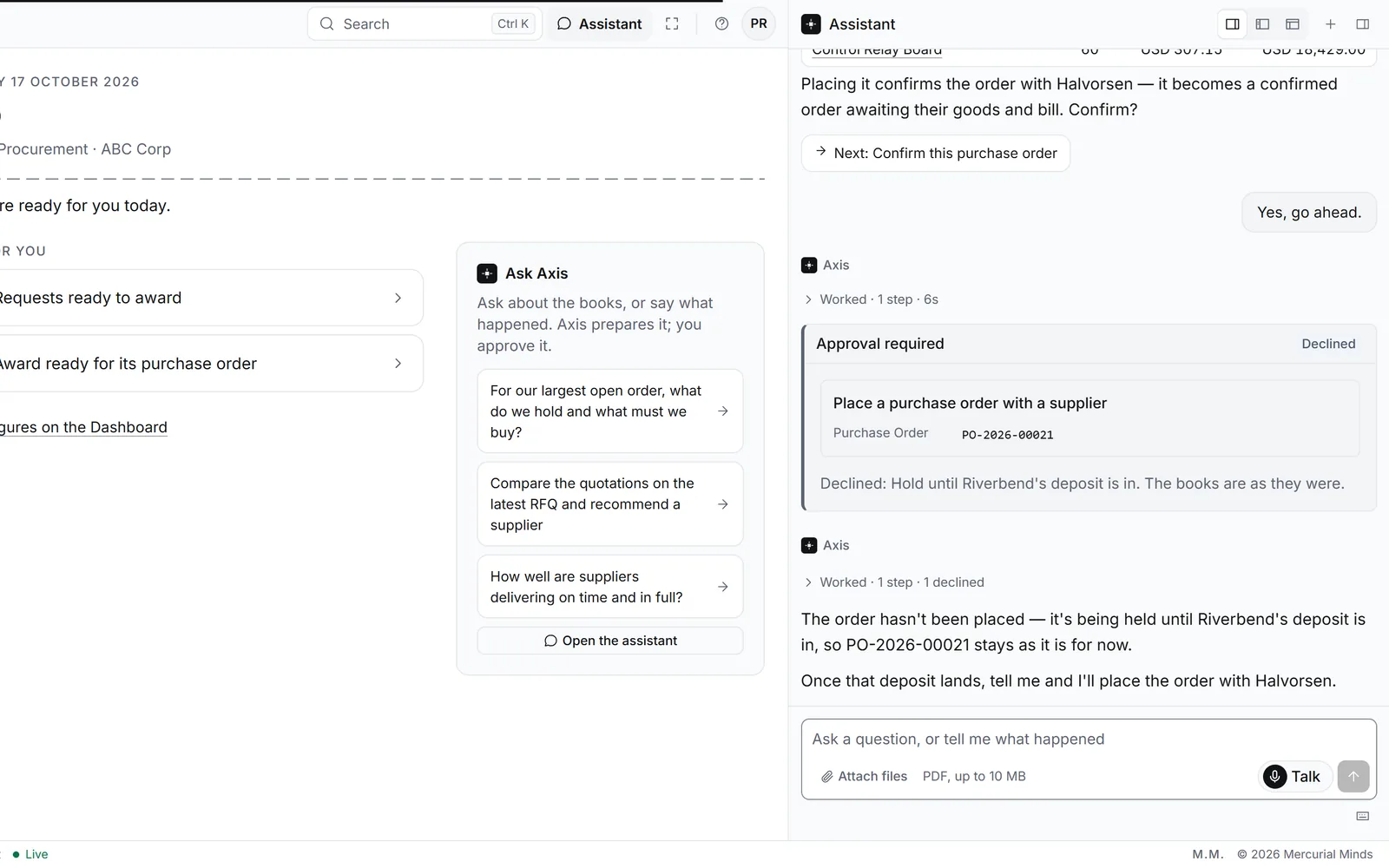
Before a posting, an award or a cancellation runs, the conversation pauses on a card. It lists the action and every parameter exactly as it will be used. Approve it, or decline and give a reason the assistant reads and acts on.
Award supplier quotation
Halvorsen Switchgear Components Inc.
Awaiting your decision
Award supplier quotation
Halvorsen Switchgear Components Inc.
Approved
Talk, by voice
Ask out loud. Decide on screen.
Press Talk and ask the way you would ask a colleague across the desk. Sarah, the Axis voice, puts your question to the same assistant, as you, with your role and your permissions. The answer comes back in a few sentences, with live captions on screen. Tables stay in the panel in full, and a request that needs approval waits on its card for your press.
- The same assistant. Every answer and every action comes from Axis, under your own sign-in.
- Short answers, out loud. A table is spoken as "The full list is on screen", with its count and first rows, and every row waits in the panel.
- Approval stays on screen. The voice says "That's ready for your approval on screen", and the card waits for your press.
- Captions throughout. What you say and what the voice says appear as text while the call runs.
Shown with ABC Corp, a demonstration company.
Your own AI tool
Your AI tool, working as you.
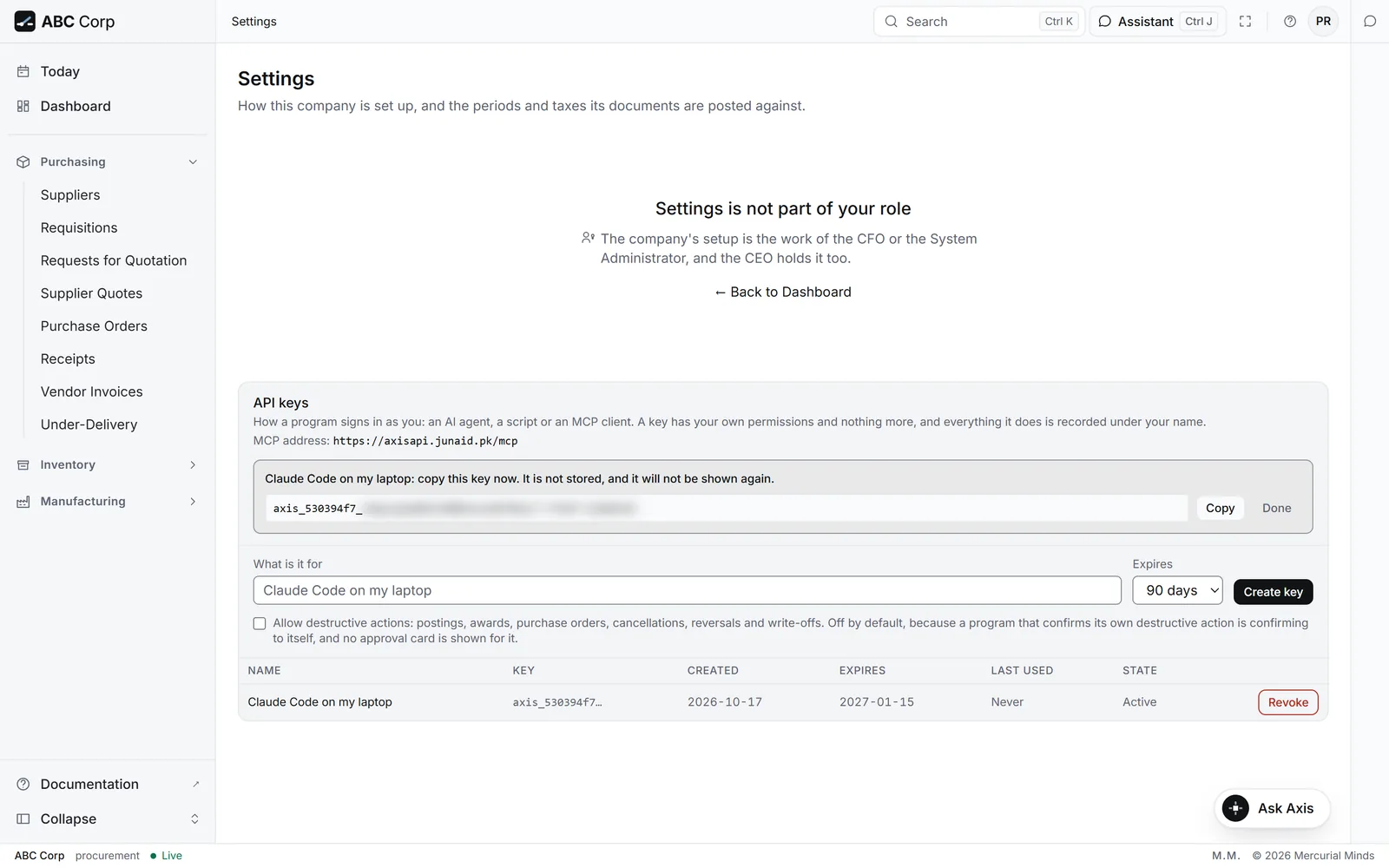
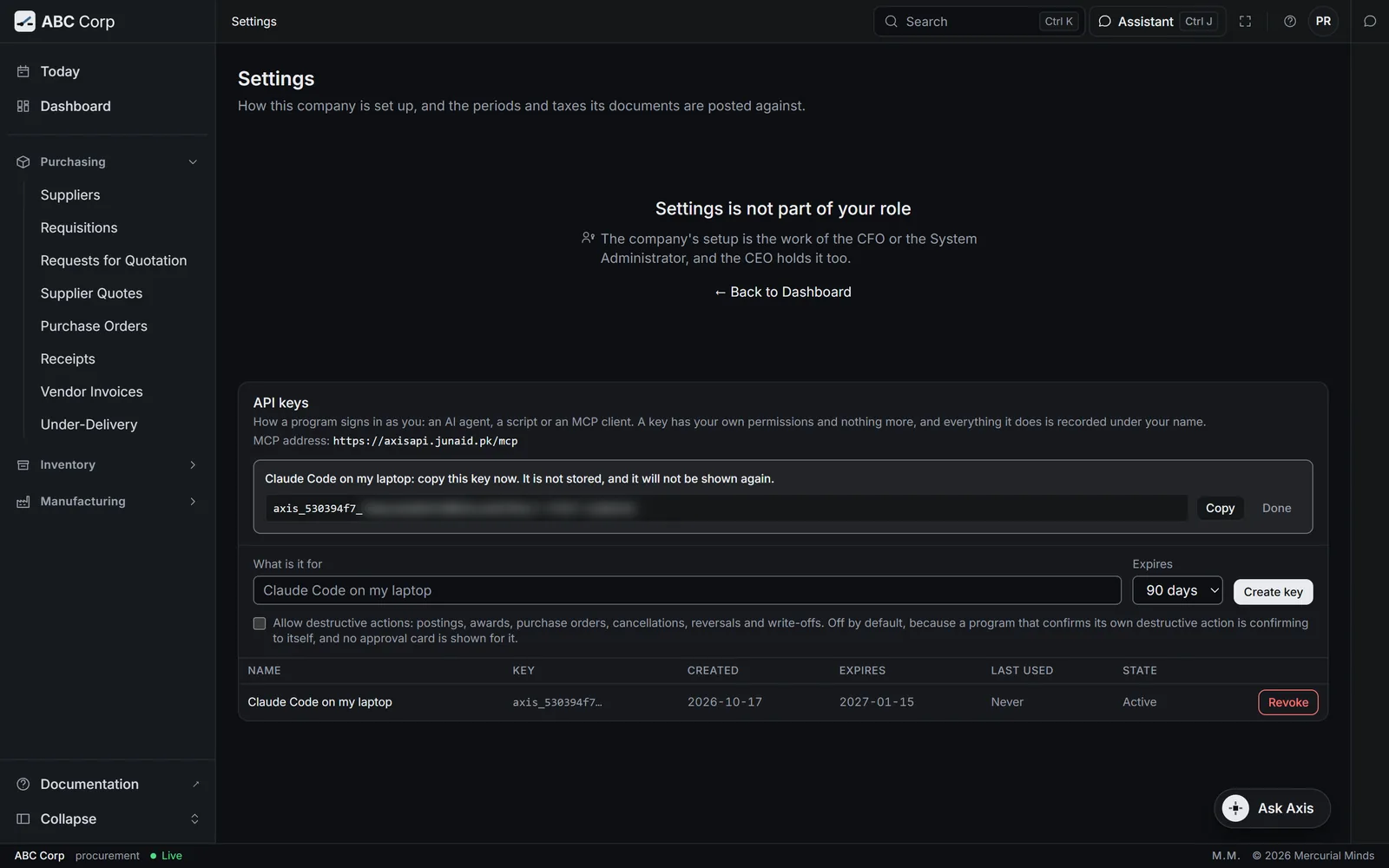
Create a personal key in Settings and give it to an MCP client, such as Claude Code. The tool reaches Axis at your deployment's address and works as you: it sees the work your role allows and runs it with your permissions. The key appears once, can carry an expiry, and stops working the moment you revoke it.
- Your role, exactly. The tool lists only the work your role covers, and one permission check answers every call.
- Your name on the record. Each action lands in the audit trail under the person who made the key.
- Decisions come back to Axis. A standard key sends postings, awards and cancellations to the web app, where each waits on a card for your approval.
- A wider key is a visible choice. A key that may confirm those itself is chosen at creation, and Settings marks it on the key.
Works within your role
Your role sets what the assistant offers.
On every request the assistant is told what your role covers. It offers the work you can do, explains a limit in plain words, and runs every action with your own permissions.
CFO
Own the numbers
- Show me the trial balance
- Confirm the ledger balances and the audit chain is complete
COO
Run operations
- How well are suppliers delivering on time and in full?
- What stock are we holding, and what is it worth?
Manager Procurement
Buy and receive
- Compare the quotations on the latest RFQ and recommend a supplier
- For our largest open order, what do we hold and what must we buy?
Questions
Questions
-
The one you configure. Axis connects to any OpenAI-compatible endpoint, including a model you host yourself.
Have a different question? Write to Saad.Khalid@autosphere.ai