Trust and control
The assistant prepares. The ledger holds.
Approval before an action runs, roles that travel with every request, a ledger that grows by addition, and your own server underneath it all.
- Approve
- Role
- Reverse
- Host
The approval gate
The decision comes before the action.
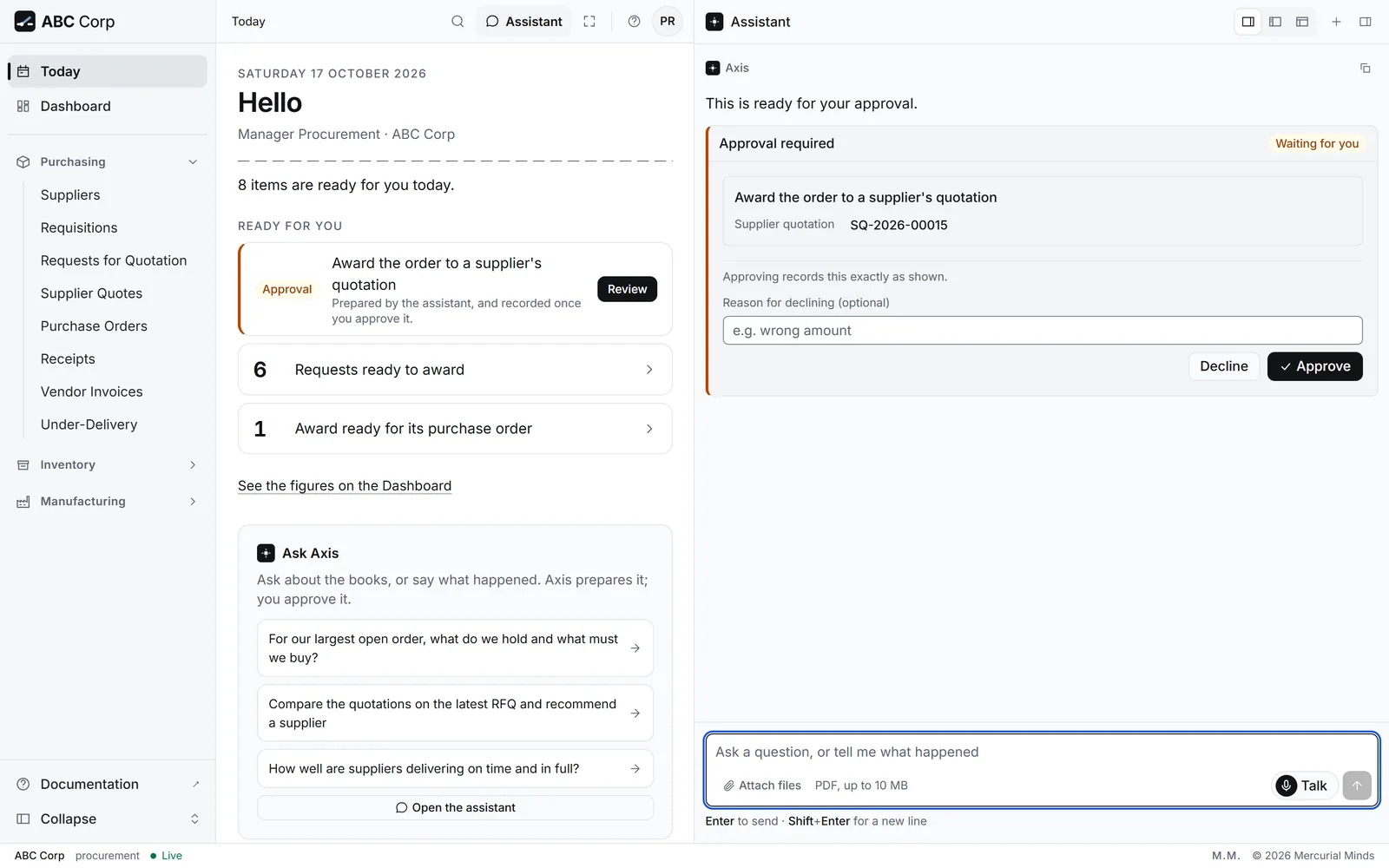
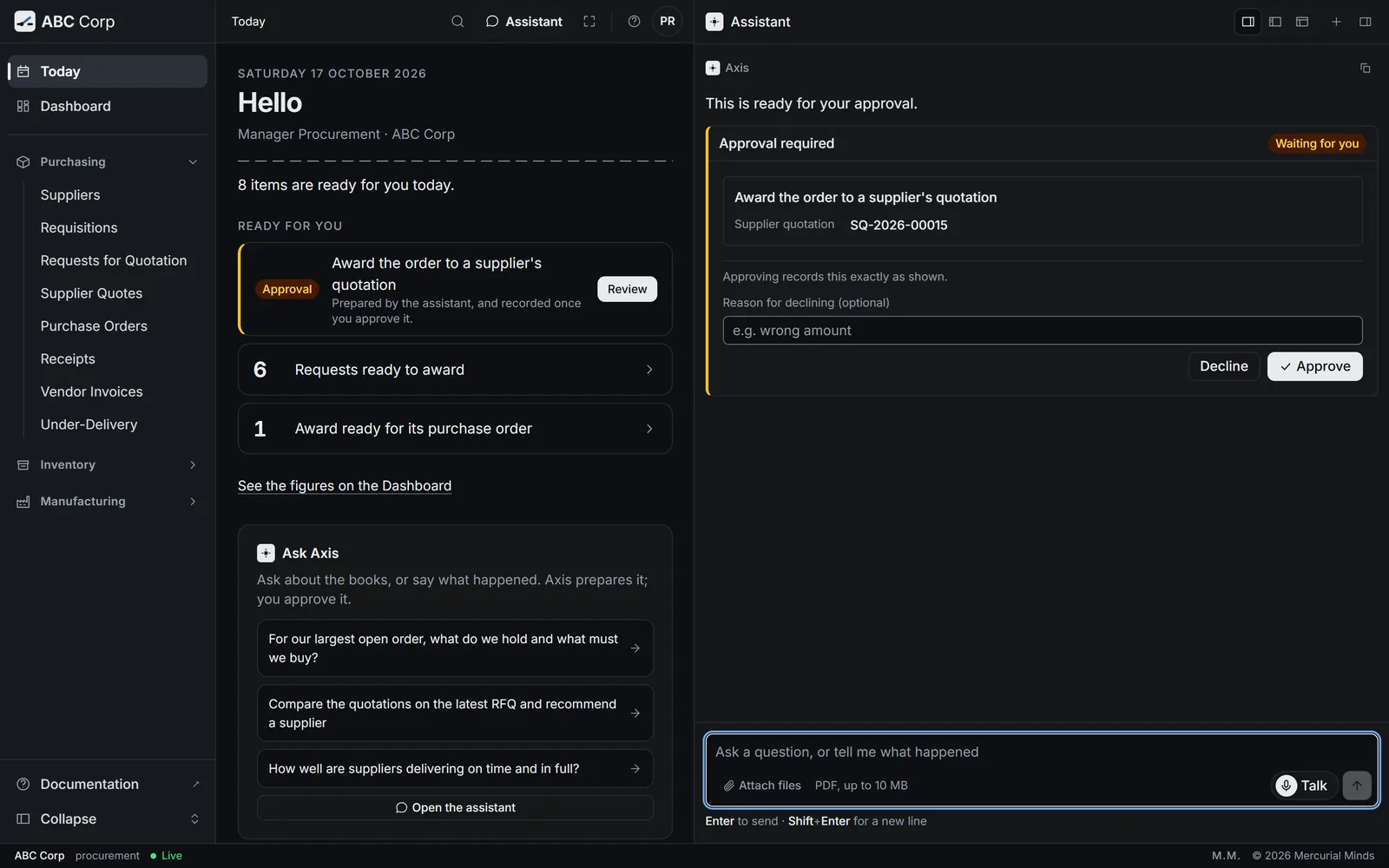
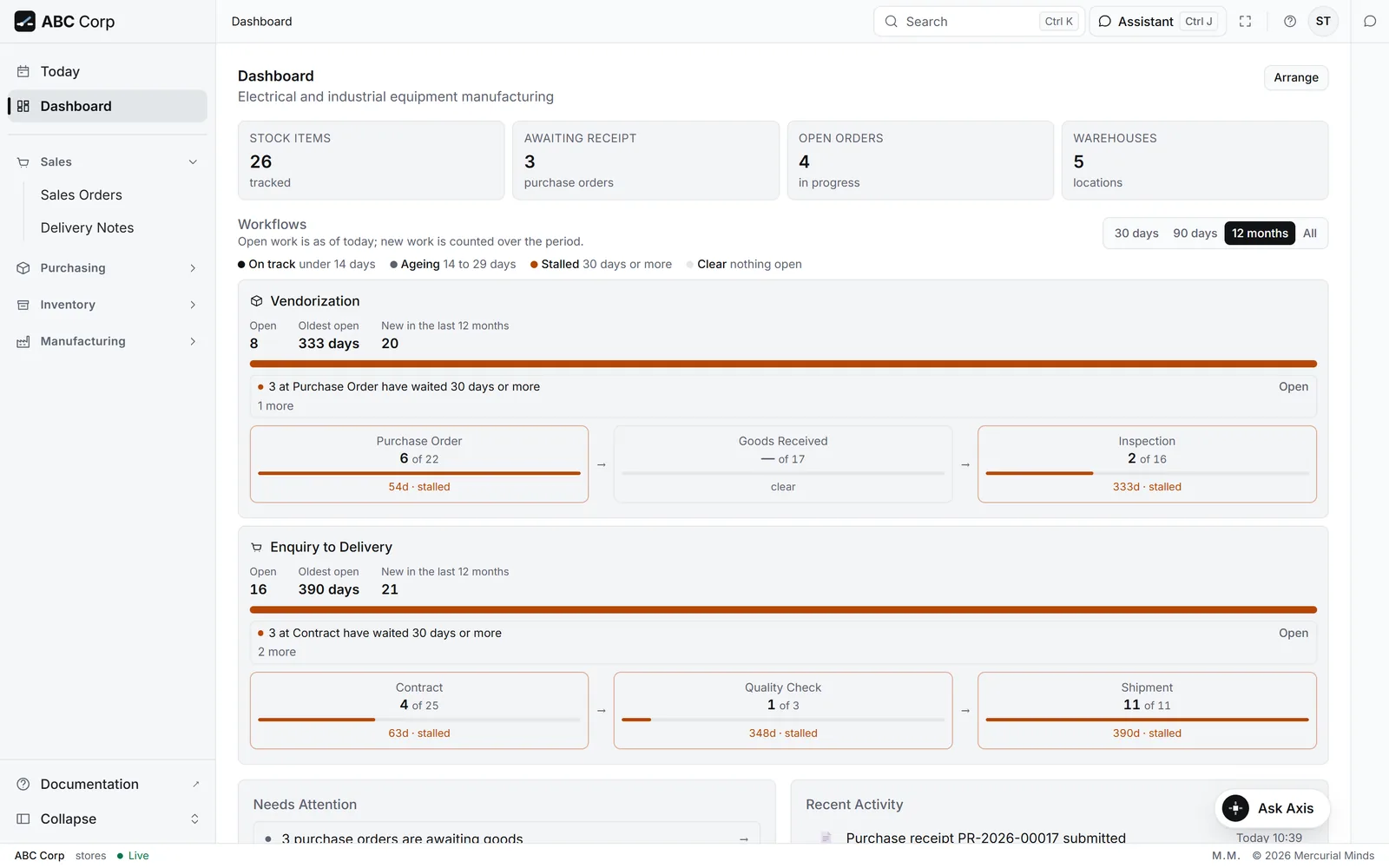
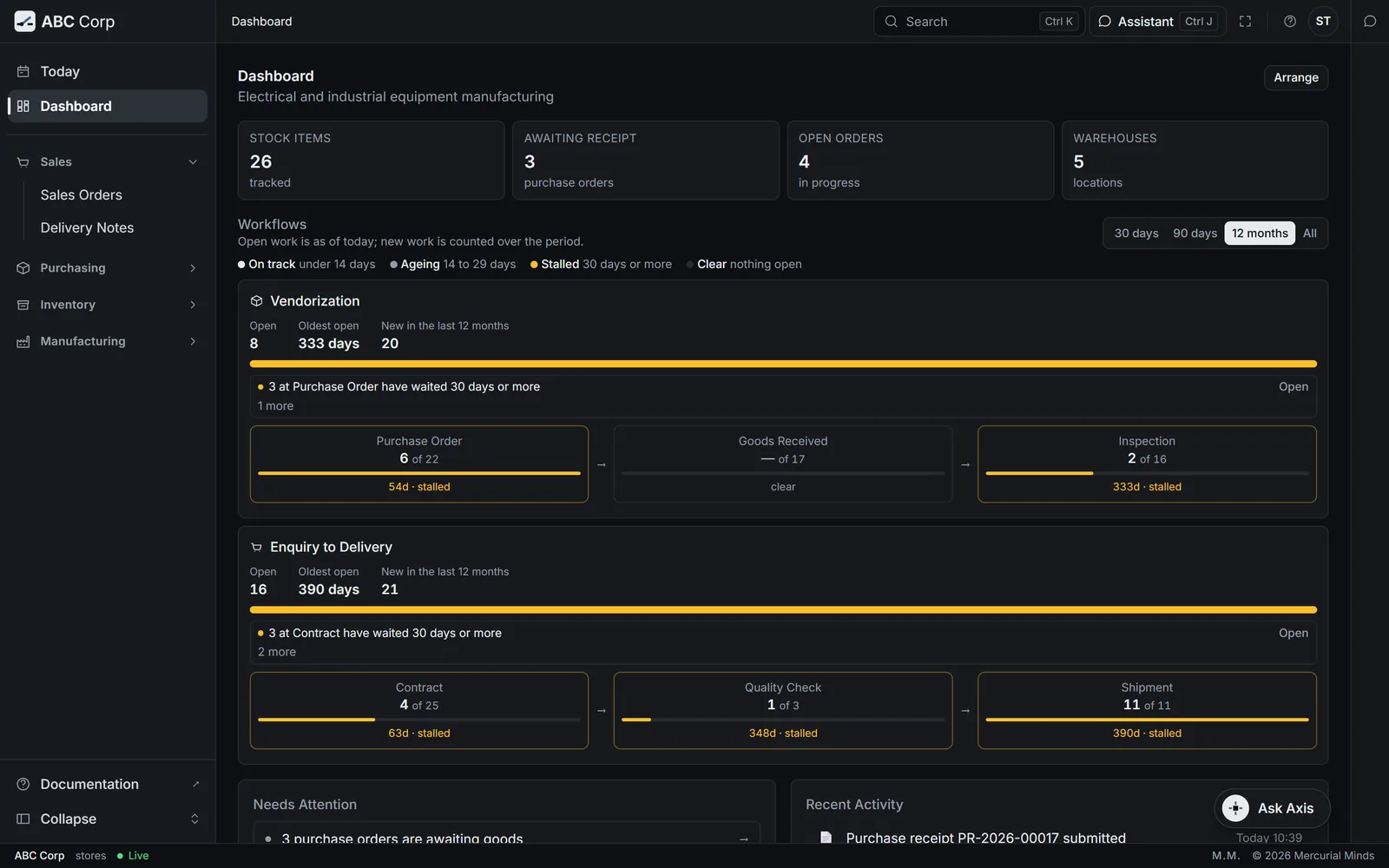
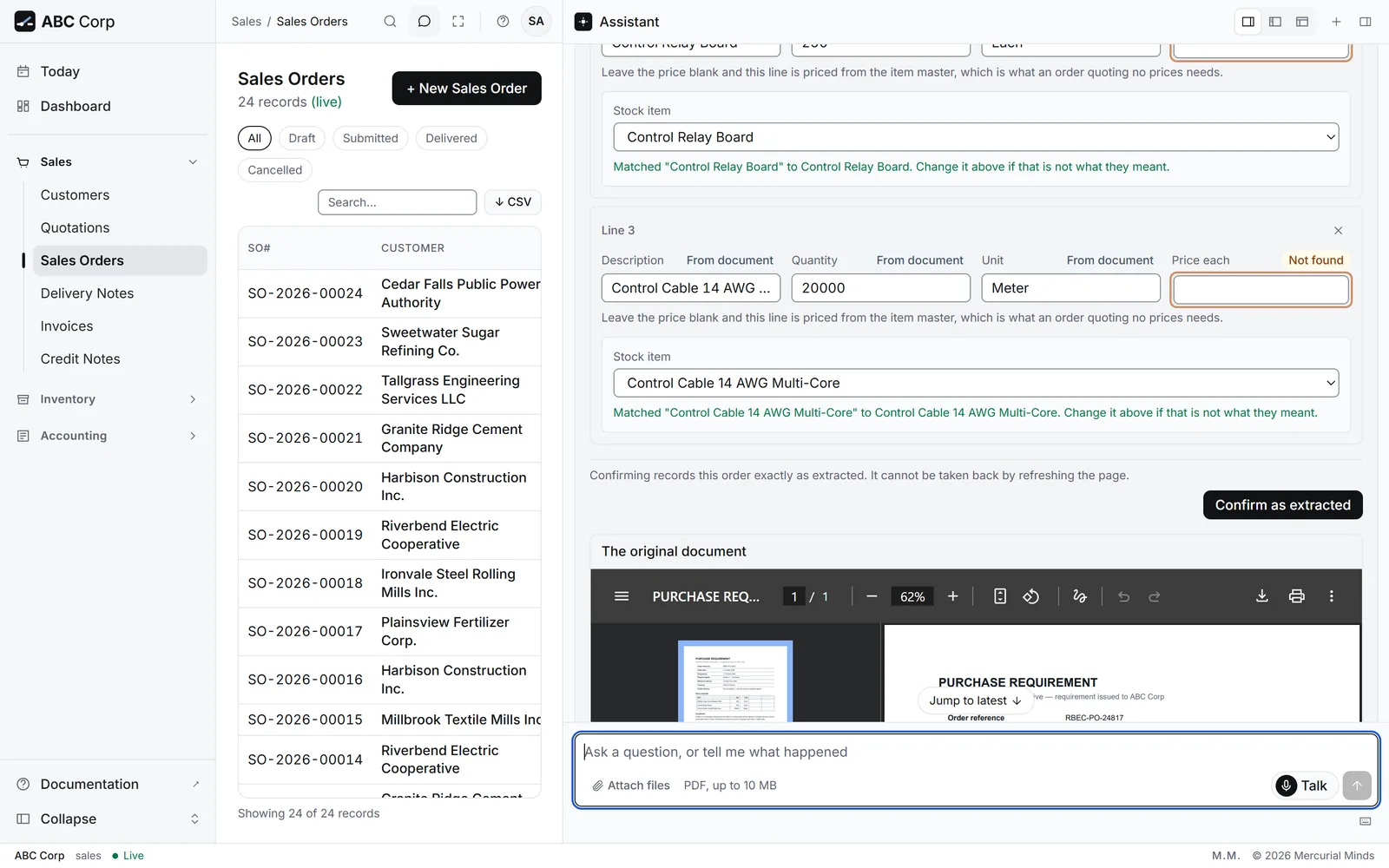
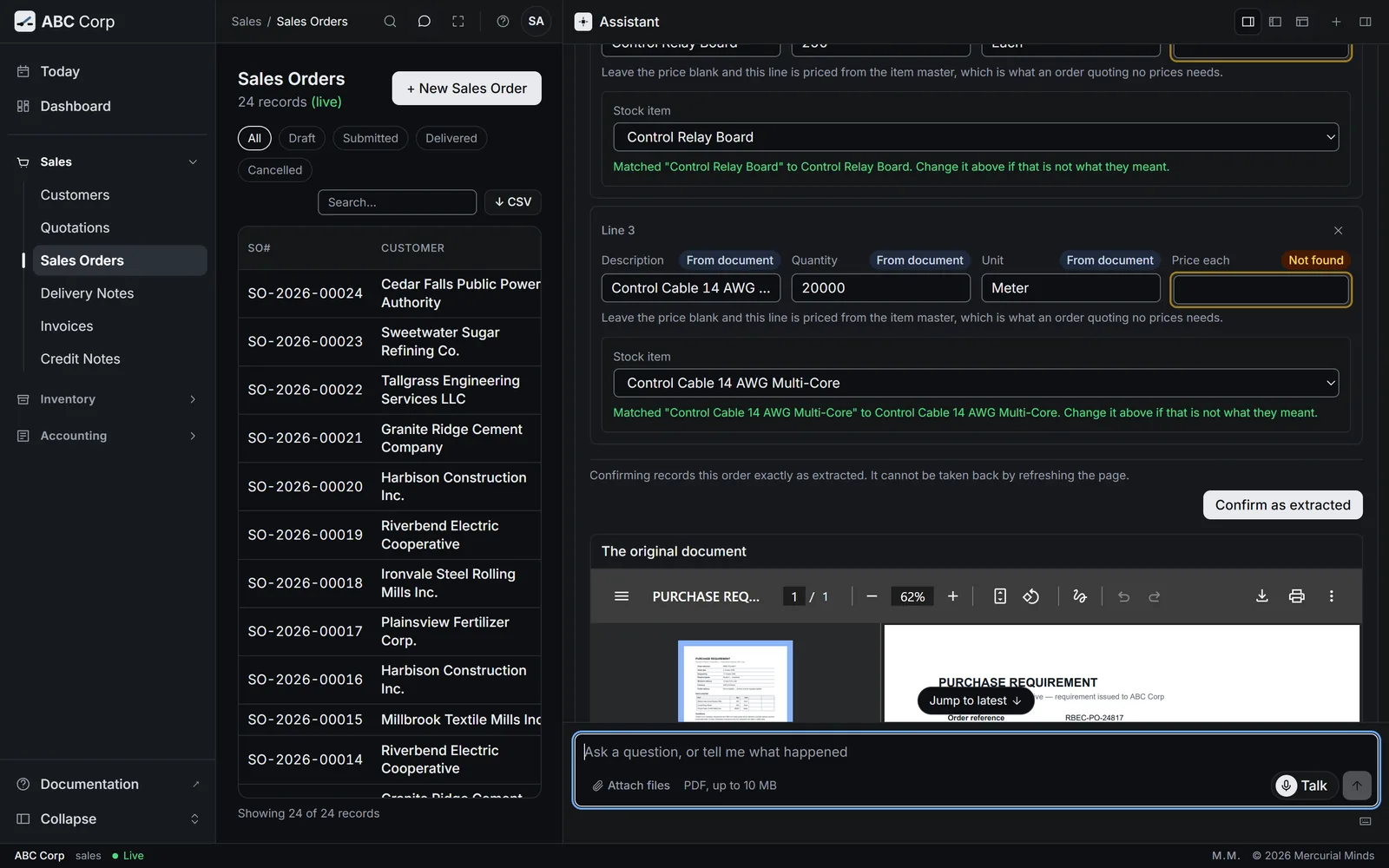
The approval check runs before an action is dispatched, from the action and its arguments. The question goes to the person, every time. A declined request leaves the books exactly as they were, and an approved one runs exactly as shown.
Three gates, one list
- The host asks the person before dispatch.
- The router checks every call, including scheduled jobs and scripts.
- The server applies the same rule to every connected client, and a standard key hands each decision back to the web app.
Two classes
Routine work flows. Decisions wait.
Adding a customer or drafting an invoice runs on your clear request. Posting, cancelling, closing a year, restoring a backup, installing a module and generating a bank file each ask for a second, explicit yes. Keeping the stops rare keeps every card worth reading.
Routine
- Adding a customer
- Drafting an invoice
Asks first
- Posting
- Cancelling
- Closing a year
- Restoring a backup
- Installing a module
- Generating a bank file
Roles
Your role travels with every request.
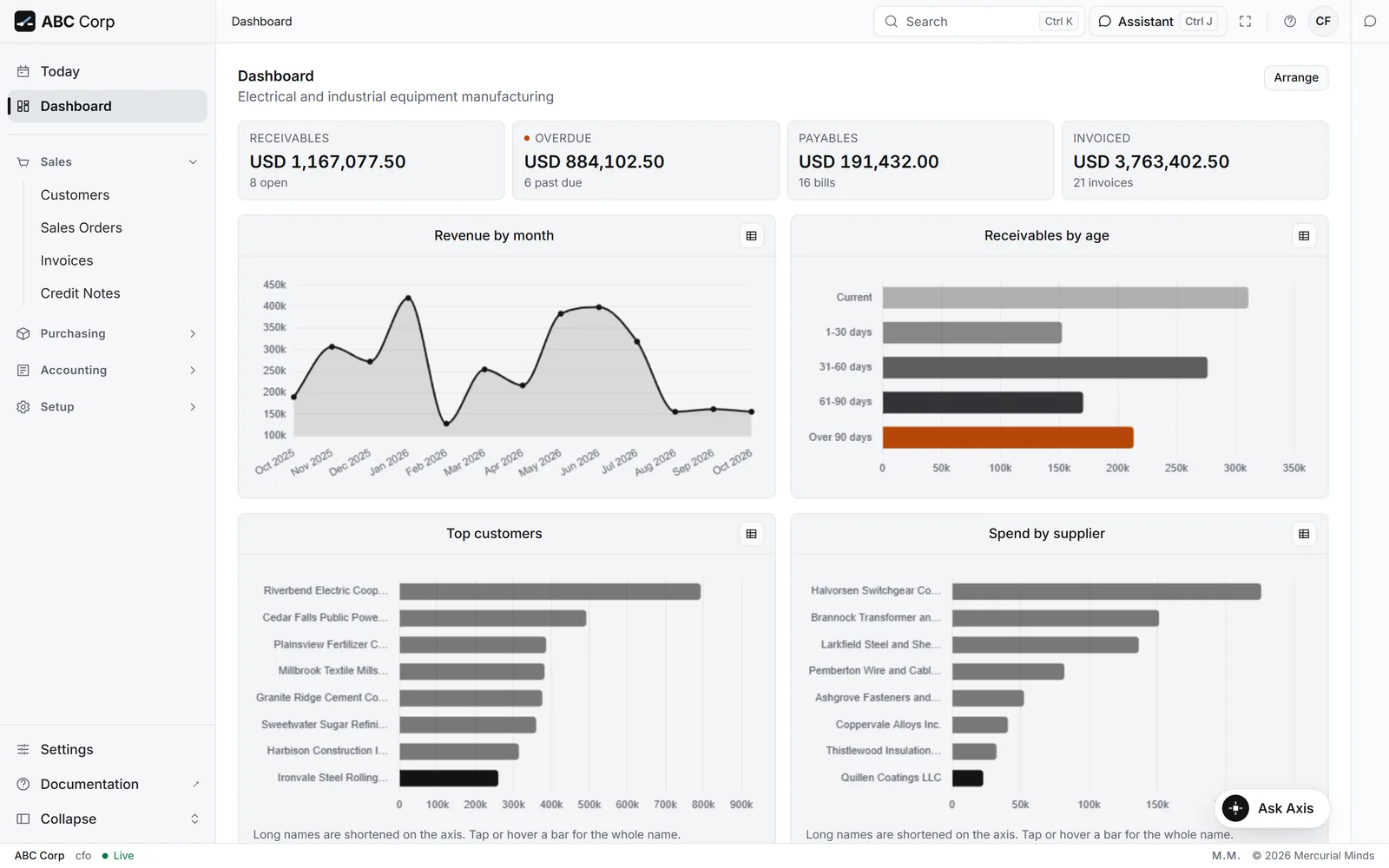
A role is a list of actions a person may run. One permission check serves the dashboard, the assistant and every interface, and the assistant works within the role of the person asking.
The ledger
A ledger that grows by addition.
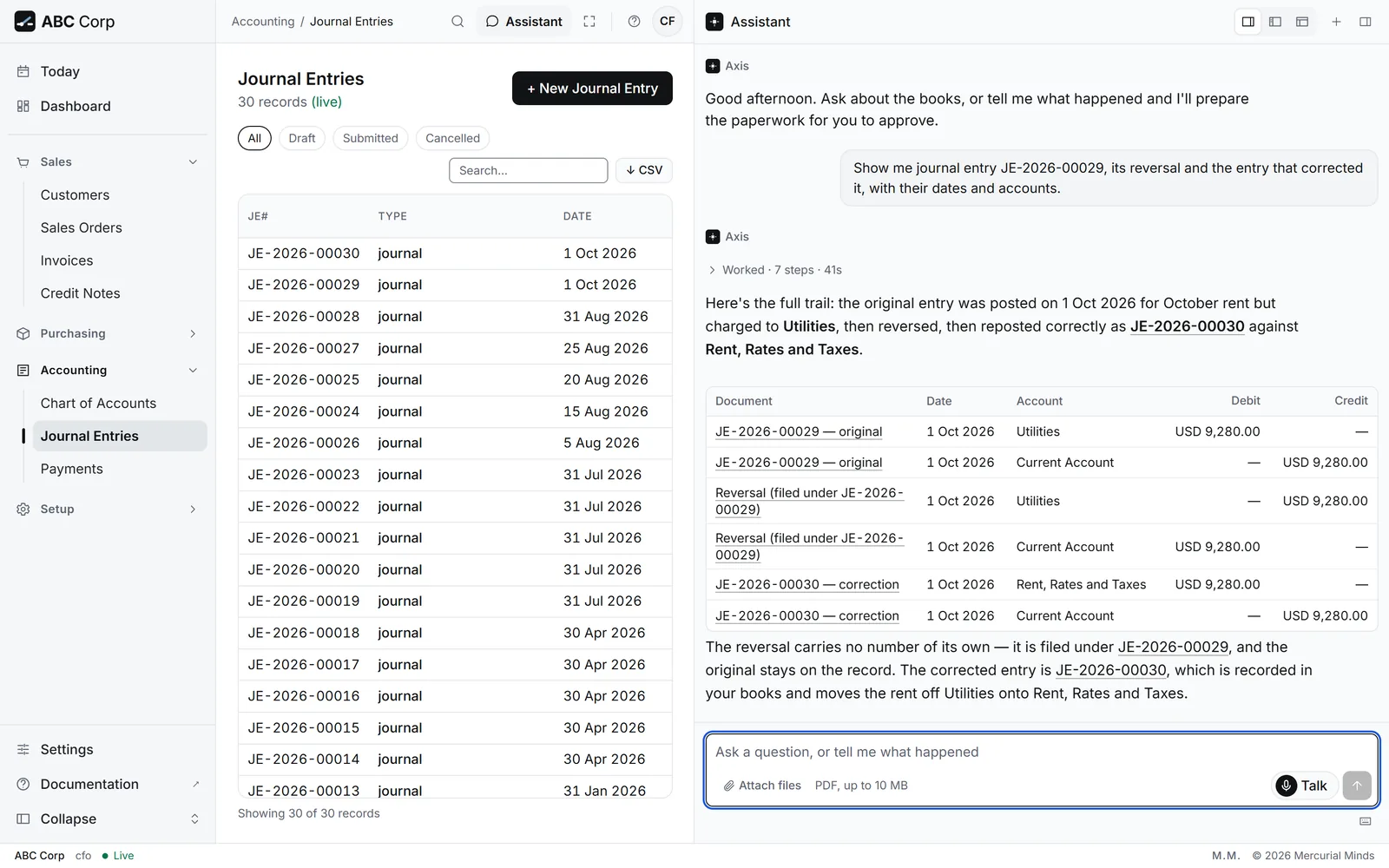
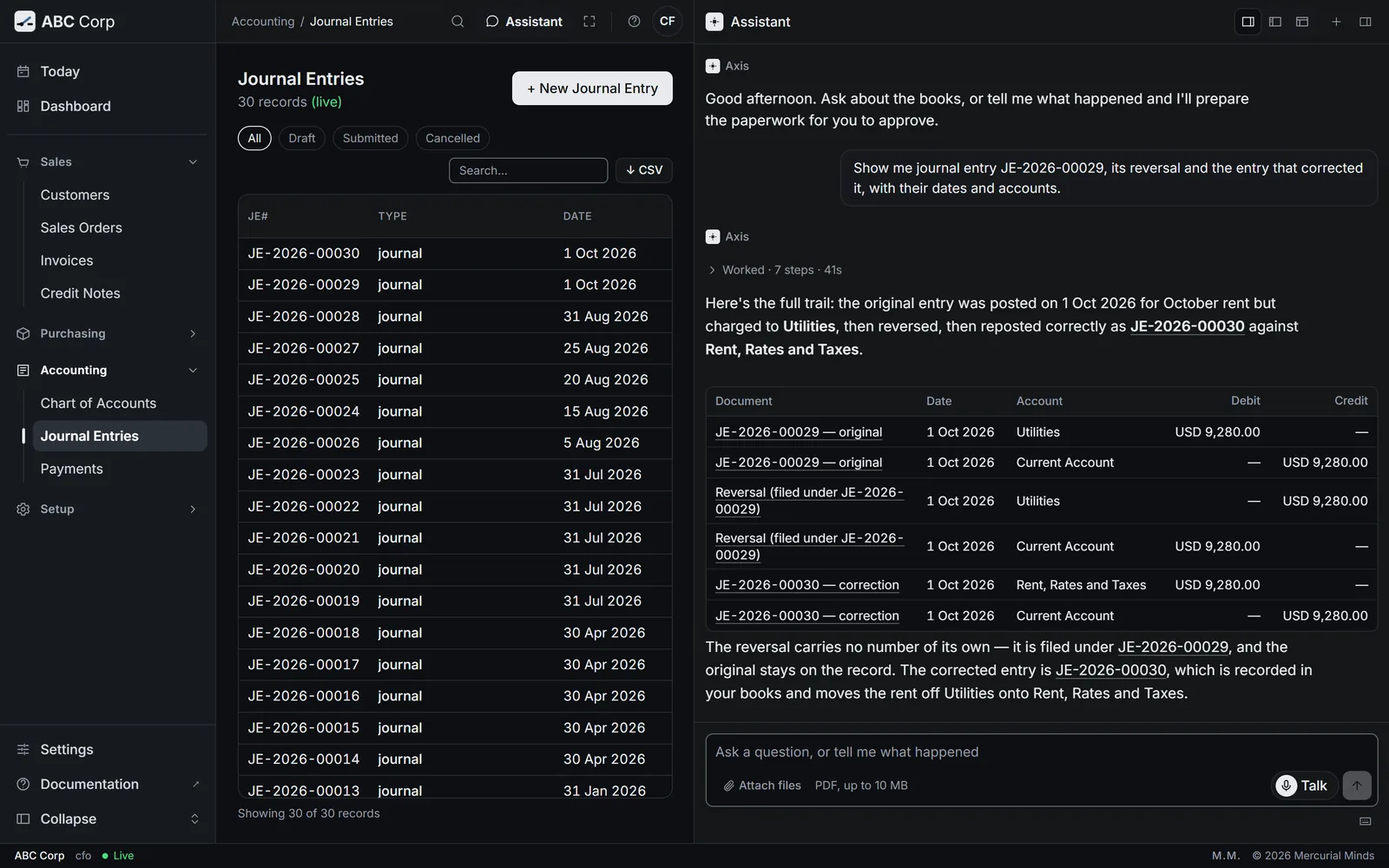
Posted entries stay as posted. A correction is a reversing entry, linked to the entry it reverses, and both remain on the record for anyone who reads it.
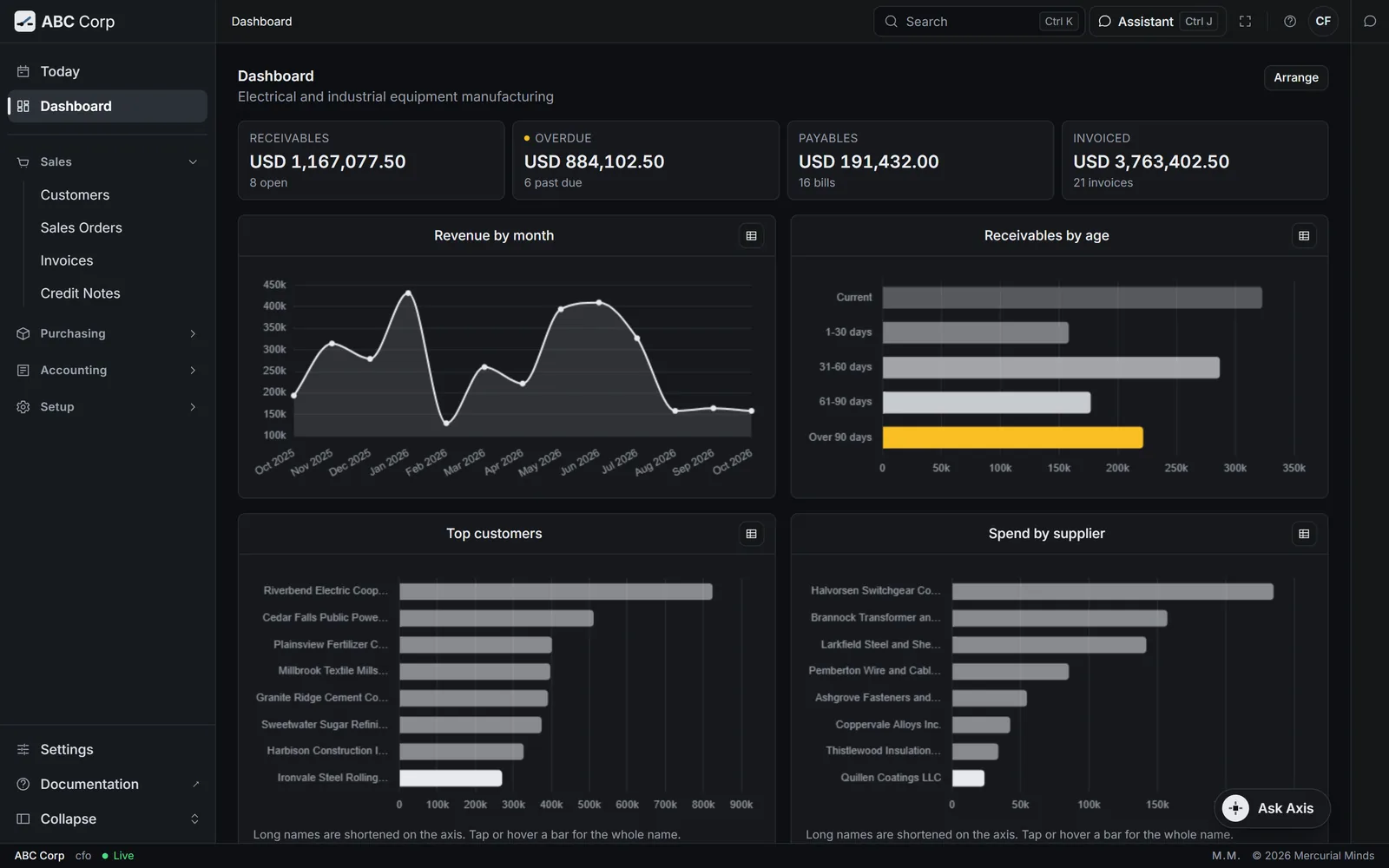
Shown with ABC Corp, a demonstration company.
The chain
Each entry vouches for the one before.
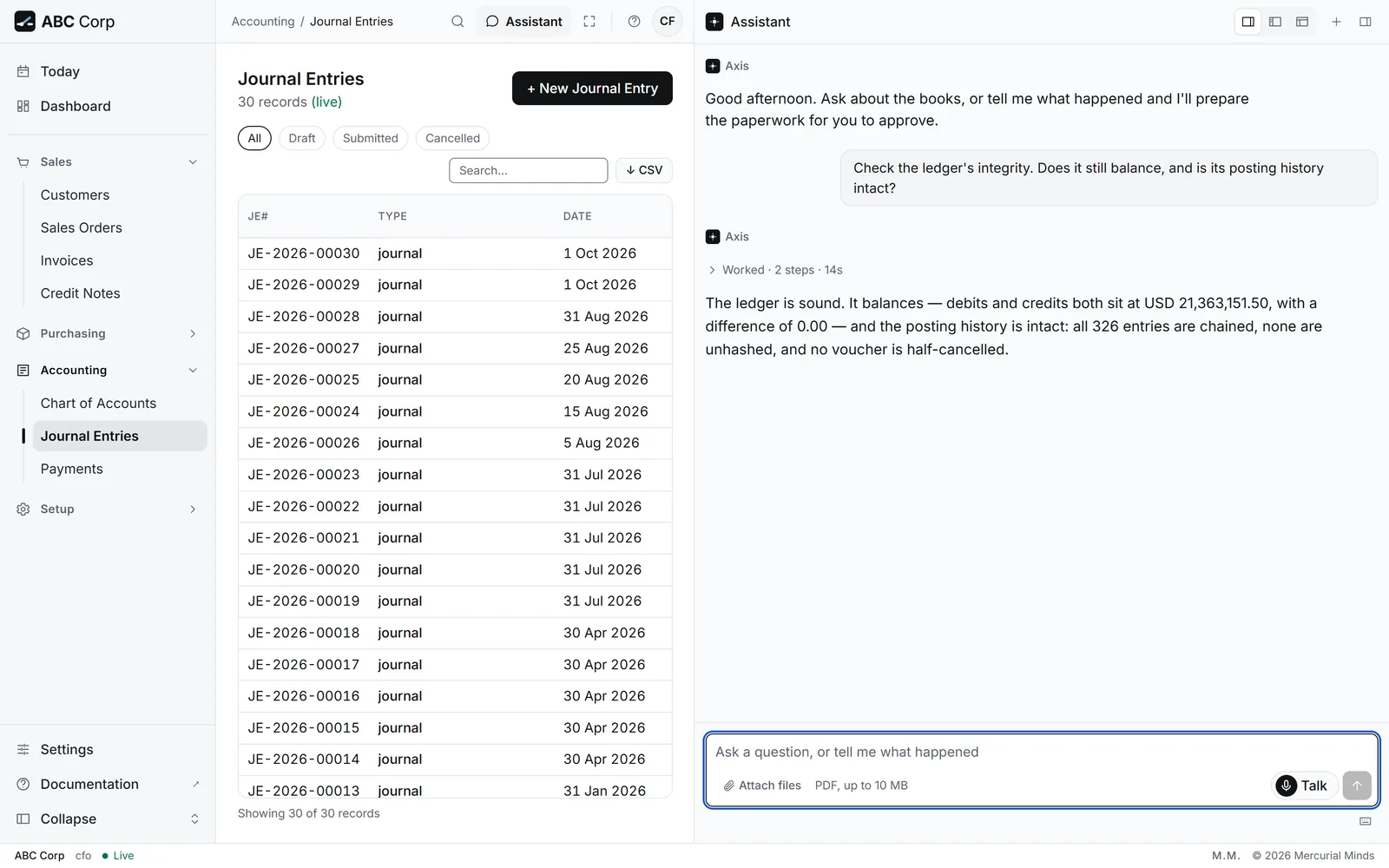
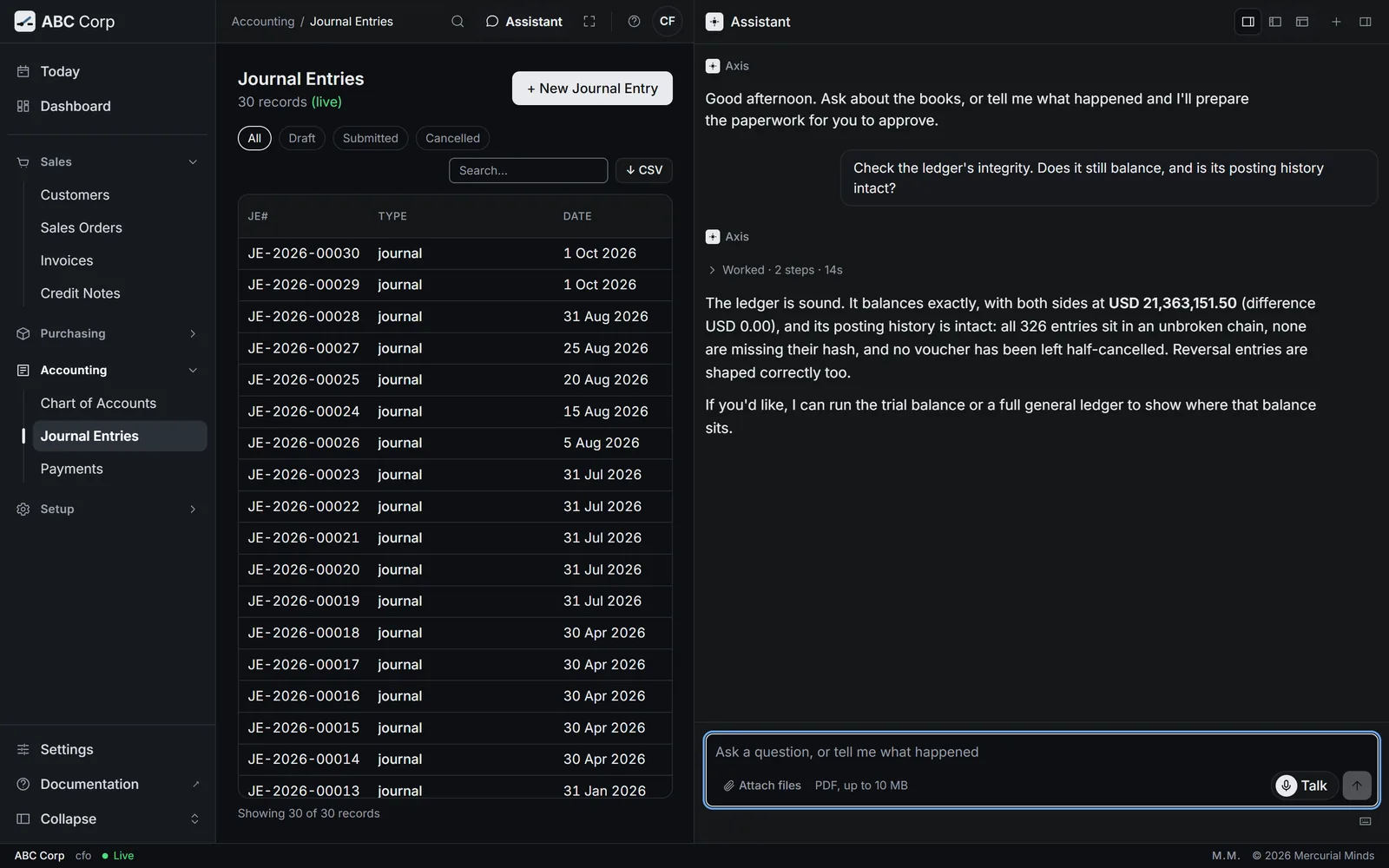
Every entry stores a hash of its predecessor. The integrity check recalculates the chain and confirms three things: balance, chain and complete cancellations.
- Balance
- Chain
- Complete cancellations
Exact money
Exact decimals, end to end.
Amounts are calculated as exact decimals and stored as text. Every entry balances at the moment it posts. Each document and its ledger lines commit together, in one transaction.
1,234,567.89
Audit trail
From the figure to the document behind it.
Dashboard figures open the lists behind them. Records link to their ledger entries, and stored originals stay on file beside the quotations and orders read from them.
Ownership
Your server, your model, your keys.
Axis runs on infrastructure you choose. The assistant connects to the model you configure, including one hosted on your own network. Talk, the voice, runs through Fish Audio.
Talk
The voice speaks. Your press decides.
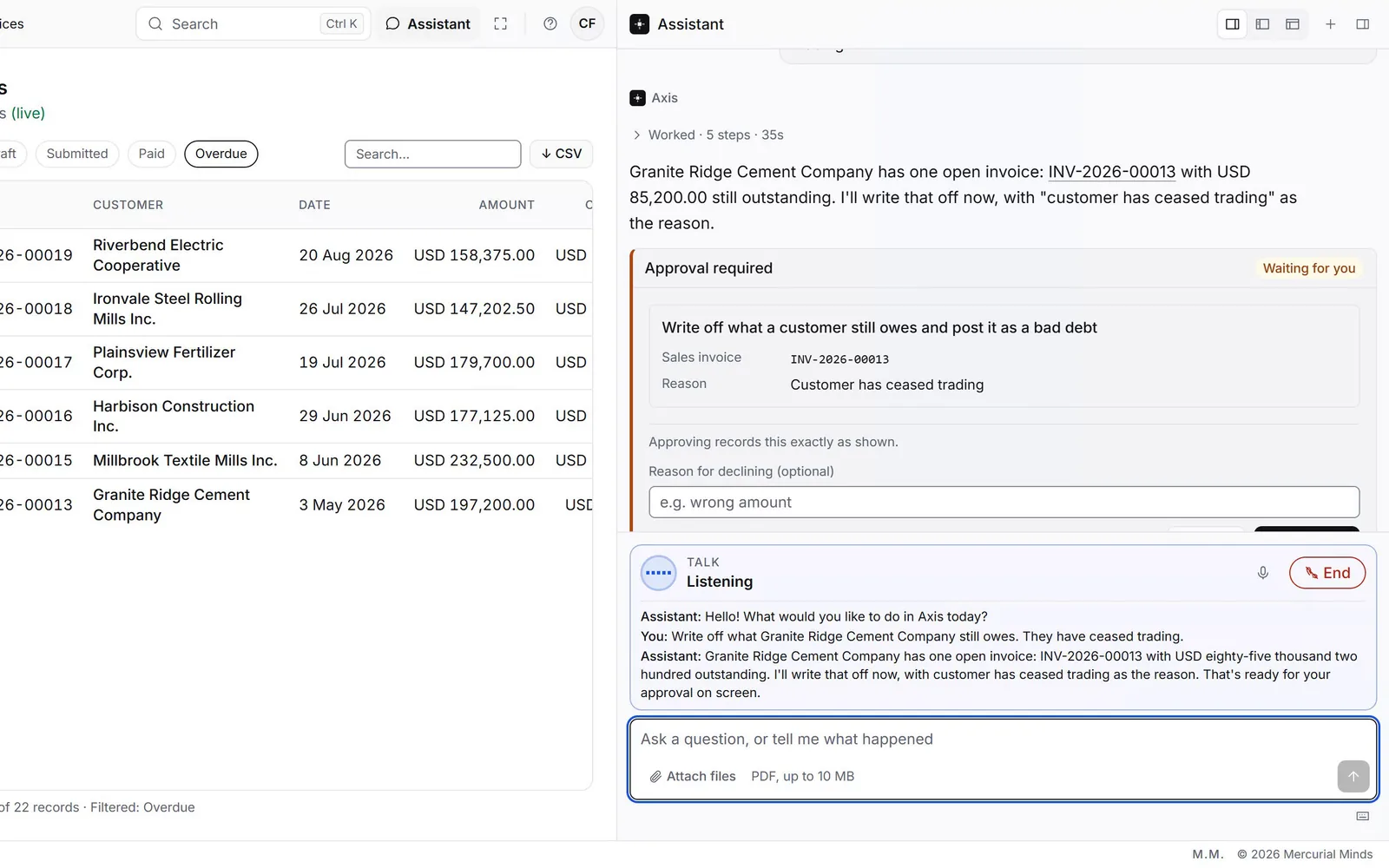
Talk gives the assistant a voice and keeps every rule in place. A spoken question runs through the same assistant, under the same sign-in, role and approval gate as a typed one. Approval is a press on the card, on screen. Each question and answer stays in the conversation as text, and each action lands in the audit trail with your name.
- Your identity. The call runs as the person signed in, with that person's role.
- The same gate. A request that needs approval waits on its card, and Sarah points you to it.
- A visible call. The call bar shows while the microphone is live, and one press ends the call.
- One voice service. Speech runs through Fish Audio, and the record stays in Axis.
Personal keys
A key carries its owner's role, exactly.
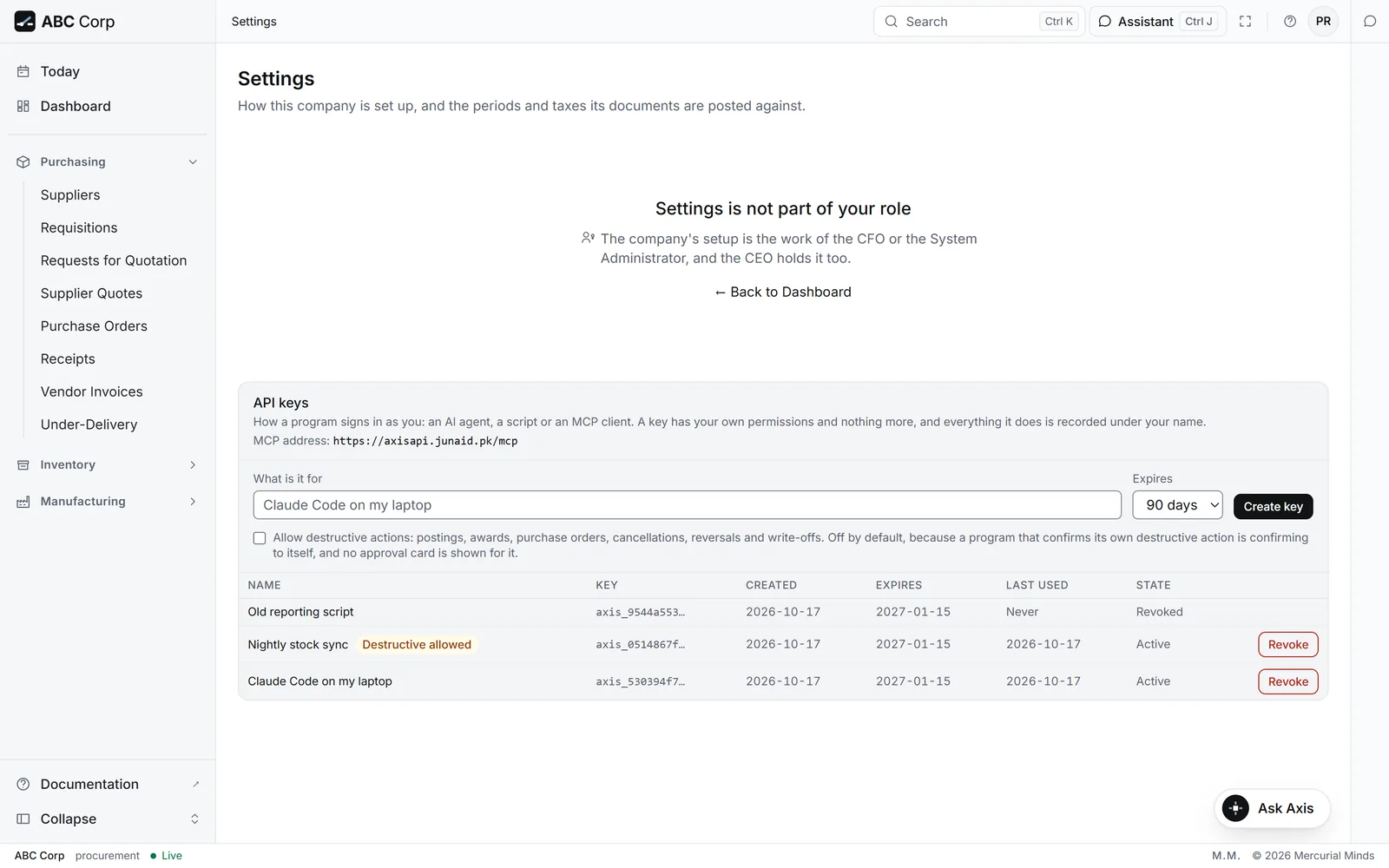
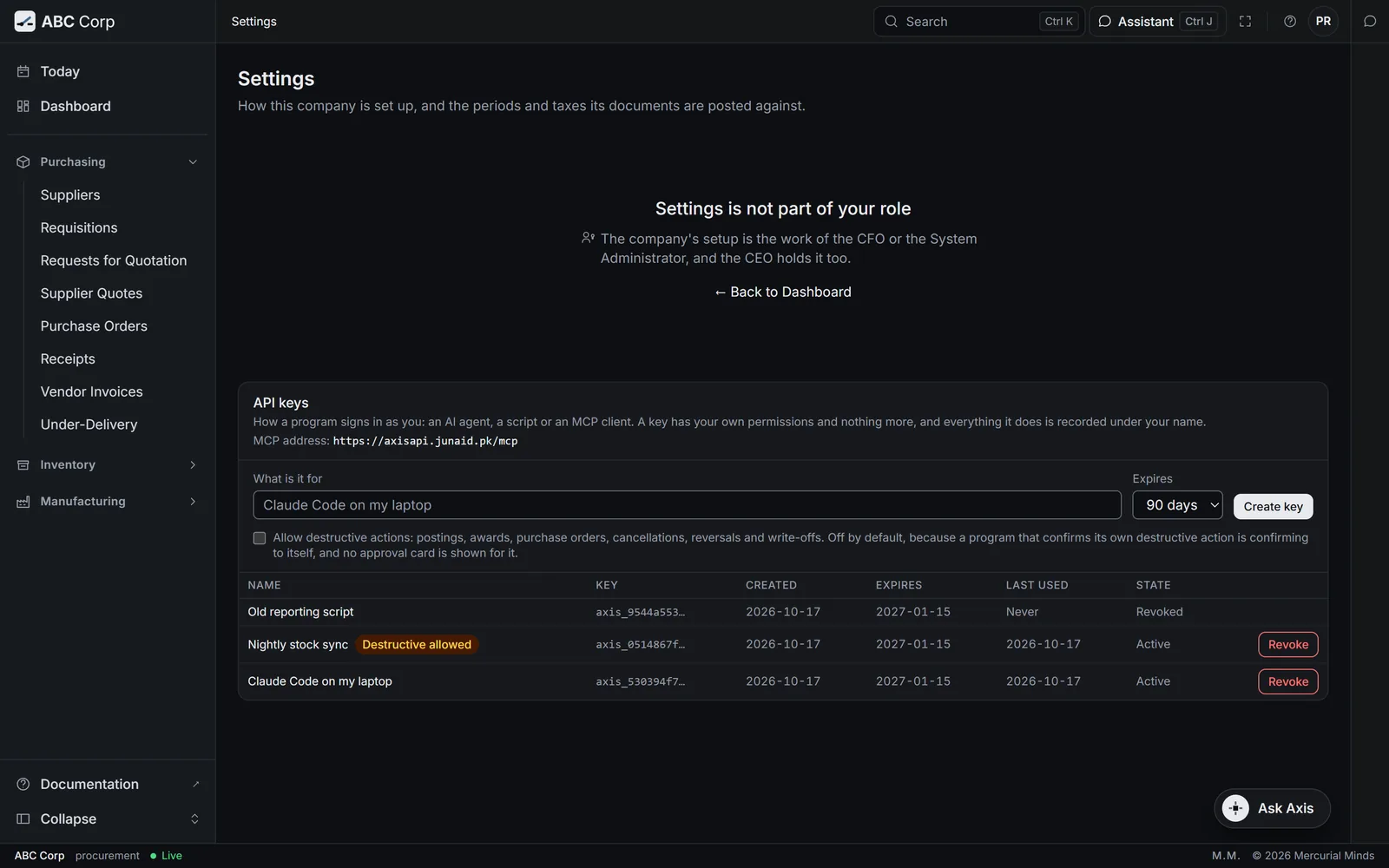
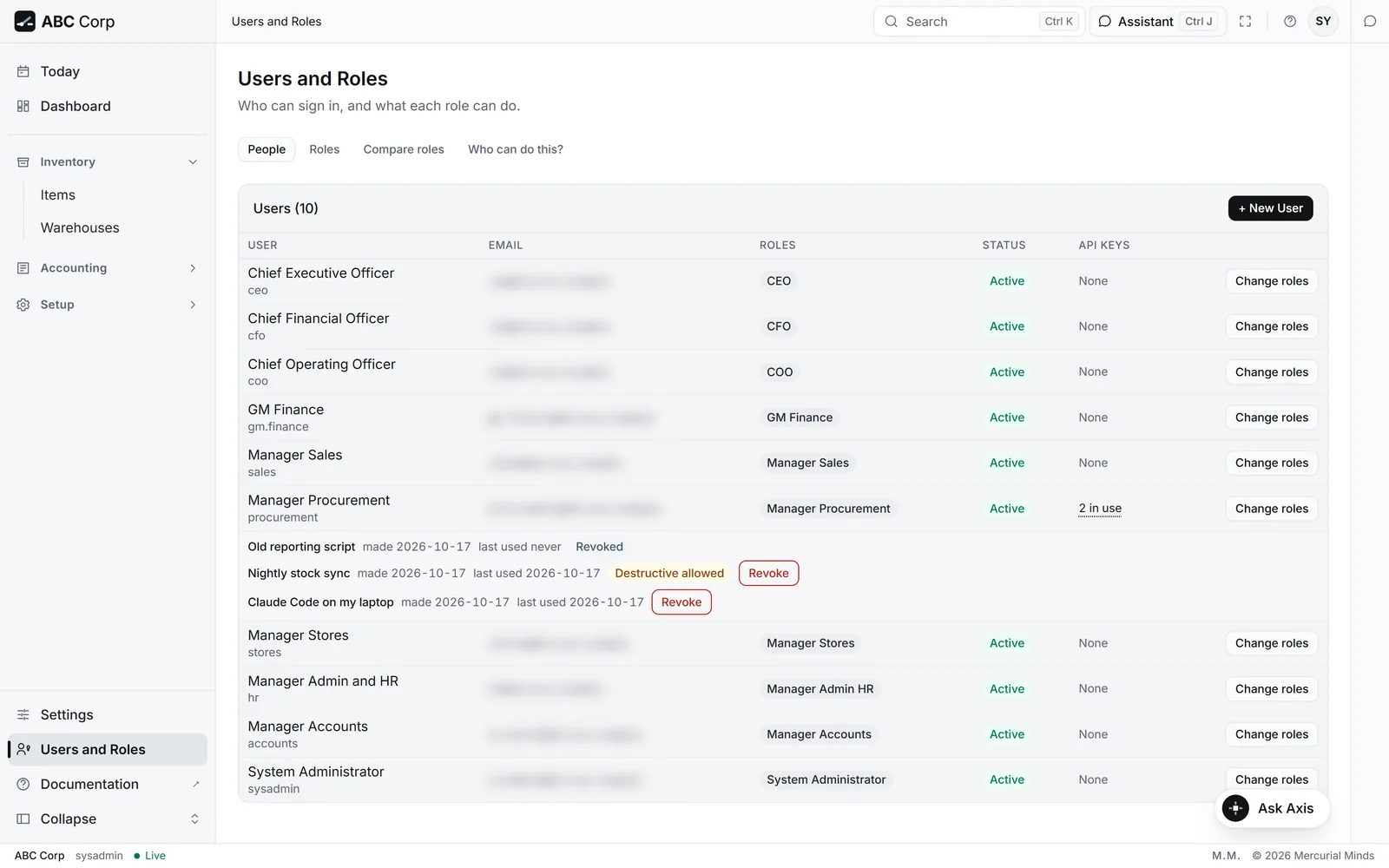
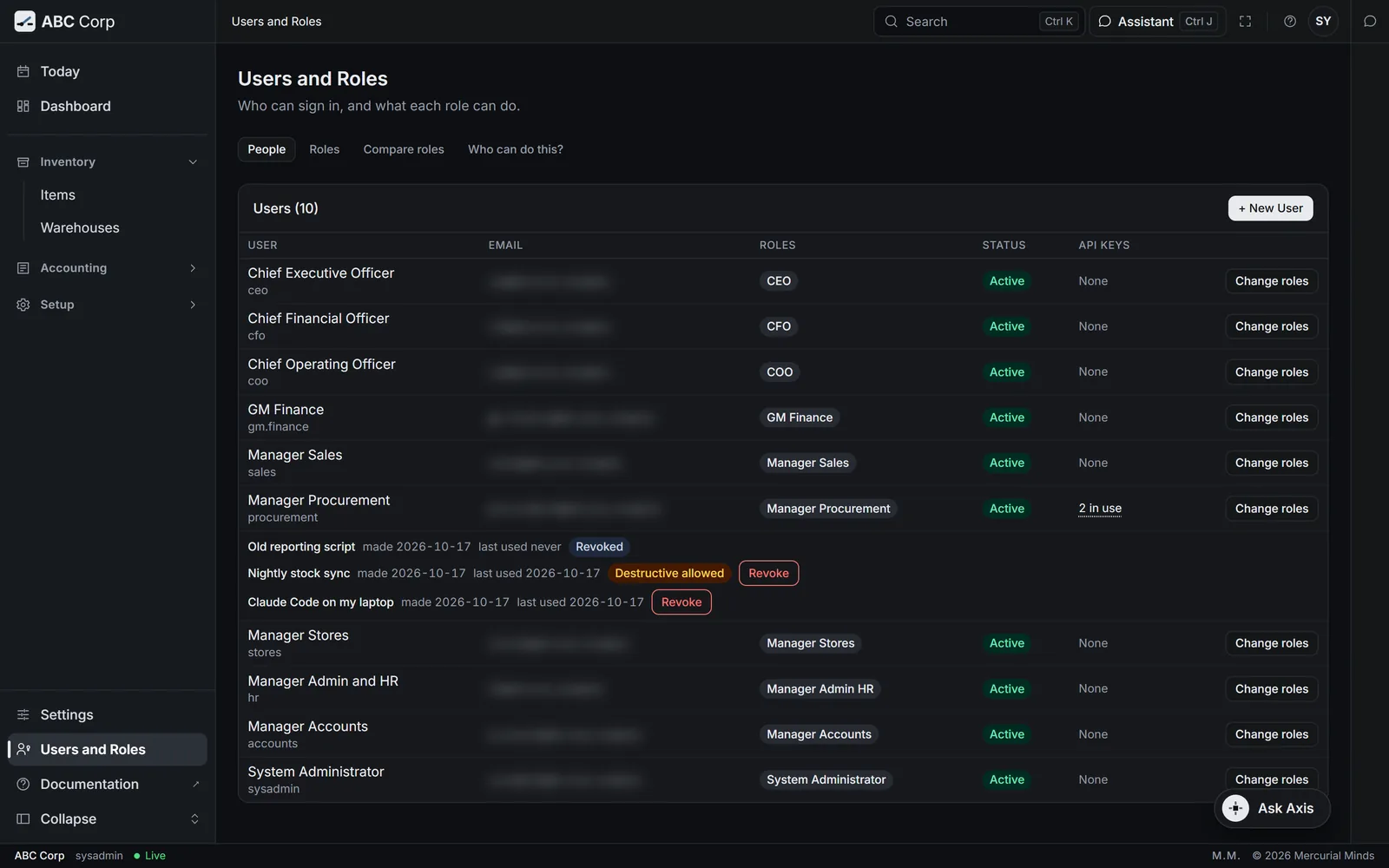
Each key belongs to one person and carries that person's role, checked on every call by the same permission check as the dashboard. The key is shown once and stored as a hash. A change to the role reaches every key at once, and disabling the person stops all their keys. Administrators see every key in Users and Roles and can revoke any of them.
- Standard keys hand decisions back. A posting, an award or a cancellation asked through a standard key goes to the web app, for a person to approve on a card.
- The wider switch is visible. A key that may confirm those itself is chosen at creation, offered only to roles that hold them, and marked on the key.
- Every key leaves a trace. Creating and revoking a key are audited, each key shows its last use, and revoked keys stay listed.
Questions
Questions
-
The approval gate is part of every deployment, for every seat. Roles decide who may act; approval confirms the person means it now.
Have a different question? Write to Saad.Khalid@autosphere.ai