DO THE WORK
Your work, end to end
Find your task, then go to its section.
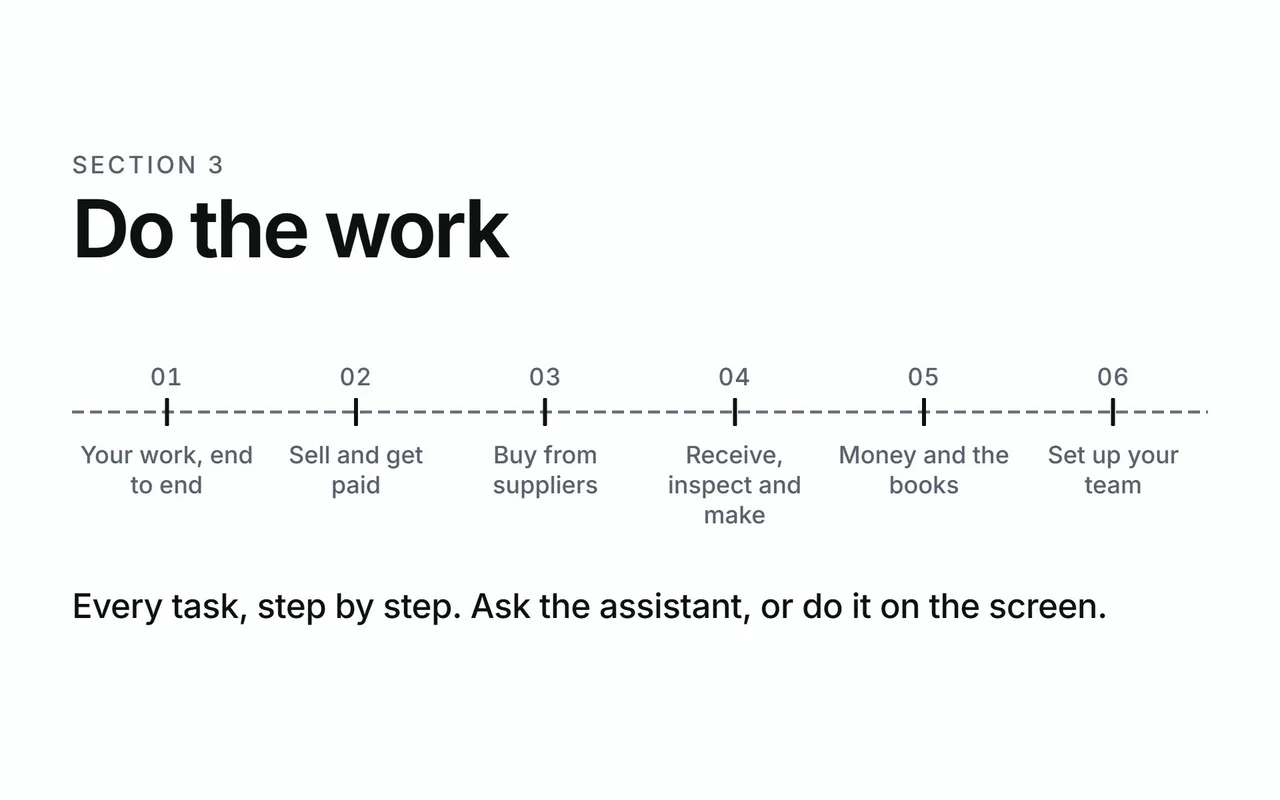
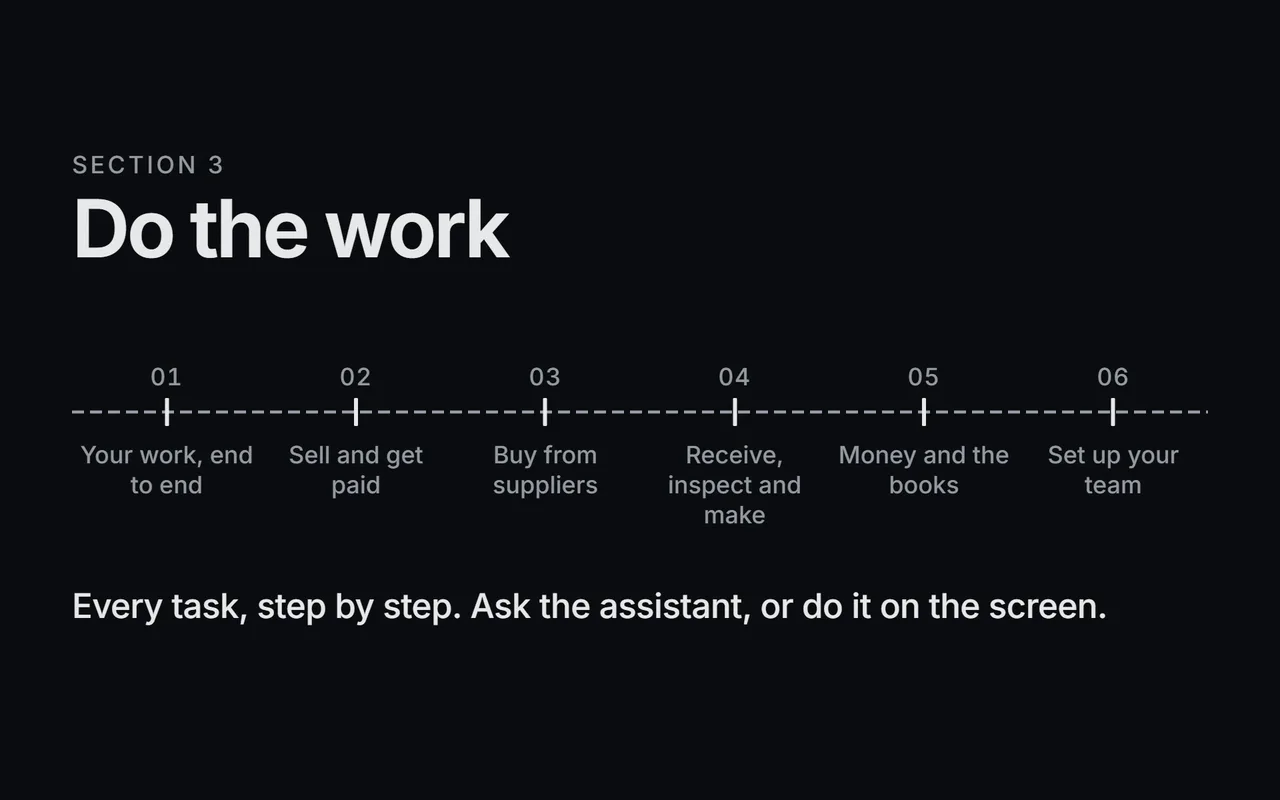
Do the work
Every task, step by step. Ask the assistant, or do it on the screen.
- Your work, end to end
- Sell and get paid
- Buy from suppliers
- Receive, inspect and make
- Money and the books
- Set up your team
Shown with ABC Corp, a demonstration company.
Describe, prepare, approve, recorded
Every task in Axis follows the same four steps. The assistant prepares. You decide.
| Step | What happens | In the Halvorsen award |
|---|---|---|
| Describe | You say what happened, in your own words, or attach the document. | "Award RFQ-2026-00006 to Halvorsen." |
| Prepare | The assistant prepares the record and shows each step it takes. | It finds Halvorsen's quotation, SQ-2026-00015. |
| Approve | Work that posts or commits waits on a card for a person with the right seat. | The card shows the quotation and its request. You press Approve. |
| Recorded | The record is on the books, linked to the documents before it. | The award is recorded, and Needs Attention asks for its Purchase Order. |
Routine work, such as a draft or a report, runs as soon as you ask. Each task below says whether it waits for approval. See Approvals for why.
The cycle
The dashboard draws five pipelines, and the diagram shows how they hand work to each other. Each box is a stage on the dashboard. A box marked posts writes to the ledger. An arrow between two pipelines shows where one hands its work to the next: a shortfall on a bill of materials starts a requisition, and a shipment starts an invoice.
Every task
| Task | Page | Seat | Waits for approval |
|---|---|---|---|
| Read a customer's order from a PDF | Sell and get paid | Sales | Routine |
| Send a quotation | Sell and get paid | Sales | Yes |
| Confirm a sales order | Sell and get paid | Sales | Yes |
| Deliver an order | Sell and get paid | Stores, Sales | Yes |
| Raise a sales invoice | Sell and get paid | Sales | Yes |
| Record a customer payment | Sell and get paid | Finance, Sales | Yes |
| Chase overdue invoices | Sell and get paid | Finance, Sales | Routine |
| Issue a credit note | Sell and get paid | Sales | Yes |
| Find what an order needs to buy | Buy from suppliers | Procurement | Routine |
| Send a Request for Quotation | Buy from suppliers | Procurement | Yes |
| Read a supplier quotation from a PDF | Buy from suppliers | Procurement | Routine |
| Compare quotations | Buy from suppliers | Procurement | Routine |
| Award a quotation | Buy from suppliers | Procurement | Yes |
| Raise the Purchase Order | Buy from suppliers | Procurement | Yes |
| Match a supplier invoice | Buy from suppliers | Procurement | Yes |
| Check a supplier's delivery record | Buy from suppliers | Operations, Procurement | Routine |
| Receive goods | Receive, inspect and make | Procurement, Stores | Yes |
| Record inspection readings | Receive, inspect and make | Stores | Routine |
| Evaluate an inspection | Receive, inspect and make | Operations | Routine |
| Follow up a non-conformance | Receive, inspect and make | Operations | Routine |
| Move stock between stores | Receive, inspect and make | Stores | Yes |
| Count stock | Receive, inspect and make | Stores | Yes |
| Run a work order | Receive, inspect and make | Operations | Yes |
| Plan maintenance | Receive, inspect and make | CEO | Routine |
| Approve a posting | Money and the books | Finance | Yes |
| Correct a posted entry | Money and the books | Finance | Yes |
| Run the integrity check | Money and the books | Finance | Routine |
| Reconcile the bank | Money and the books | Finance | Routine |
| Pay suppliers | Money and the books | Finance, Sales | Yes |
| Revalue foreign balances | Money and the books | CEO | Yes |
| Read the financial statements | Money and the books | Finance | Routine |
| Close a period | Money and the books | Finance | Yes |
| Approve expense claims | Money and the books | Administrators | Yes |
| Run payroll | Money and the books | Administrators | Yes |
| Set up your company | Set up your team | Administrators | Routine |
| Add a user and give them a role | Set up your team | Administrators | Routine |
| Shape a role to your team | Set up your team | Administrators | Routine |
| Add a module | Set up your team | CEO | Yes |
| Back up and restore | Set up your team | CEO | On the server |
A seat names the roles that do the task: Finance is the CFO, the GM Finance and the Manager Accounts, and Administrators are the Manager Admin HR and the System Administrator. A task marked CEO sits with the CEO's seat, which holds every action. See Roles and seats for each seat, and Who can do what for each role.
Next
- Sell and get paid: from Riverbend's order to their payment.
- Buy from suppliers: the buying cycle the demonstration follows.
- Approvals: why some work waits for you.