GET STARTED
What Axis is
Axis keeps your company's books: selling, buying, stock, money and people, all in double entry. You tell the assistant what happened, in plain English. The assistant prepares the work, and you decide what goes on the books.
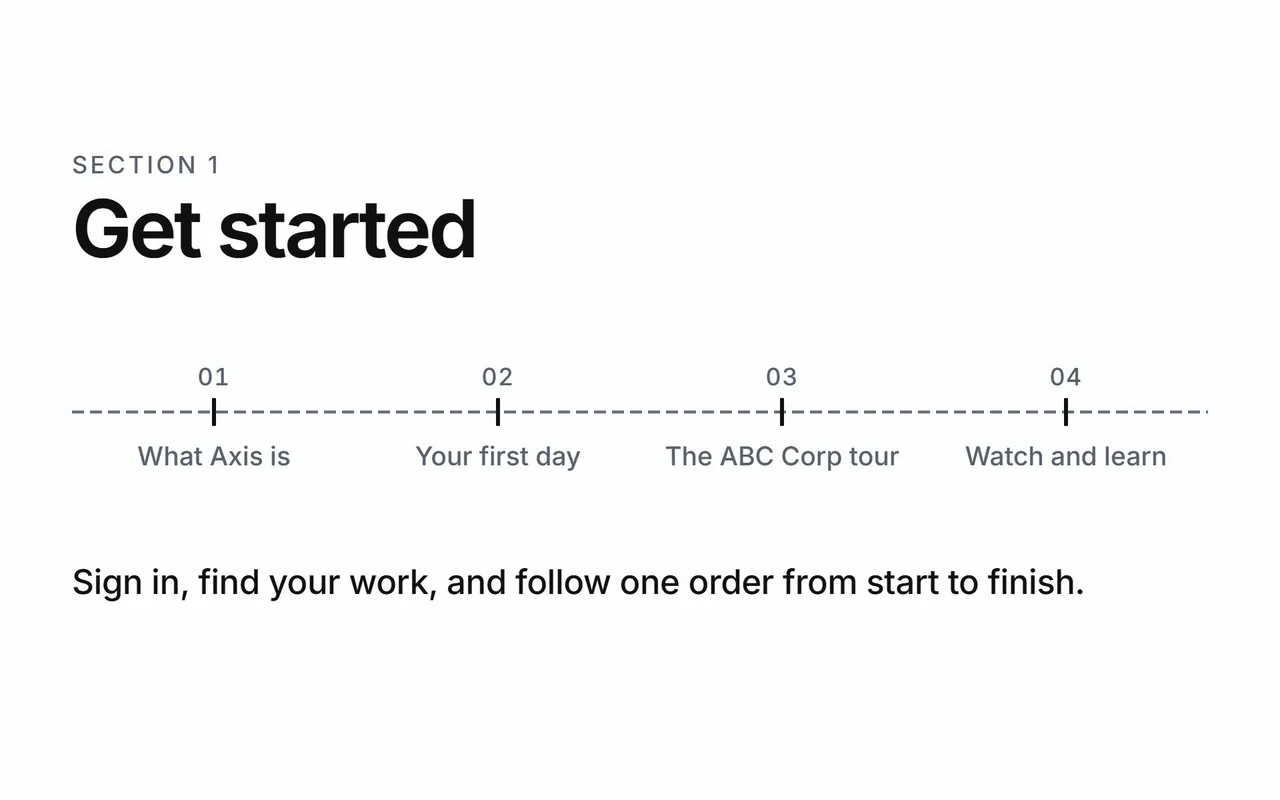
Get started
Sign in, find your work, and follow one order from start to finish.
- What Axis is
- Your first day
- The ABC Corp tour
- Watch and learn
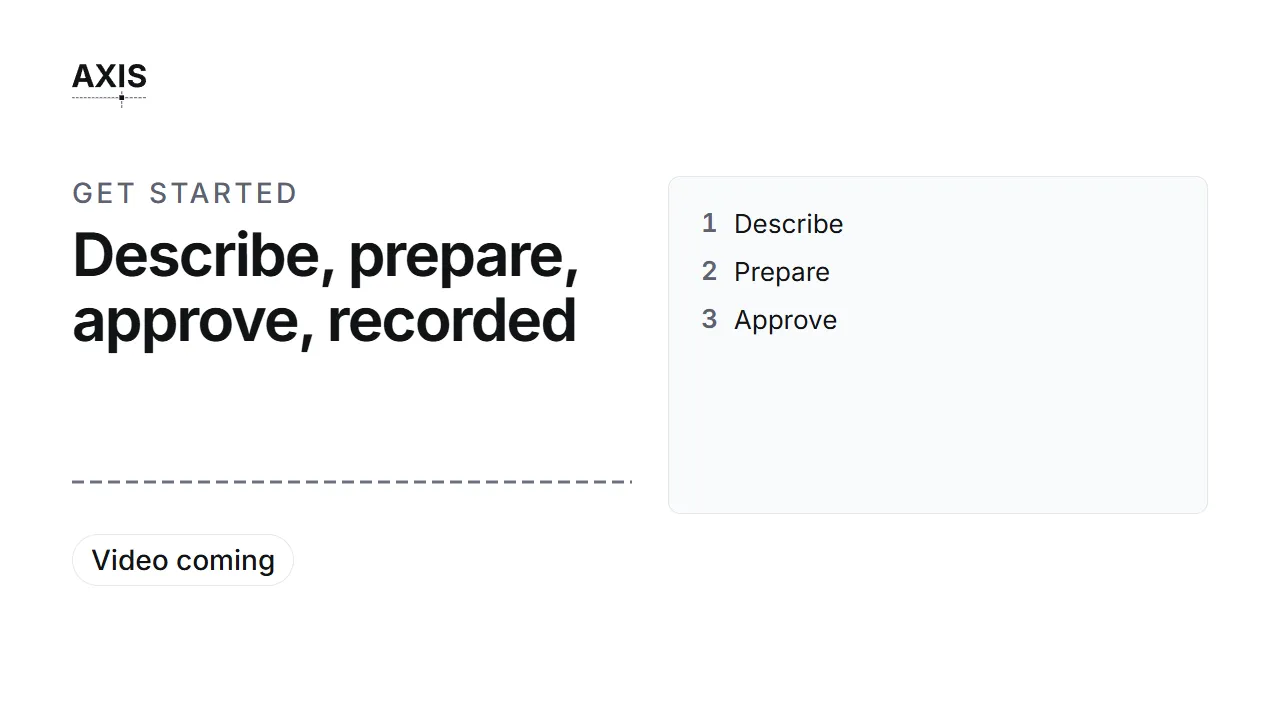
Describe, prepare, approve, recorded
- Describe
- Prepare
- Approve
- Recorded: four ticks on the axis line, one order moving along it.
Every piece of work follows the same four steps:
- Describe. You say what happened, or you attach the document that arrived.
- Prepare. The assistant finds the records, fills in the details and shows each step it takes.
- Approve. Work that changes the books waits on a card. You read every detail, then approve or decline.
- Recorded. The entry posts to the ledger and stays there. A correction posts as a new entry beside it.
The assistant works only through Axis's own checked actions. Each action applies the accounting rules in code, so every entry balances to the cent. See Trust in the books.
Who Axis is for
Axis is for companies that buy materials, hold stock, make products and sell them. It suits a team where several people share one set of books, each with their own job.
Each person signs in with a role, such as CFO or Manager Stores. Your role decides your menu, your Today screen and what the assistant may do for you. The roles fall into six seats:
| Seat | Who sits there | Their work |
|---|---|---|
| Finance | CFO, GM Finance, Manager Accounts | Postings, payments, corrections and the statements |
| Operations | COO | Inspections, suppliers' delivery records and production |
| Procurement | Manager Procurement | Requests for quotation, quotations, awards and purchase orders |
| Stores | Manager Stores | Goods in, inspection readings and stock |
| Sales | Manager Sales | Customers' orders, deliveries and invoices |
| Administrators | Manager Admin HR, System Administrator | People, payroll, users and setup |
The CEO role holds every grant, across the whole company.
Four ways in
| Way in | For | What it gives you |
|---|---|---|
| The dashboard | Everyone | Today, the figures, every list and every record, cut to your seat. |
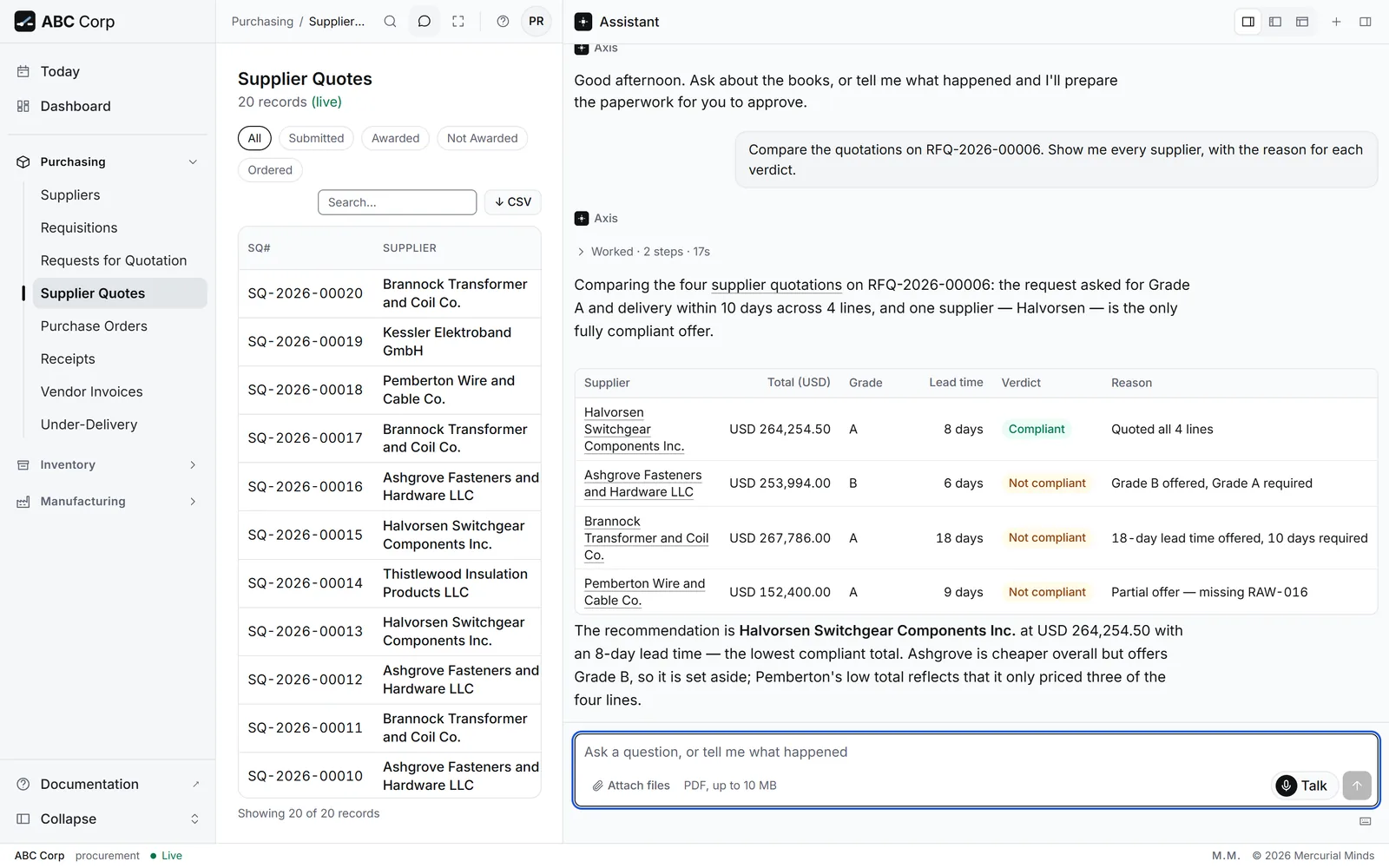
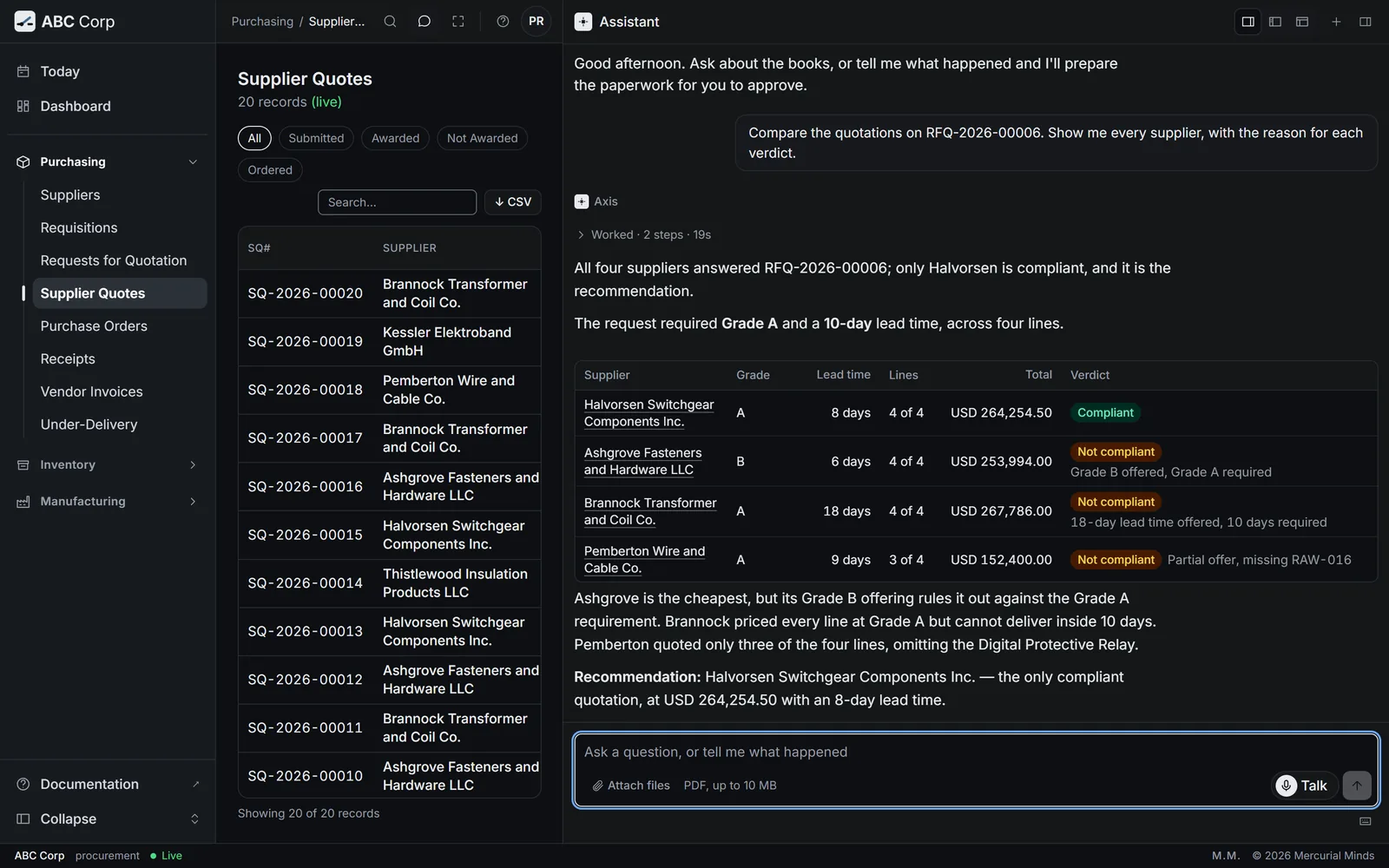
| The assistant | Everyone | Say what happened, attach a PDF, and ask questions. Press Talk to ask out loud. It sits beside every screen. |
| An MCP client | People who already work in an AI tool | The same actions inside a tool such as Claude Code, connected with your own key. |
| The command line | IT staff, on the server | Each action by itself, for scheduled jobs and bulk imports. |
All four reach the same set of checked actions and the same ledger. A record made through one way appears in all of them at once.
- In the dashboard and the assistant, your role decides what you see and what you may do.
- On every way in, a decision that changes the books runs only after an explicit confirmation. In the dashboard and the assistant, a person gives it by pressing Approve.
- Your own programs reach the same actions through the REST API, with the same role check.
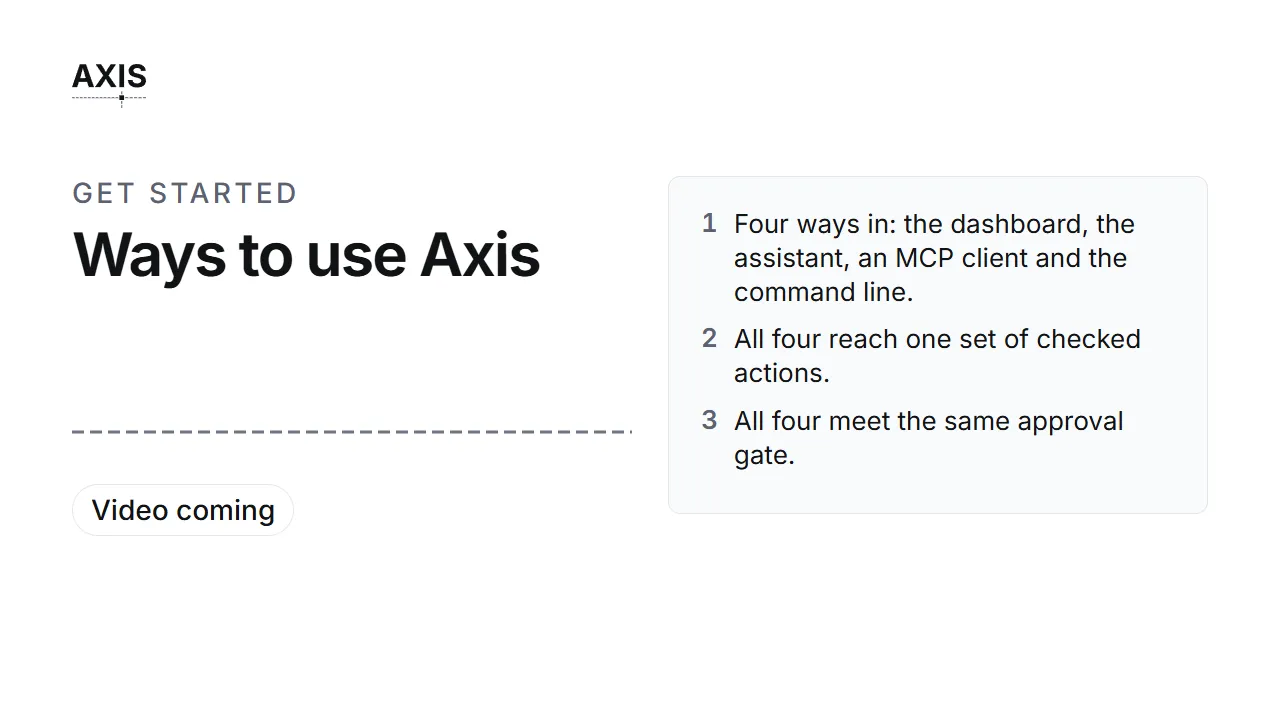
Four ways in
- Four ways in: the assistant, the dashboard, an MCP client, the command line.
- All four reach one set of checked actions.
- Every action meets the same approval gate.
Your data and your model
Axis runs on a server you choose. It is three parts: the database, the API and the web dashboard. In the standard installation, your ledger is a PostgreSQL database on that server.
The assistant connects to a language model that you choose. Axis works with any model service that speaks the OpenAI-compatible protocol, including a model you run yourself. Three settings name the model, and a restart applies them.
What the model receives:
- your messages to the assistant;
- the records the assistant reads to answer you, within your seat's permissions;
- the text of a document you ask it to read.
The model reaches the books only through Axis's checked actions. Host the model on your own network, and your business data stays on your network.
Talk adds a voice service. During a call, Fish Audio receives:
- the sound of your voice while the call bar shows;
- the text of each answer it speaks to you.
When you connect an AI tool with your own key, that tool receives the results of the actions it runs for you. Those results then sit with the tool's own provider. Choose the tool with the same care as the model.
The dashboard, the lists and the forms work on their own. With the model switched off, everything except the assistant, Talk and document reading keeps running.
Your server, your model
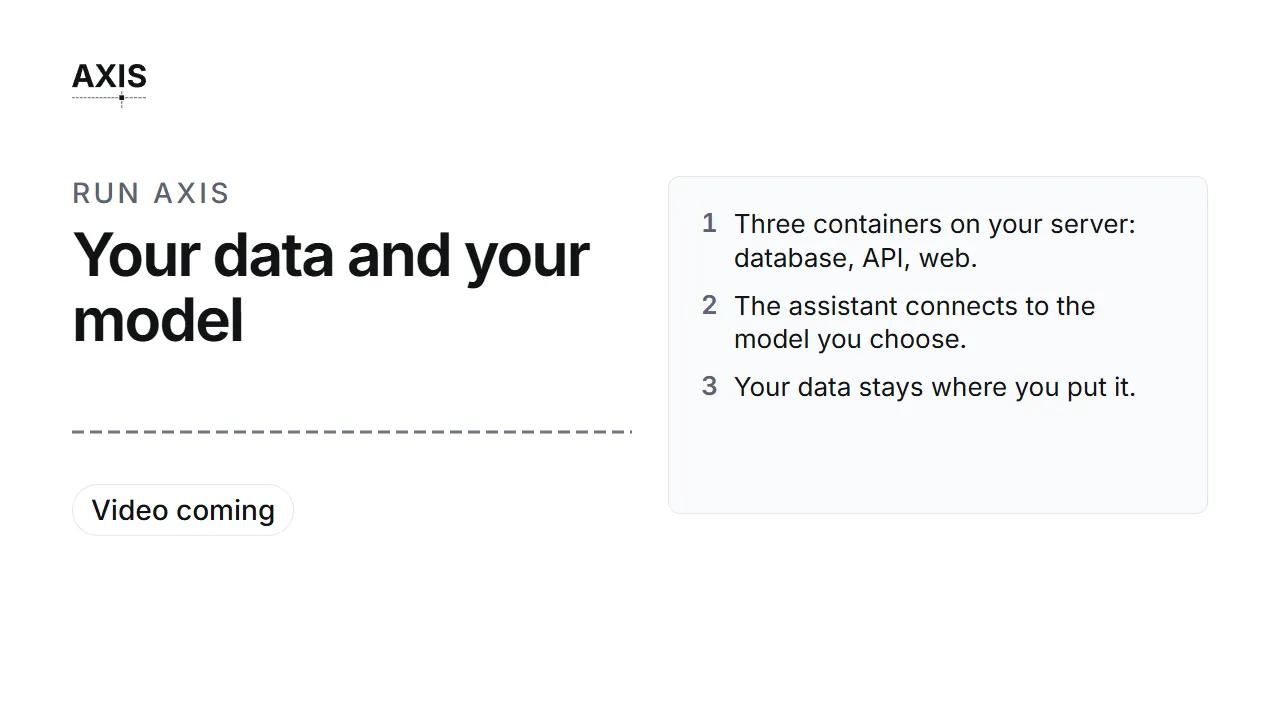
- Three containers on your server: database, API, web.
- The assistant connects to the model you choose.
- Your data stays where you put it.
For IT: installing and running Axis
This site is written for the people who use Axis. The deployment guides are kept with the Axis source code, in the docs-archive/deploy folder of the repository. They cover a Docker quickstart, deploying on Coolify, installing directly on a server, and connecting a model.
What Axis covers
Axis has a set of core areas, from the general ledger to payroll. Add-on modules join them when you need more.
- Core areas: what every company has.
- Add-on modules: operations, maintenance, a region's tax rules and more.
Next
- Your first day: sign in and find your work.
- The ABC Corp tour: one order through Axis.
- Approvals: why some work waits for you.