GET STARTED
Watch and learn
Every film, clip, card and section introduction in one place. Each one also sits on the page it explains, linked under it.
Until each video is recorded, its poster lists the steps it shows. You can follow those steps on the page it links to.
Shown with ABC Corp, a demonstration company.
The film
One order, from PDF to approved award
- Riverbend Electric Cooperative sends its order as a PDF.
- Axis reads it beside the original, and the order is on the books.
- Four parts are short, so four suppliers quote for them.
- Each quotation is judged on Grade A and ten days. Halvorsen meets both.
- The award waits for the Procurement Manager's approval.
- Steel sheet is inspected at goods-in, and a misposted rent entry is reversed.
The same story, step by step: The ABC Corp tour.
Section introductions
One short introduction for each part of these pages. Each one sits at the top of its section's first page.
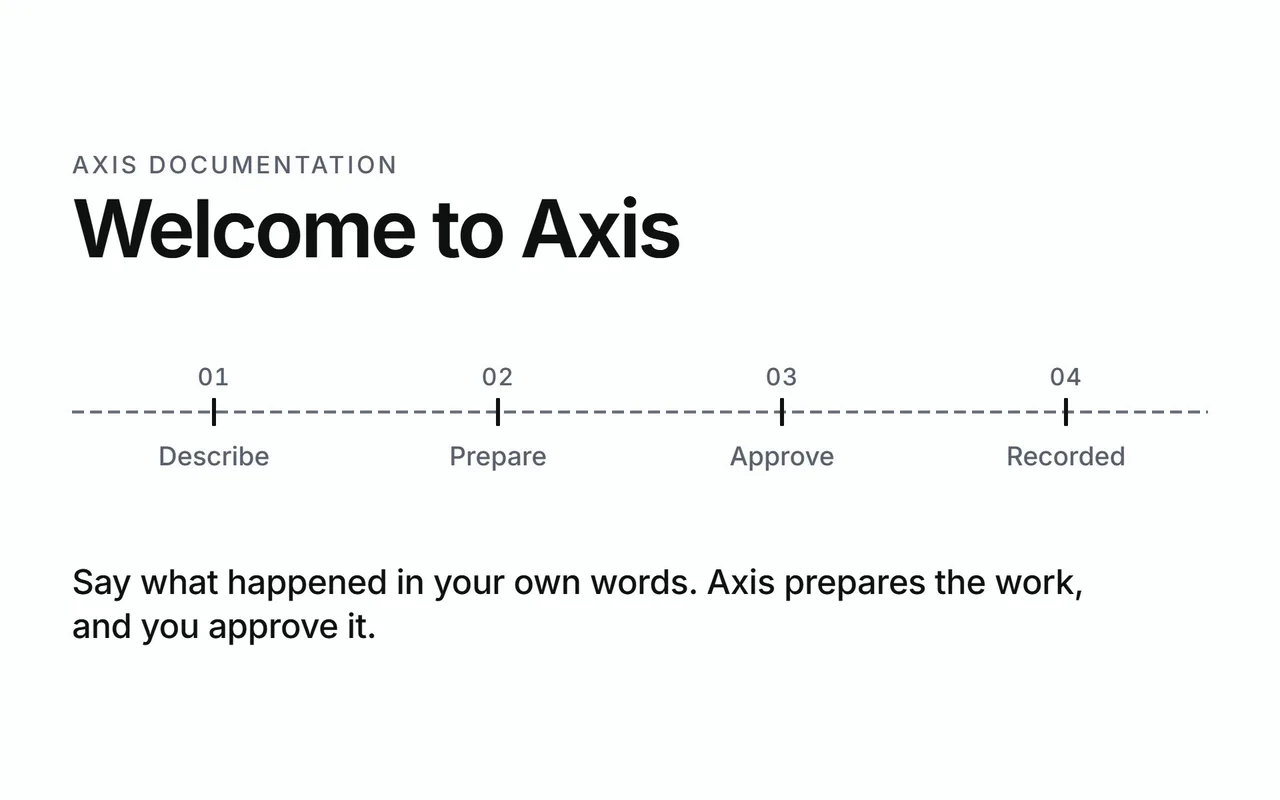
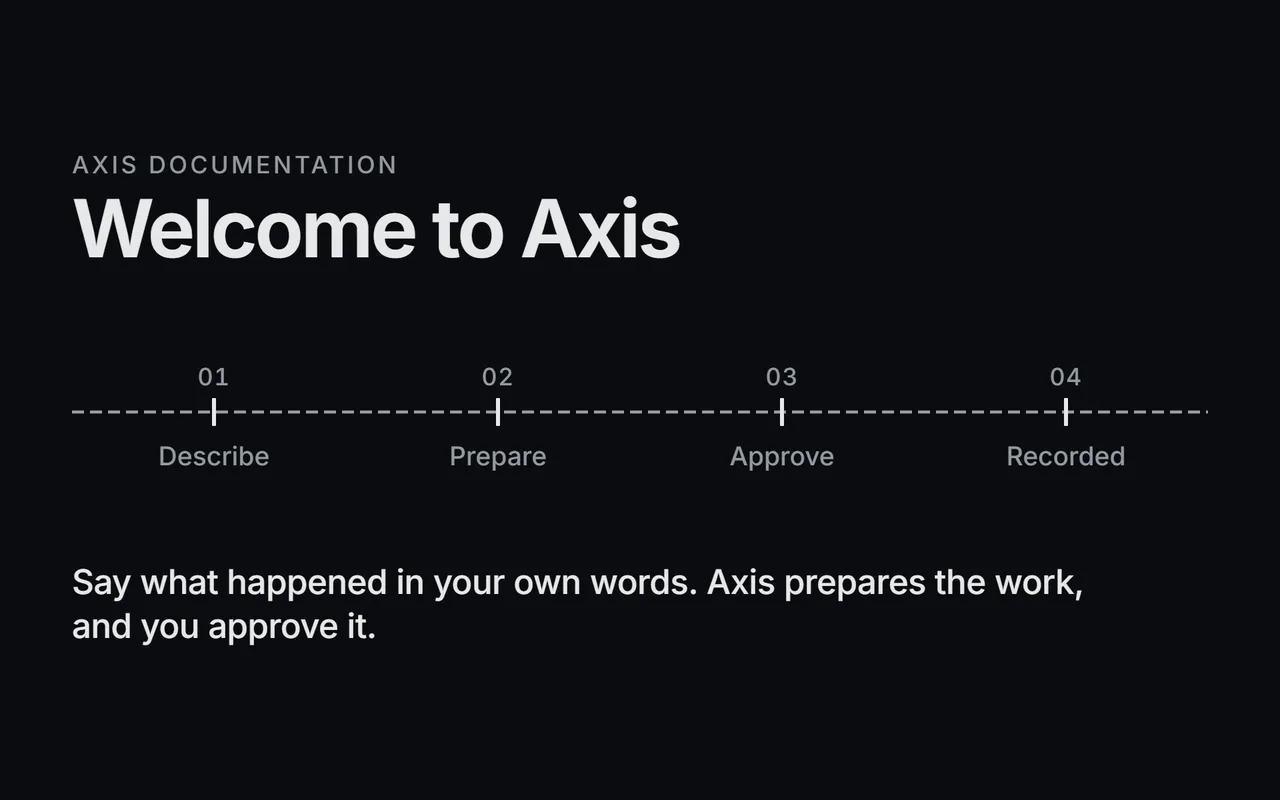
Welcome to Axis
Say what happened in your own words. Axis prepares the work, and you approve it.
On the page: Home.
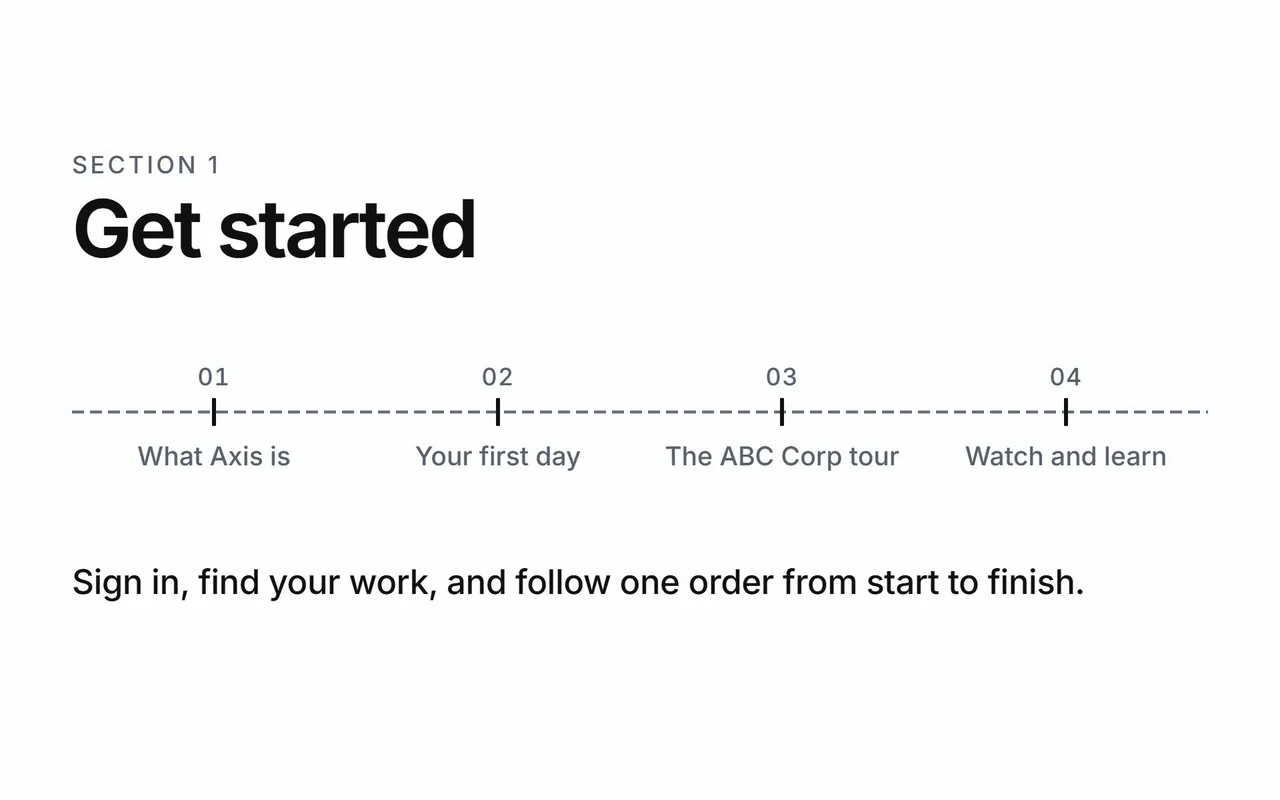
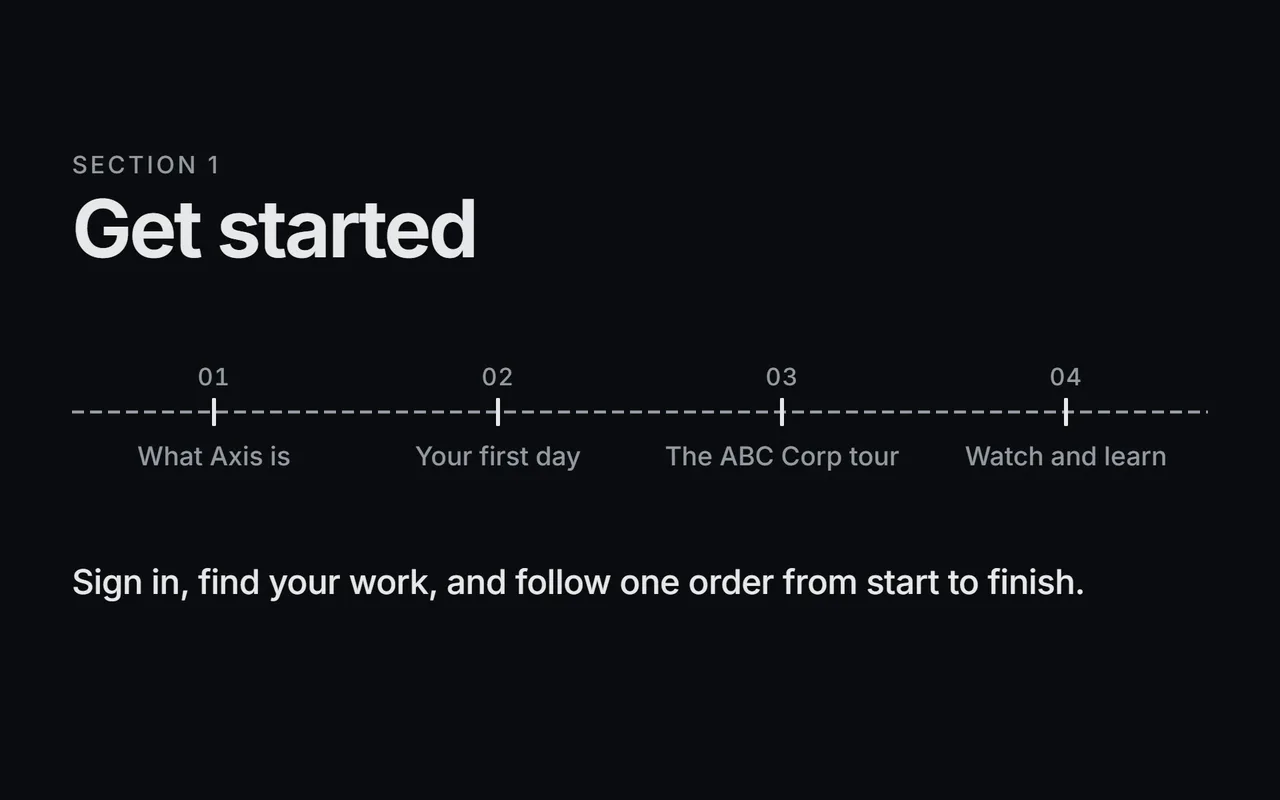
Get started
Sign in, find your work, and follow one order from start to finish.
On the page: What Axis is.
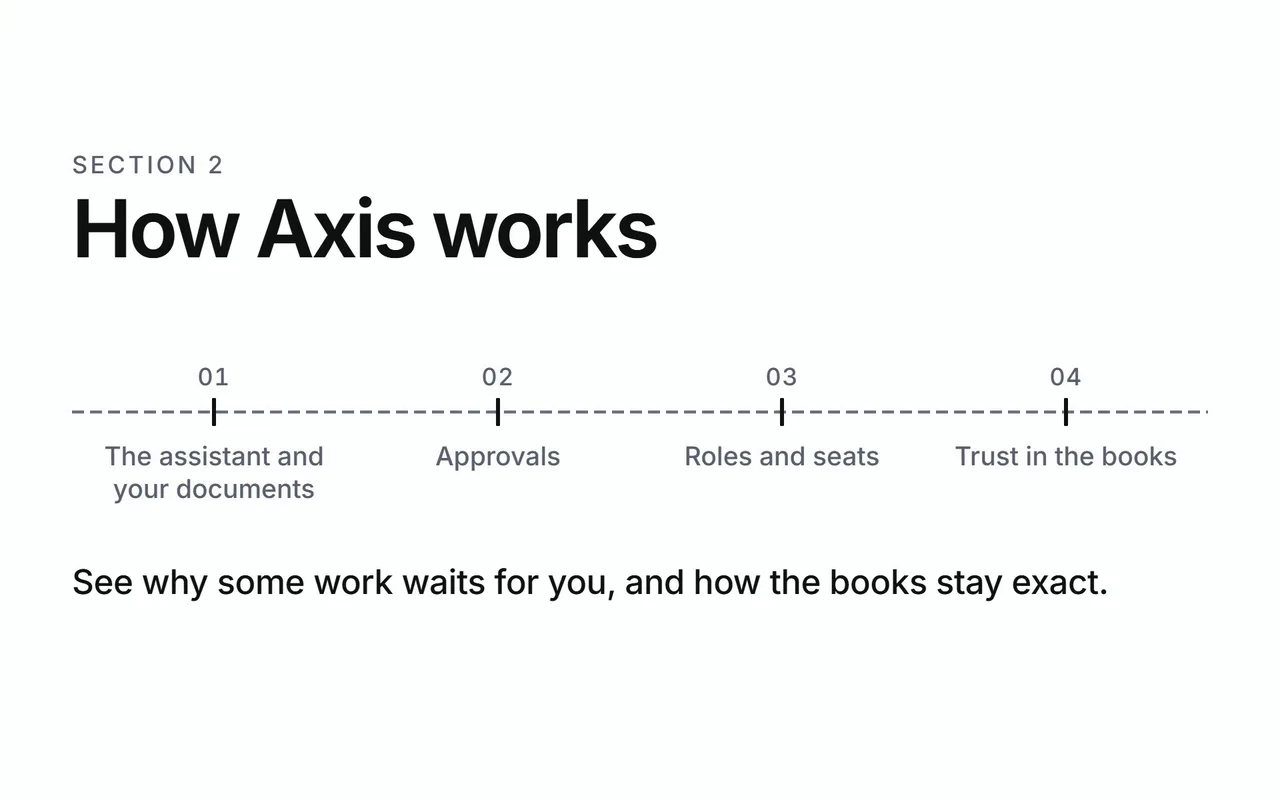
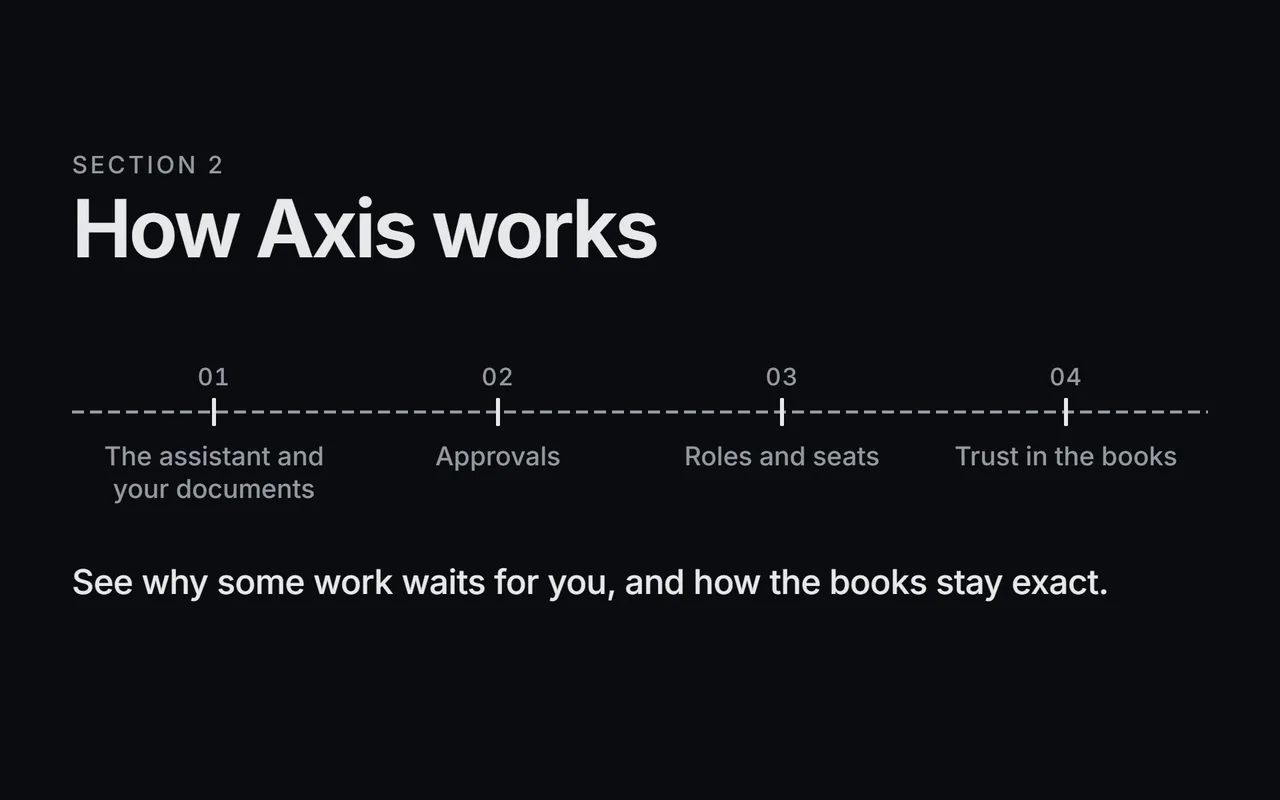
How Axis works
See why some work waits for you, and how the books stay exact.
On the page: The assistant and your documents.
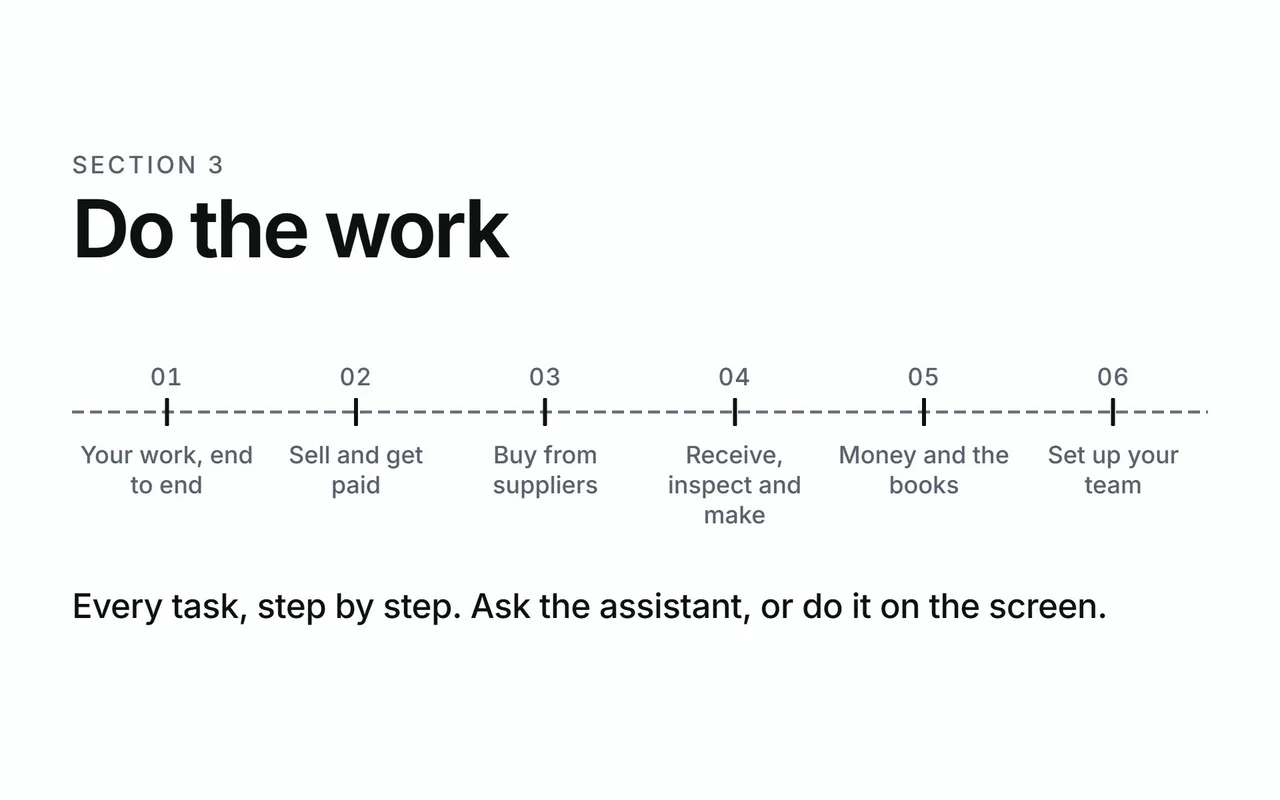
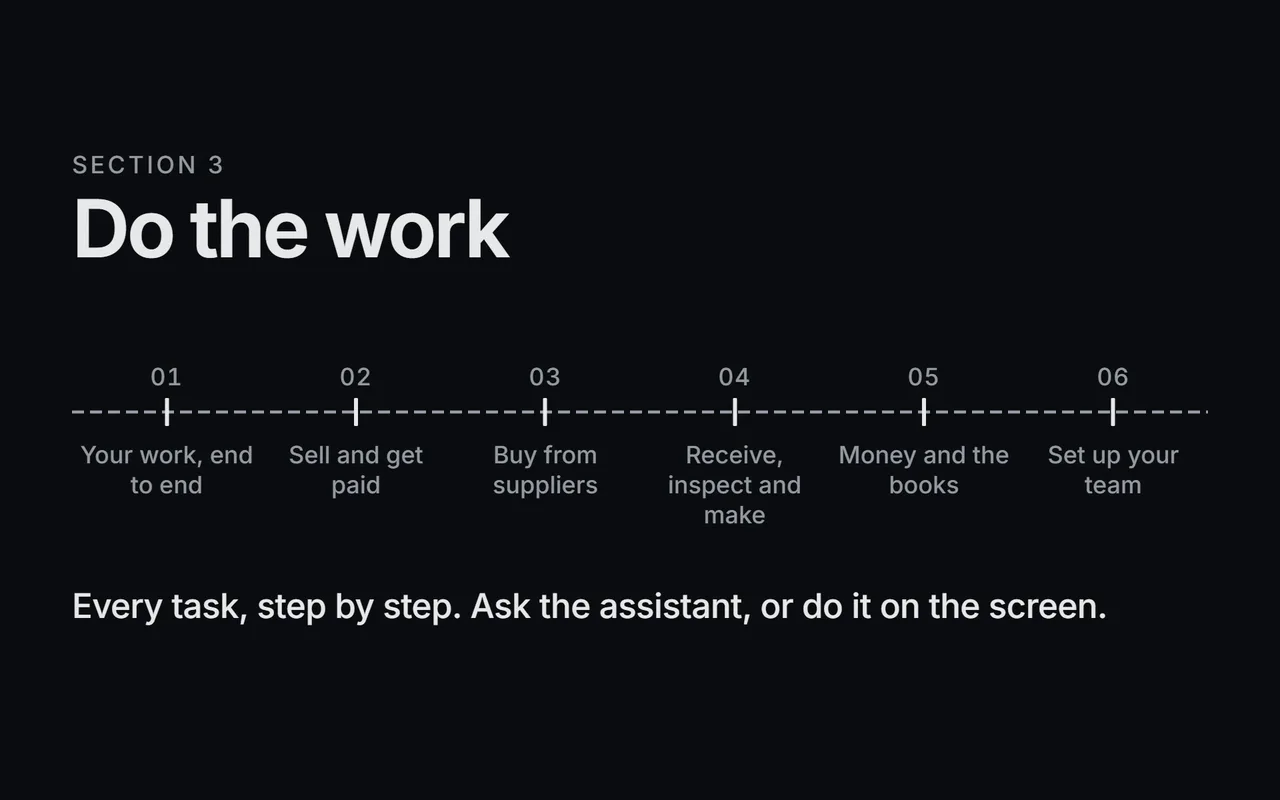
Do the work
Every task, step by step. Ask the assistant, or do it on the screen.
On the page: Your work, end to end.
What Axis covers
The core areas every company uses, and the modules you add as you grow.
On the page: Core areas.
Help
Answers, permissions and plain definitions, close at hand.
On the page: Questions and fixes.
Get started
Clips for the first day.
Describe, prepare, approve, recorded
- Describe
- Prepare
- Approve
- Recorded: four ticks on the axis line, one order moving along it.
On the page: What Axis is.
Today
- You sign in.
- Today counts the work ready for your seat.
- One press opens the rows behind each count.
On the page: Read Today.
Get around the three panes
- Axis has three panes: your menu, your work, and the assistant.
- The menu follows your role.
- Open a record and it slides in beside the list.
- Pick a customer or an item by typing part of its name.
- The assistant stays docked, so you can ask while you look.
On the page: Get around the three panes.
Ask the assistant
- You sign in and Axis opens on Today.
- Today lists the work ready for your seat.
- Open the assistant and say what happened, in your own words.
- The assistant prepares it and shows each step.
- A posting waits on a card. Read it, then approve.
- The record is on the books, linked from Today.
On the page: Ask the assistant.
Approve or decline a request
- A request waits on a card.
- Read the action and every detail.
- Approve, and it runs exactly as shown.
- Or decline with a reason. The assistant reads it and carries on.
On the page: Approve or decline a request.
Four ways in
- Four ways in: the assistant, the dashboard, an MCP client, the command line.
- All four reach one set of checked actions.
- Every action meets the same approval gate.
On the page: Four ways in.
Your server, your model
- Three containers on your server: database, API, web.
- The assistant connects to the model you choose.
- Your data stays where you put it.
On the page: Your data and your model.
How Axis works
The explainer cards.
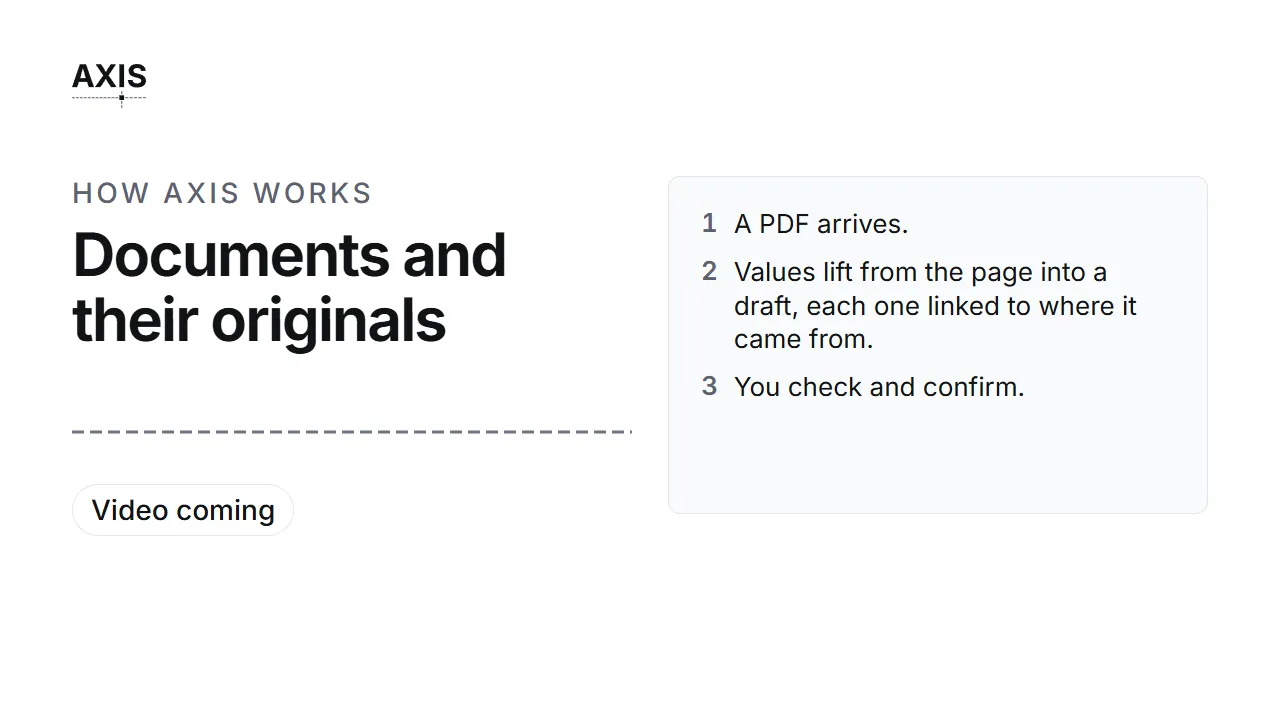
Documents and their originals
- A PDF arrives.
- Values lift from the page into a draft, each one linked to where it came from.
- You check and confirm.
- The original stays on file beside the record.
On the page: The assistant and documents.
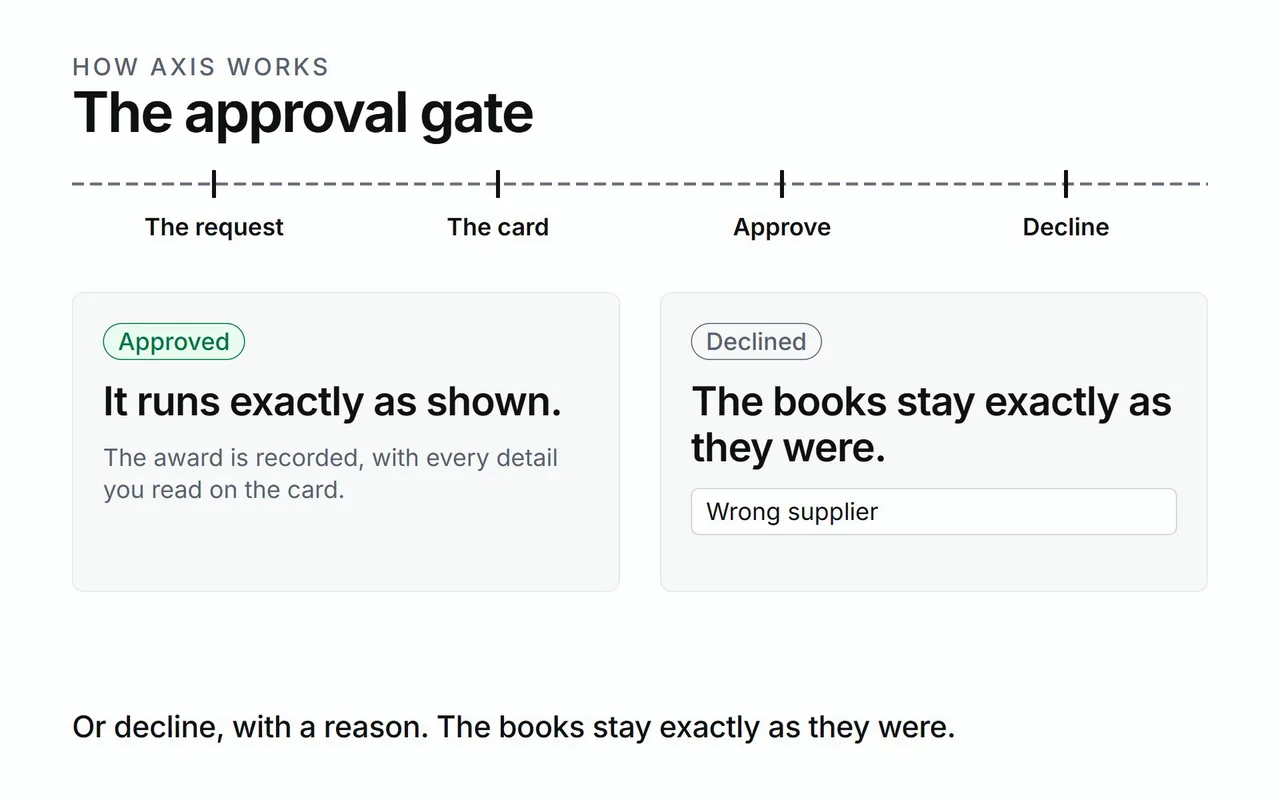
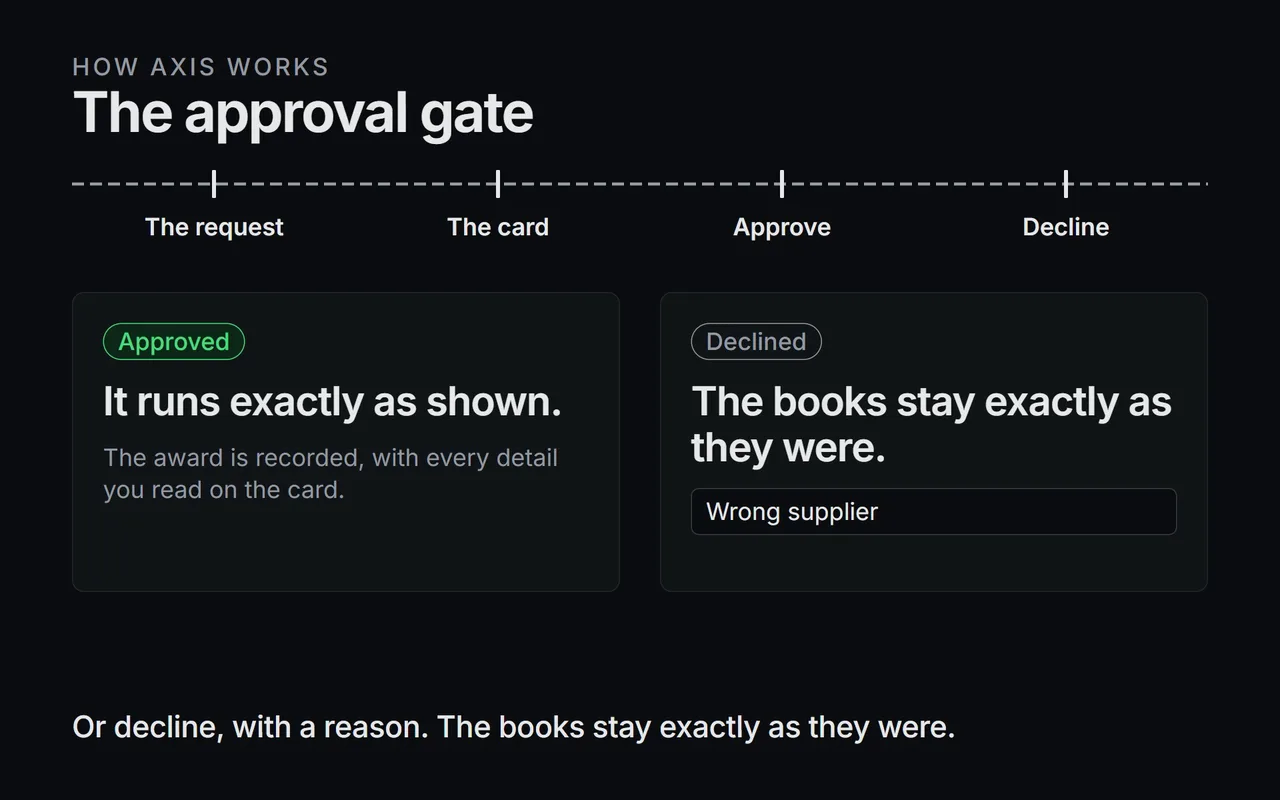
The approval gate
- A request arrives at the gate.
- The card shows the action and every detail.
- Approve runs it exactly as shown.
- Decline leaves the books exactly as they were.
On the page: Approvals.
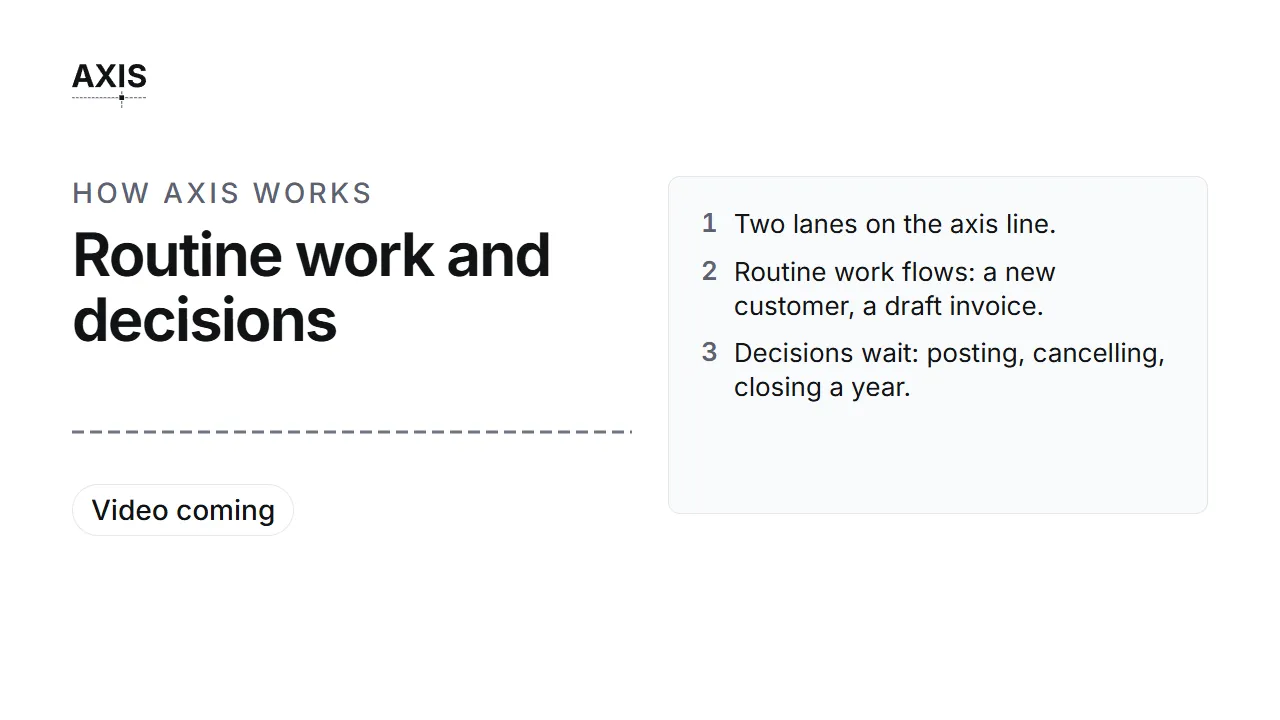
Routine work and decisions
- Two lanes on the axis line.
- Routine work flows: a new customer, a draft invoice.
- Decisions wait: posting, cancelling, closing a year.
On the page: Routine work and decisions.
Talk to the assistant
- Press Talk and ask out loud.
- Hear a short answer, with captions on screen.
- A request that needs approval waits on its card.
On the page: Talk to the assistant by voice.
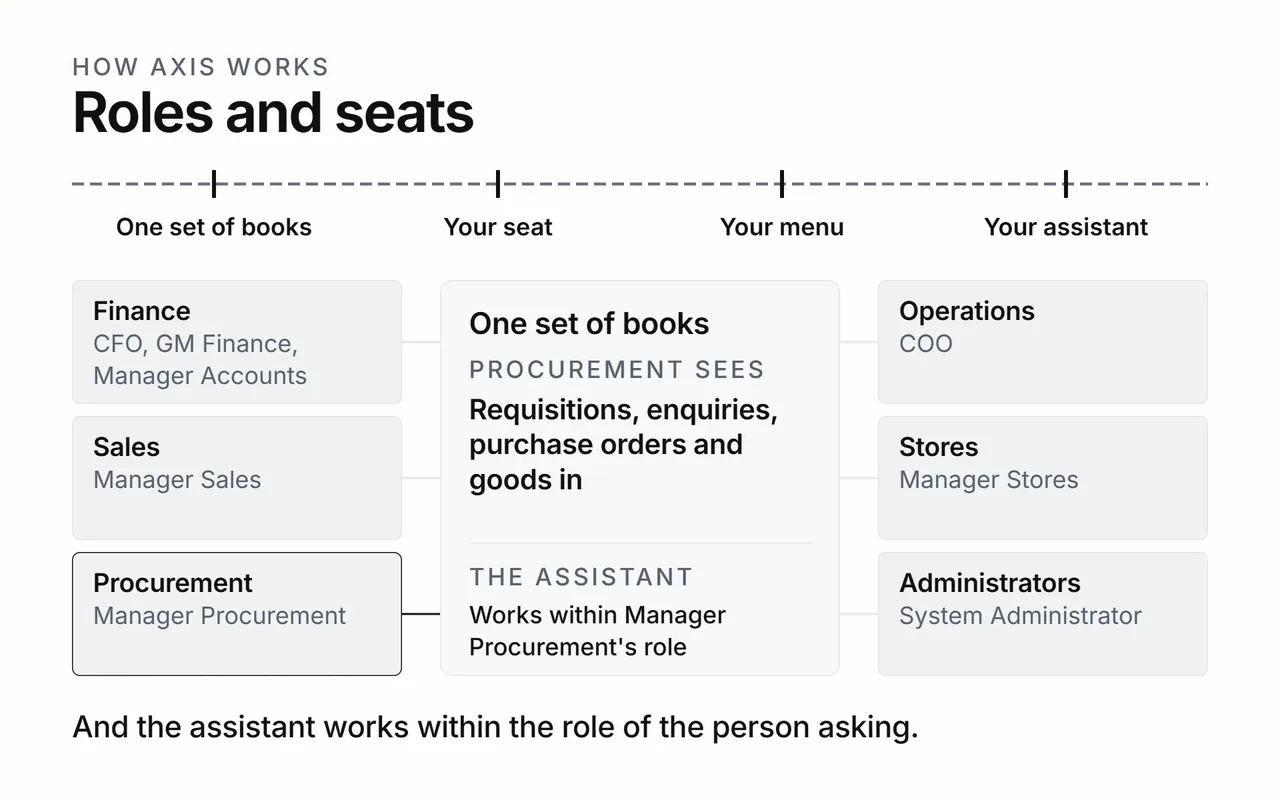
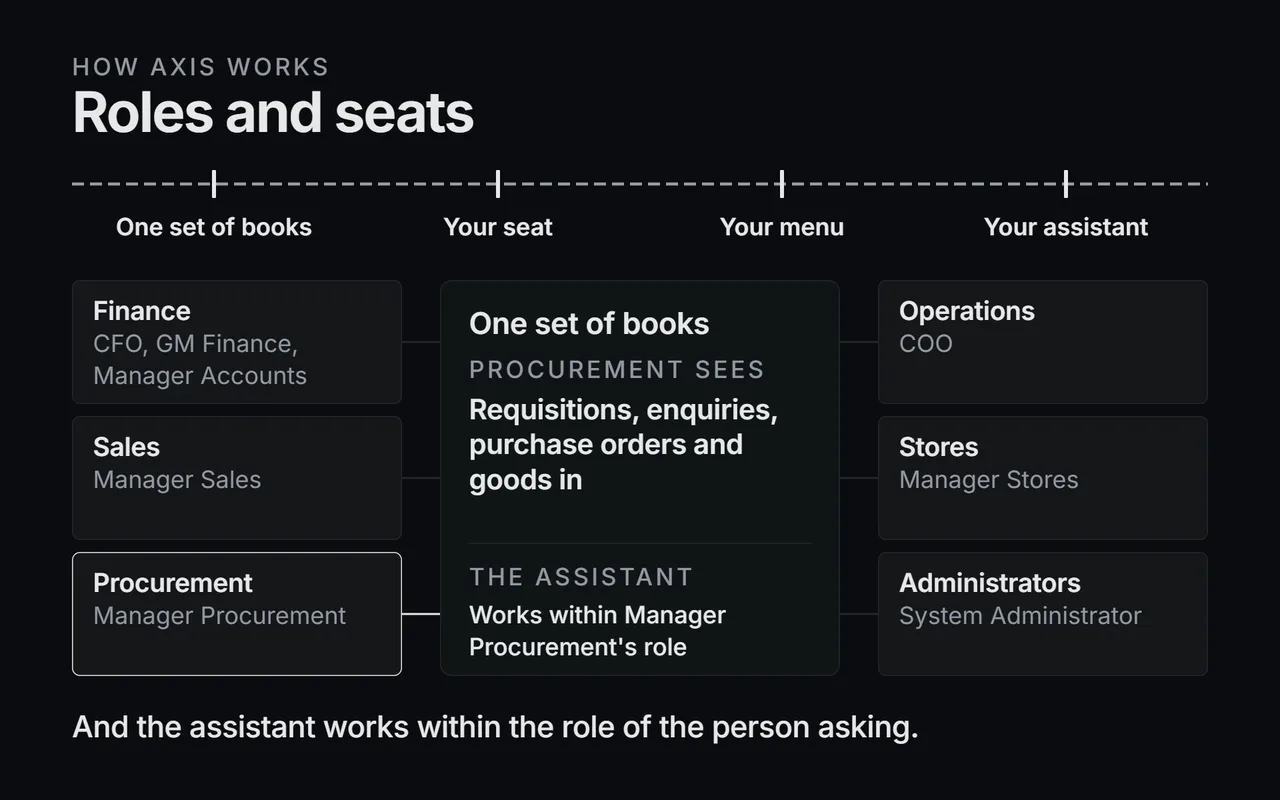
Roles and seats
- One set of books in the centre.
- Each seat sees its own slice: money for Finance, counts for Stores.
- The assistant works within the role of the person asking.
On the page: Roles and seats.
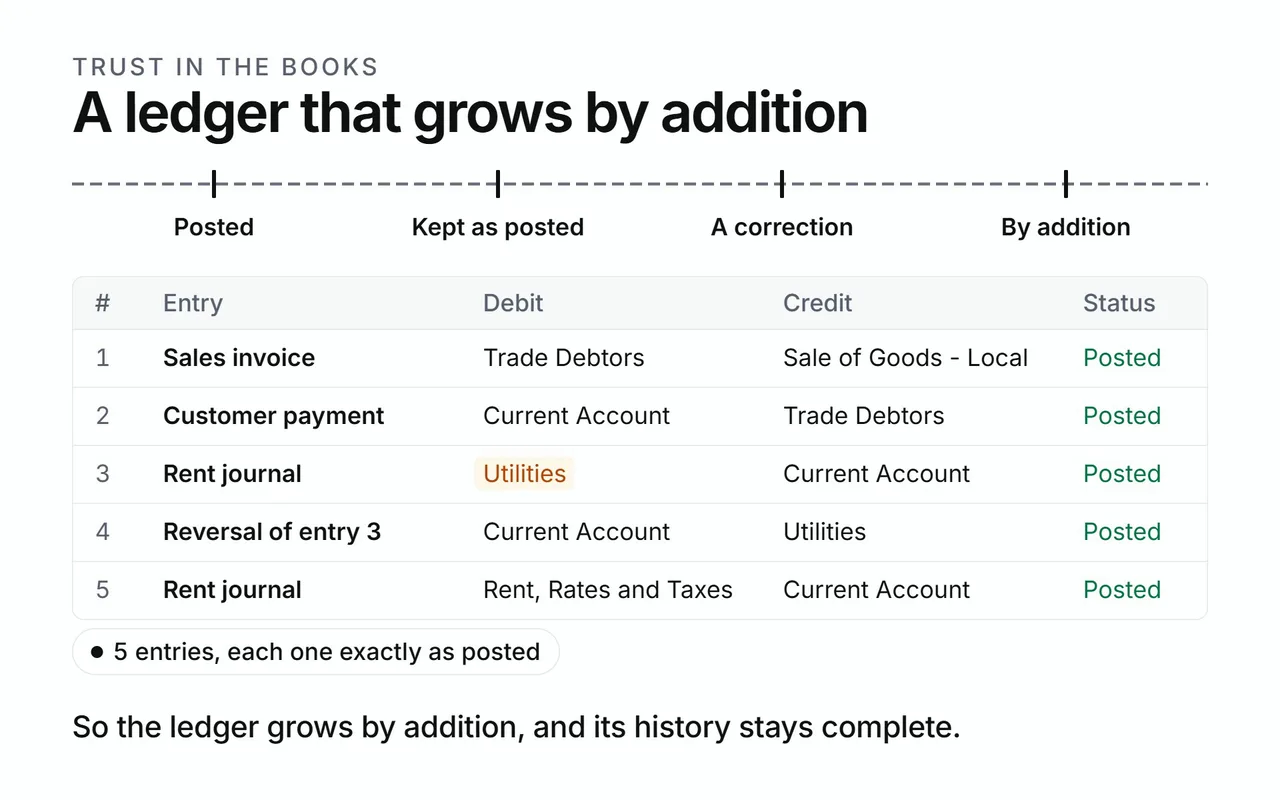
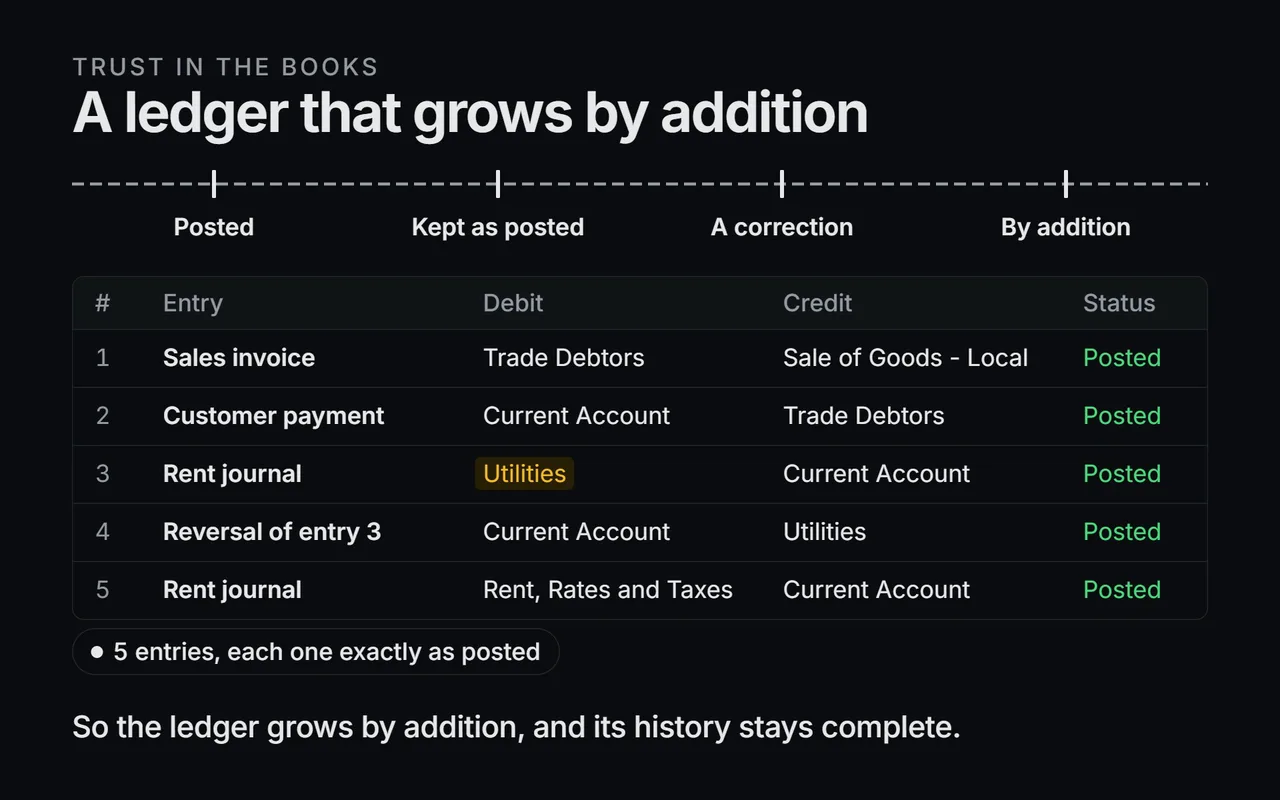
A ledger that grows by addition
- Entries land on the line, one after another.
- Each one stays as posted.
- The ledger grows by addition.
On the page: A ledger that grows by addition.
Corrections post as reversals
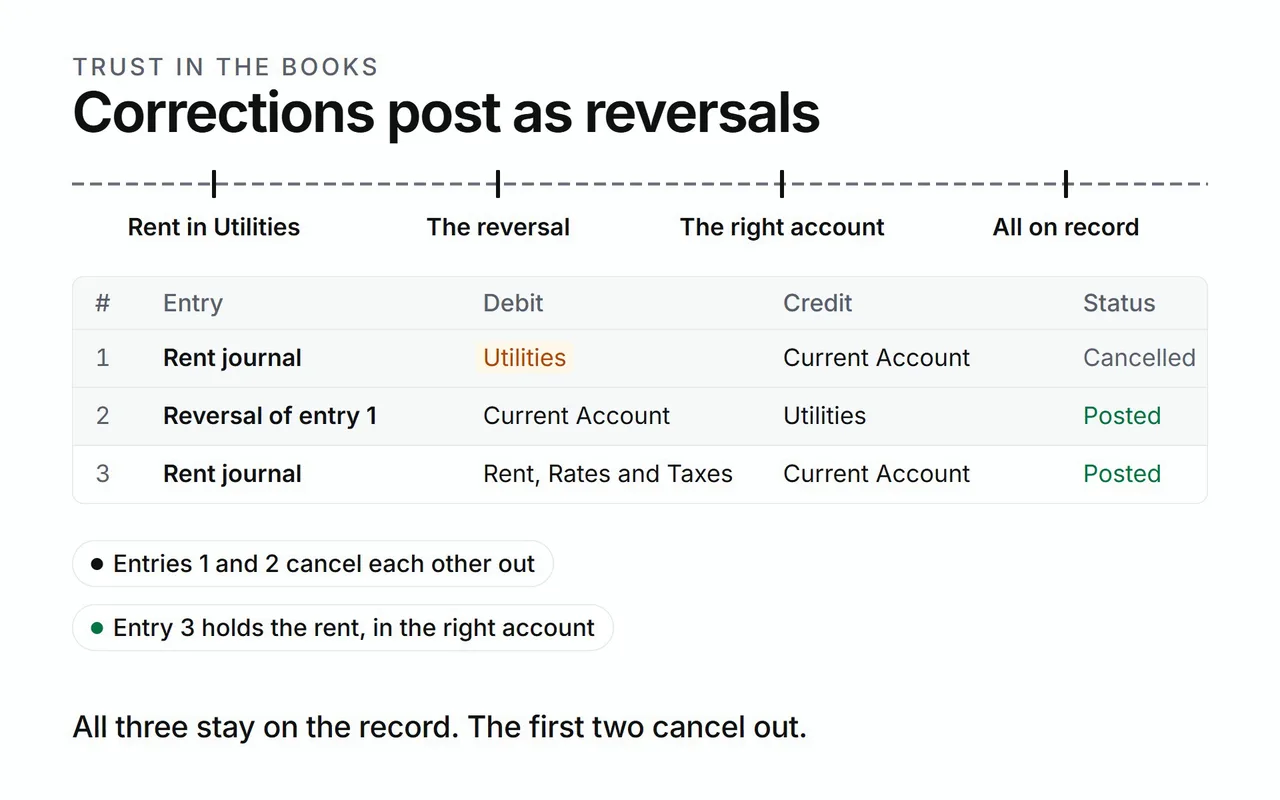
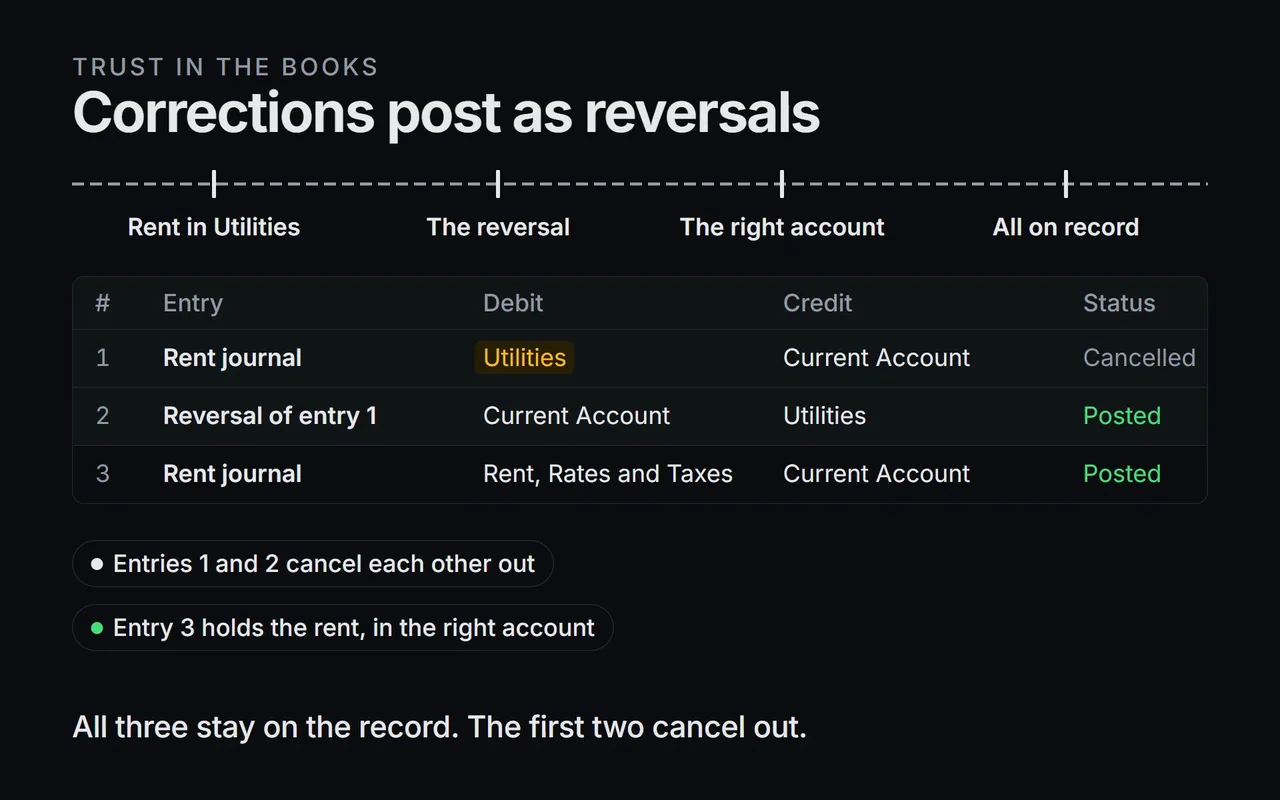
- Rent posts to the wrong account.
- A reversing entry lands beside it, approved like any posting.
- The correct entry follows.
- All three stay on the record, and the reports read them together.
On the page: Corrections post as reversals.
The integrity check
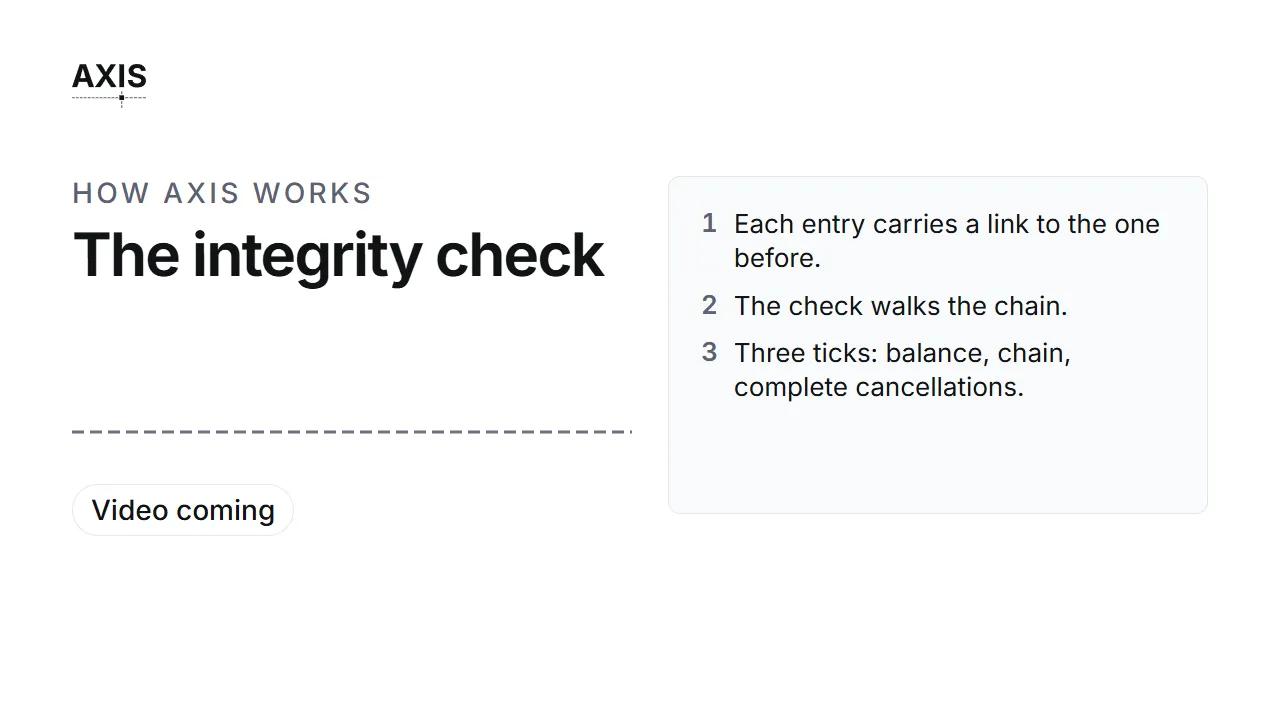
- Each entry carries a link to the one before.
- The check walks the chain.
- Three ticks: balance, chain, complete cancellations.
On the page: The integrity check.
Exact to the cent
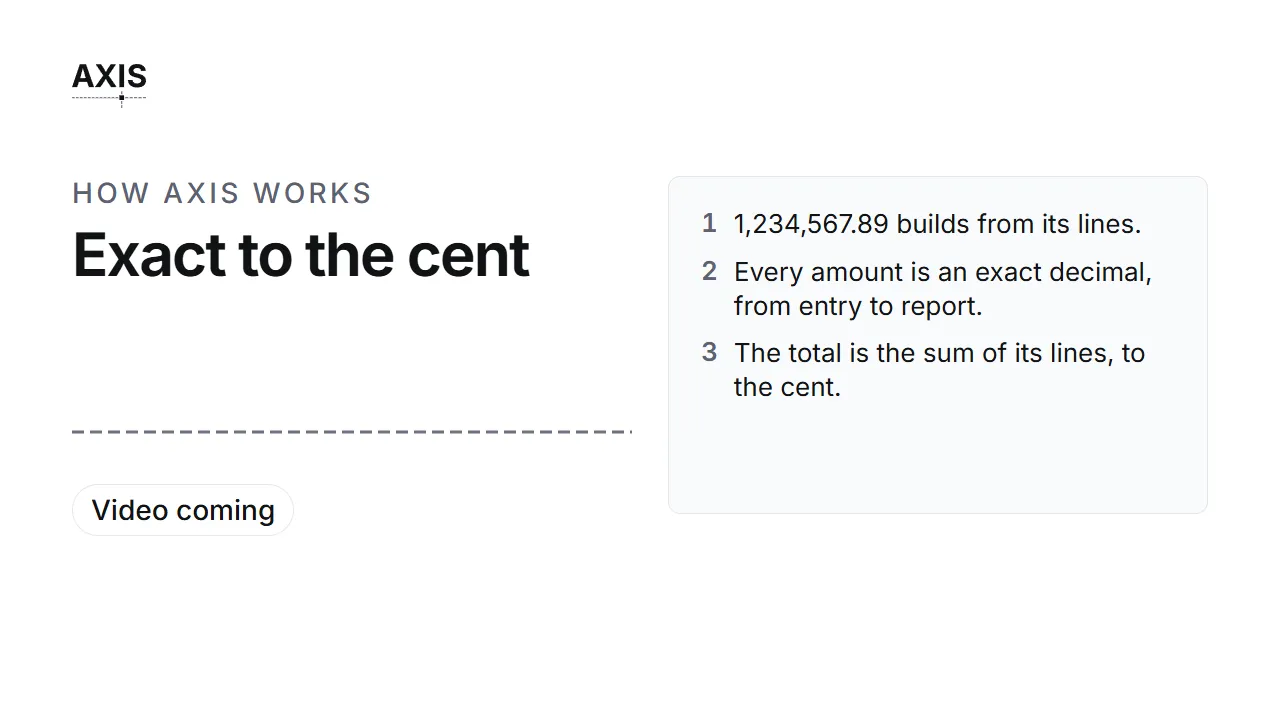
- 1,234,567.89 builds from its lines.
- Every amount is an exact decimal, from entry to report.
- The total is the sum of its lines, to the cent.
On the page: Exact to the cent.
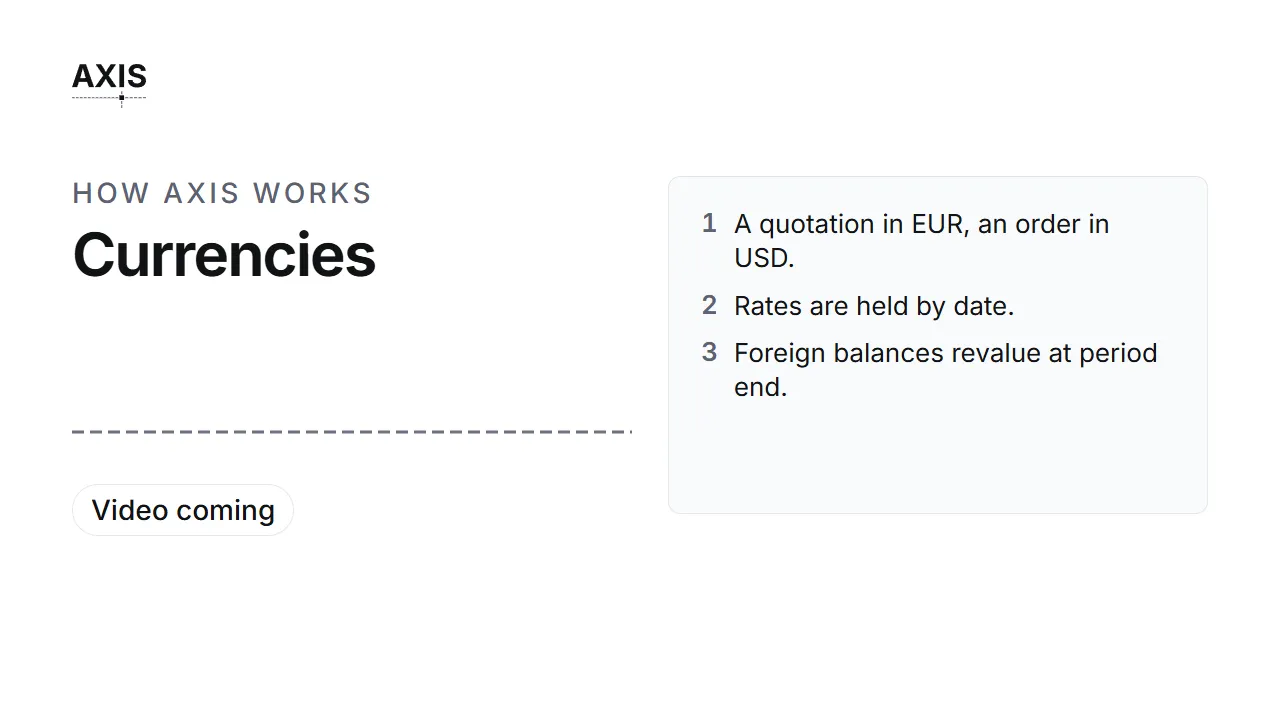
Currencies
- A quotation in EUR, an order in USD.
- Rates are held by date.
- Foreign balances revalue at period end.
On the page: Currencies.
Do the work
One clip per task that has one, in the order the work flows.
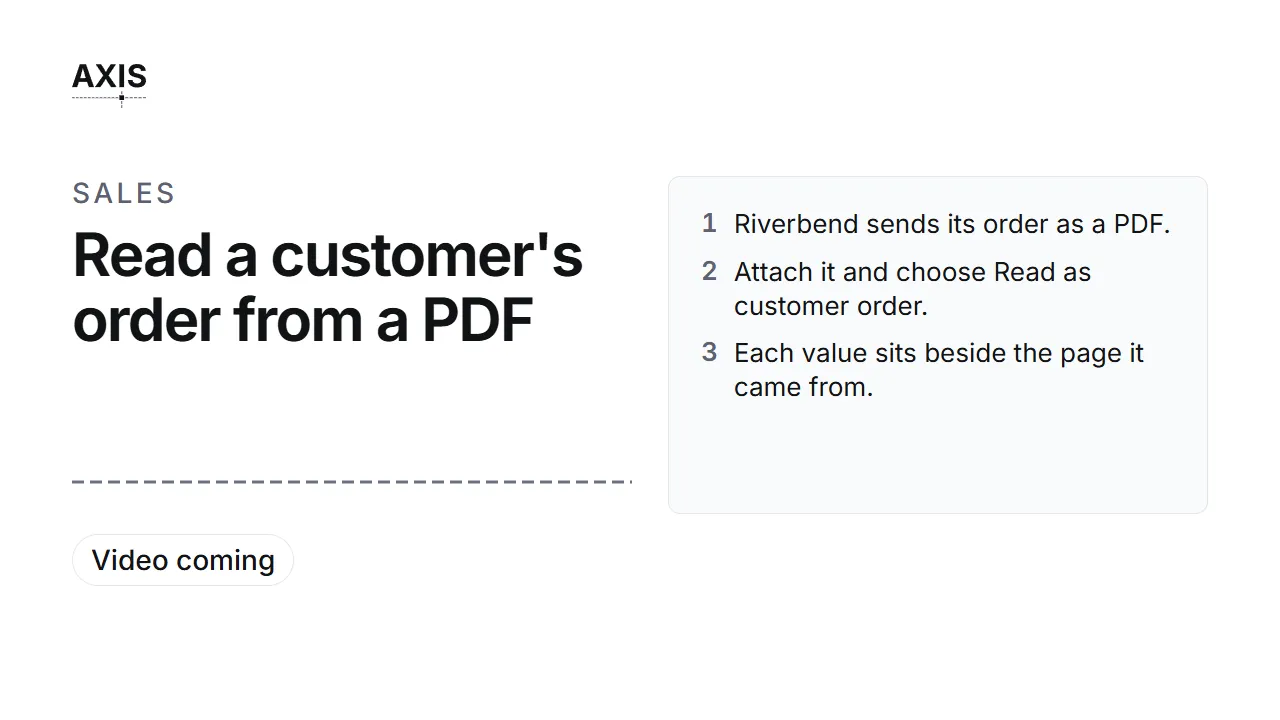
Read a customer's order from a PDF
- Riverbend sends its order as a PDF.
- Attach it and choose Read as customer order.
- Each value sits beside the page it came from.
- Match each line to a stock item, then Confirm.
- SO-2026-00025 is on the books.
On the page: Read a customer's order from a PDF.
Find what an order needs to buy
- Ask what the order needs that the stores lack.
- The assistant checks the bill of materials against stock.
- Four parts are short. The Digital Protective Relay is new to the stores.
On the page: Find what an order needs to buy.
Read a supplier quotation from a PDF
- Halvorsen answers your request with a PDF.
- Attach it and say which request it answers.
- Each line maps to a line of your request.
- The quantity shows as evidence. Check the prices, then Confirm.
On the page: Read a supplier quotation from a PDF.
Compare quotations
- Ask the assistant to compare the quotations, every supplier included.
- Each one is judged against Grade A and ten days.
- Halvorsen meets both, at USD 264,254.50.
- Every other supplier gets its reason, in plain words.
On the page: Compare quotations.
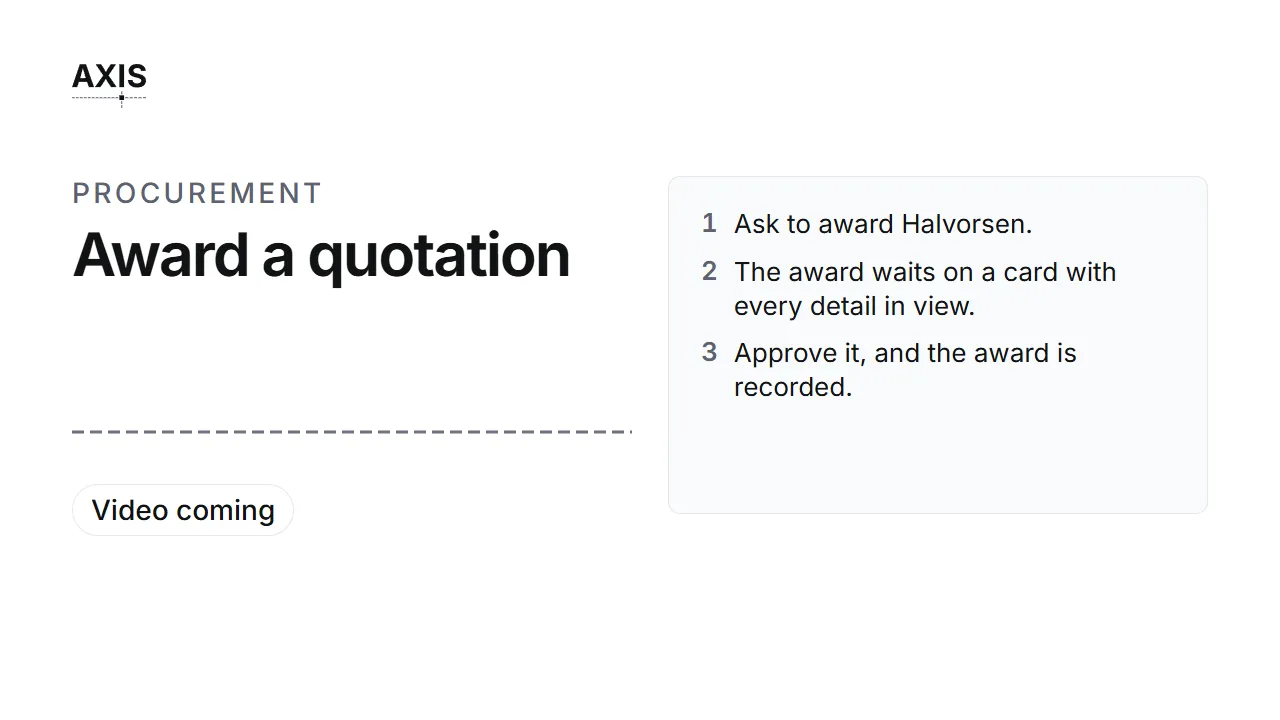
Award a quotation
- Ask to award Halvorsen.
- The award waits on a card with every detail in view.
- Approve it, and the award is recorded.
On the page: Award a quotation.
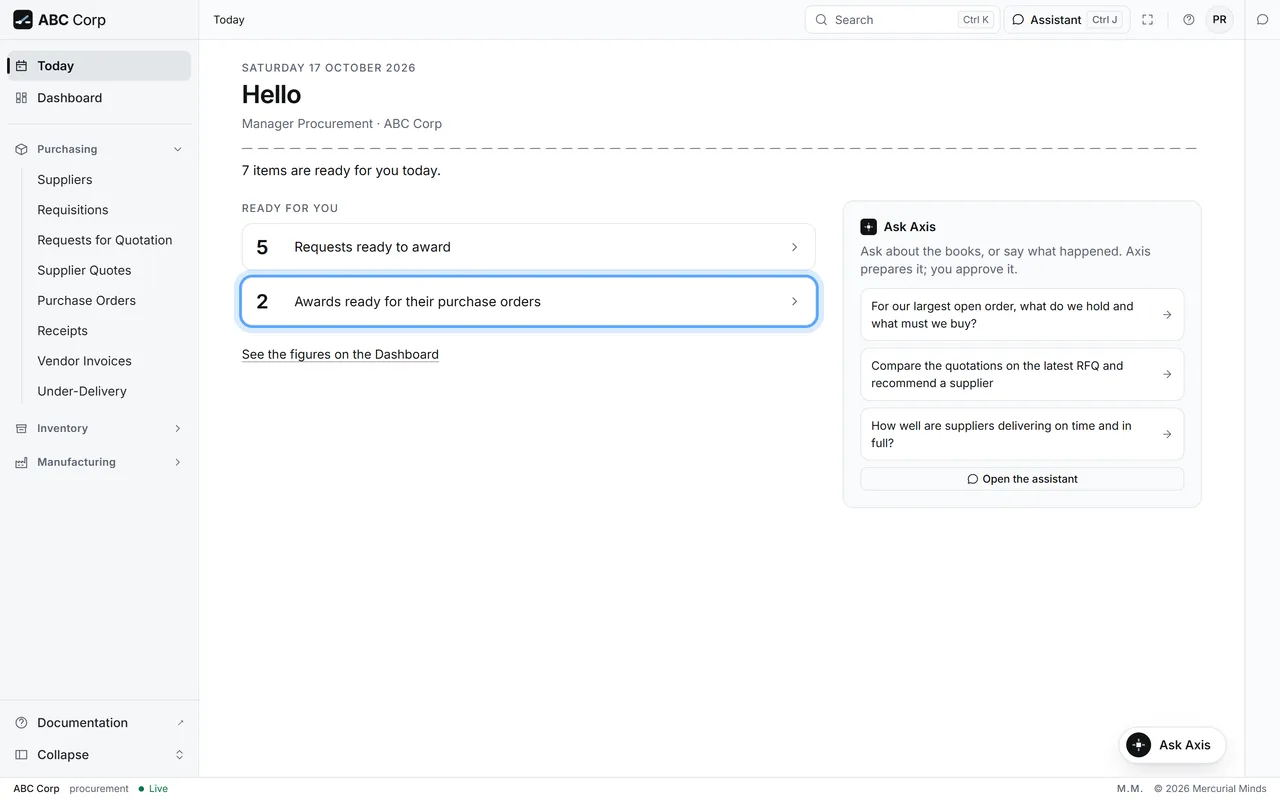
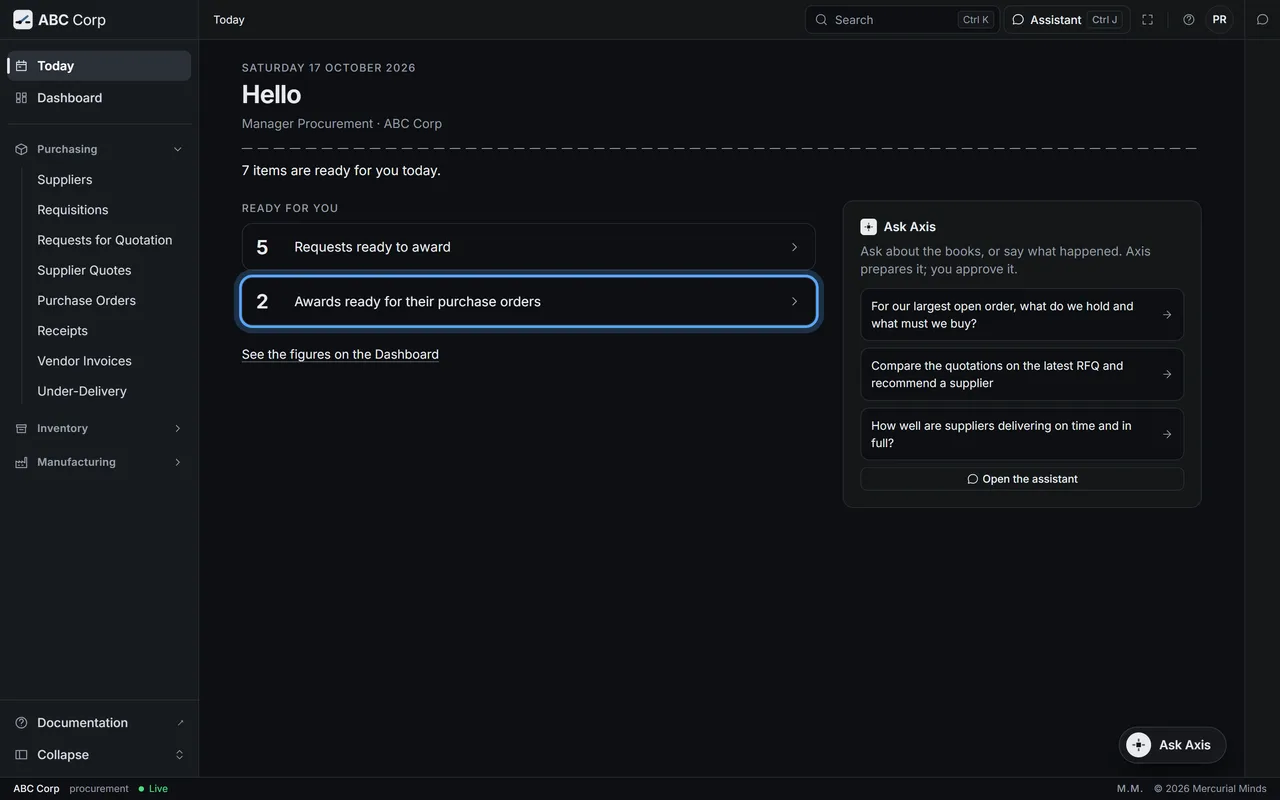
Raise the Purchase Order
- The award stays in view until its order is raised.
- Raise the Purchase Order from it.
- The order carries the supplier, the lines and the prices you approved.
On the page: Raise the Purchase Order.
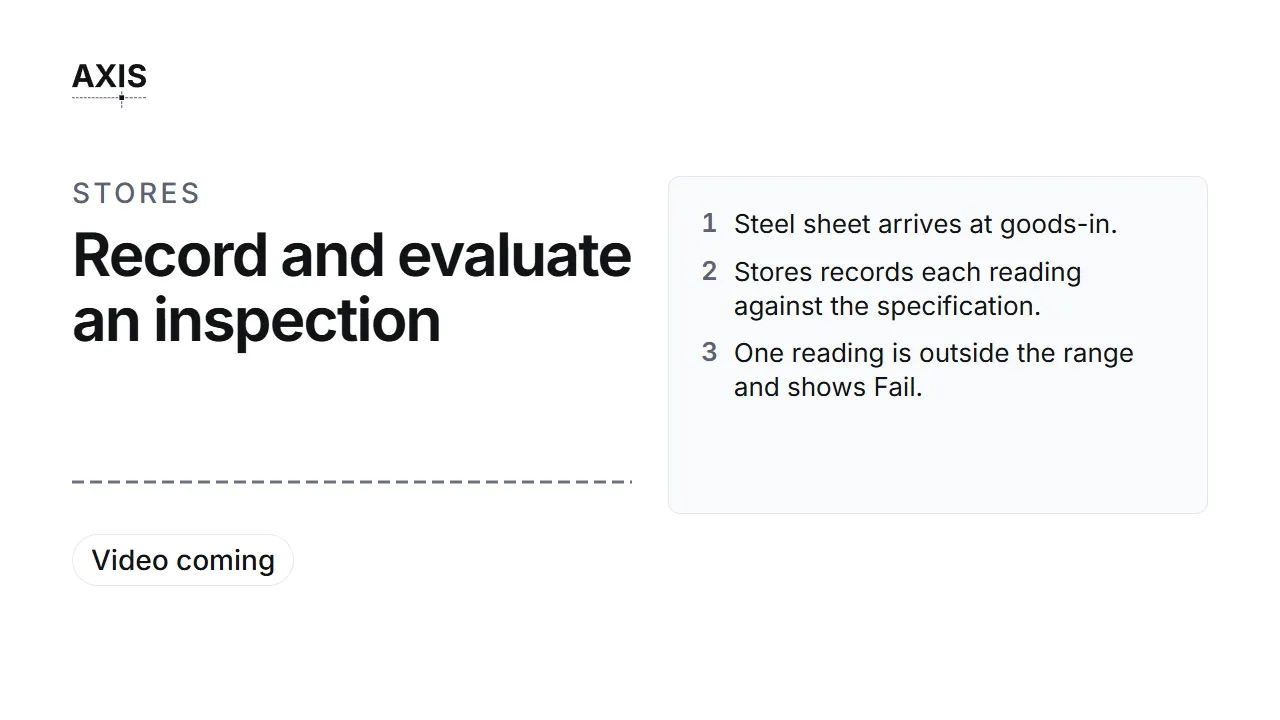
Record and evaluate an inspection
- Steel sheet arrives at goods-in.
- Stores records each reading against the specification.
- One reading is outside the range and shows Fail.
- The COO evaluates: Partially accepted, 2 of 3.
- The failed reading becomes a non-conformance report.
On the page: Record inspection readings and Evaluate an inspection.
Check a supplier's delivery record
- Open Under-Delivery.
- Each supplier is measured on lateness and shortfall, weighted by value.
- Brannock: 65.79 per cent, late on 3 of 3 orders.
- Pemberton shows its record so far.
On the page: Check a supplier's delivery record.
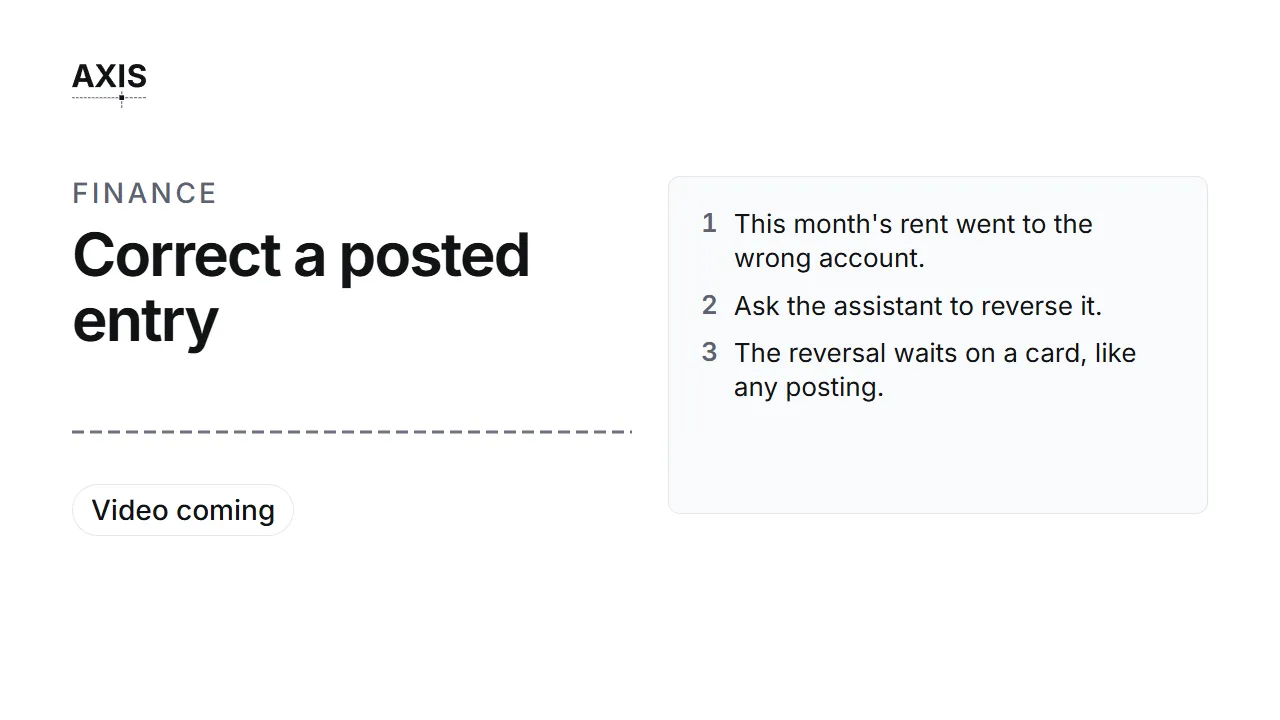
Correct a posted entry
- This month's rent went to the wrong account.
- Ask the assistant to reverse it.
- The reversal waits on a card, like any posting.
- Approve it. The original and its reversal sit side by side.
On the page: Correct a posted entry.
Run the integrity check
- Ask: Check the ledger integrity.
- Three results: the books balance, the chain holds, and every cancellation is complete.
On the page: Run the integrity check.
Add a user and give them a role
- Open Users and Roles.
- Add the person and choose their role.
- Their menu, their Today and the assistant all follow that role.
On the page: Add a user and give them a role.
Connect your own AI tool
- Create a key in Settings.
- Give it to your AI tool.
- The tool answers from Axis, as you.
- A posting comes back to Axis, to approve on a card.
On the page: Connect your own AI tool.
For IT
One clip for the person who installs Axis.
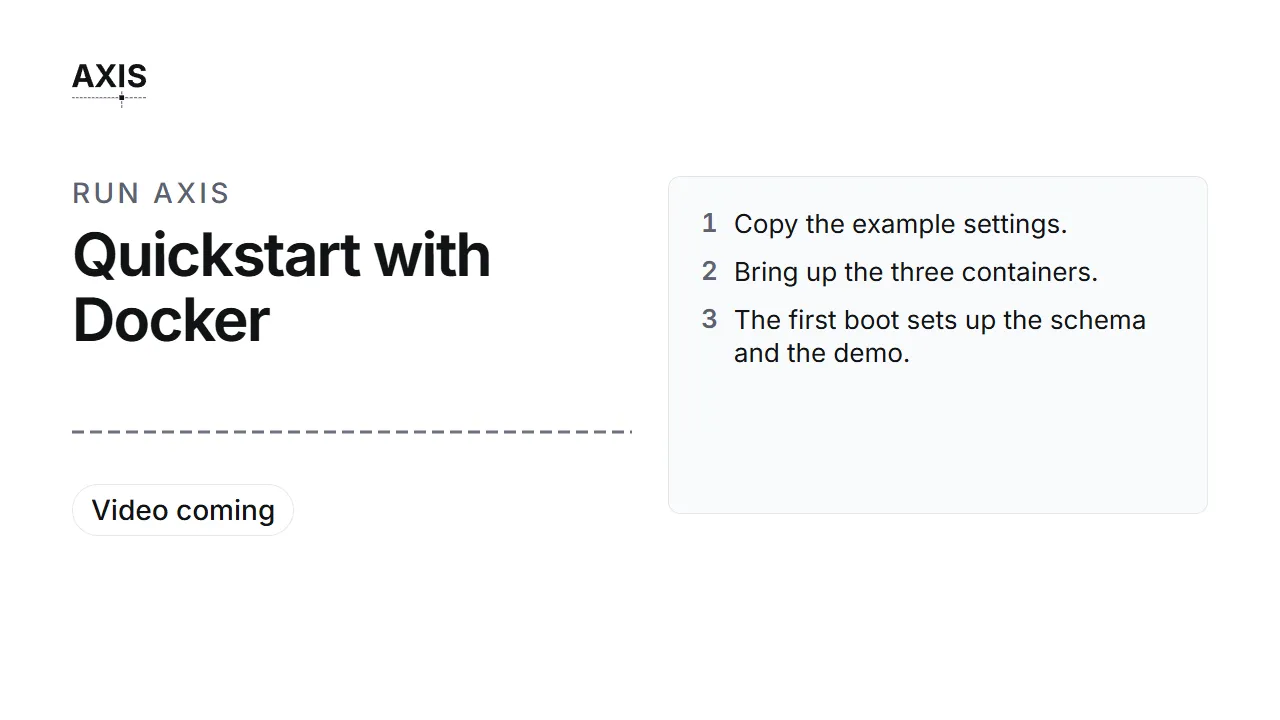
Quickstart with Docker
- Copy the example settings.
- Bring up the three containers.
- The first boot sets up the schema and the demo.
- Open the dashboard on port 8080.
On the page: Your data and your model.
Next
- Your first day: the steps the clips show.
- The ABC Corp tour: the film, beat by beat.