HOW AXIS WORKS
Trust in the books
The ledger keeps every posting exactly as it was made. A correction is a new entry beside the old one. A check you can run at any time proves the books balance and the history is whole.
Shown with ABC Corp, a demonstration company.
A ledger that grows by addition
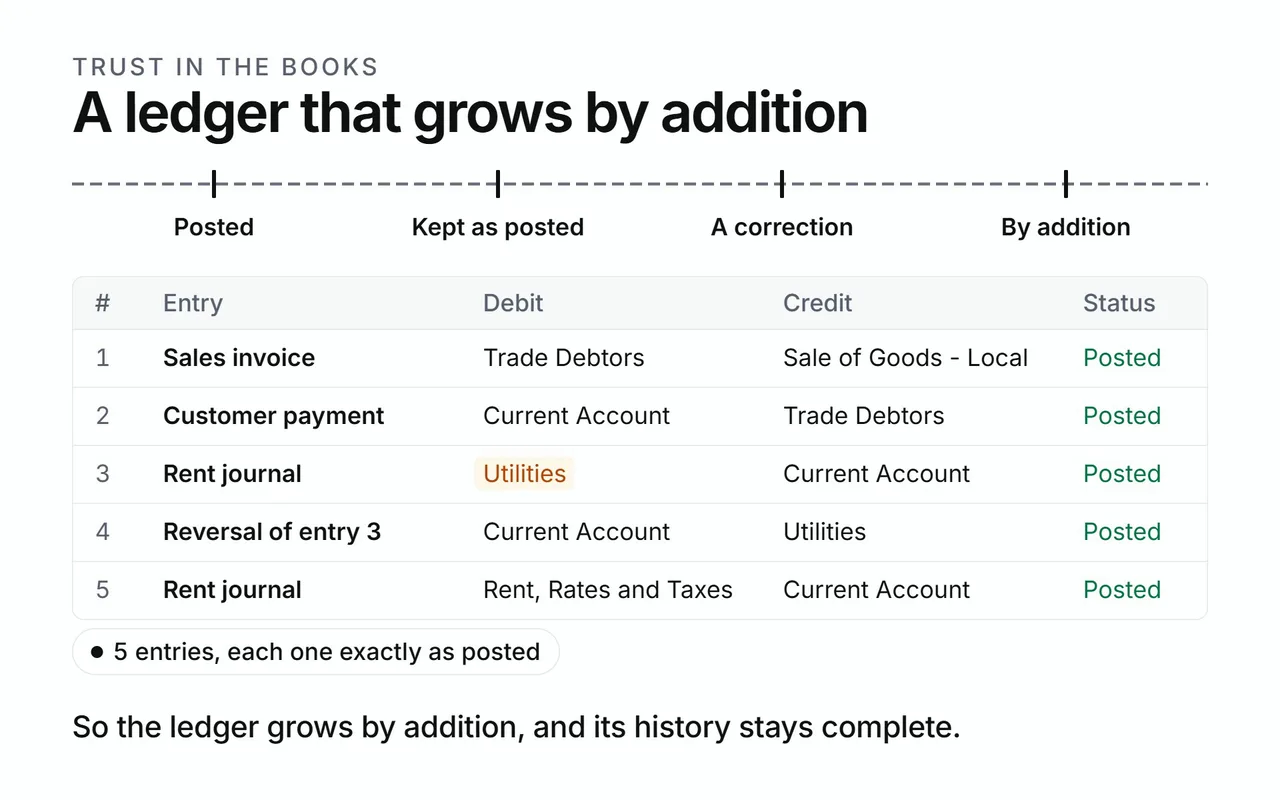
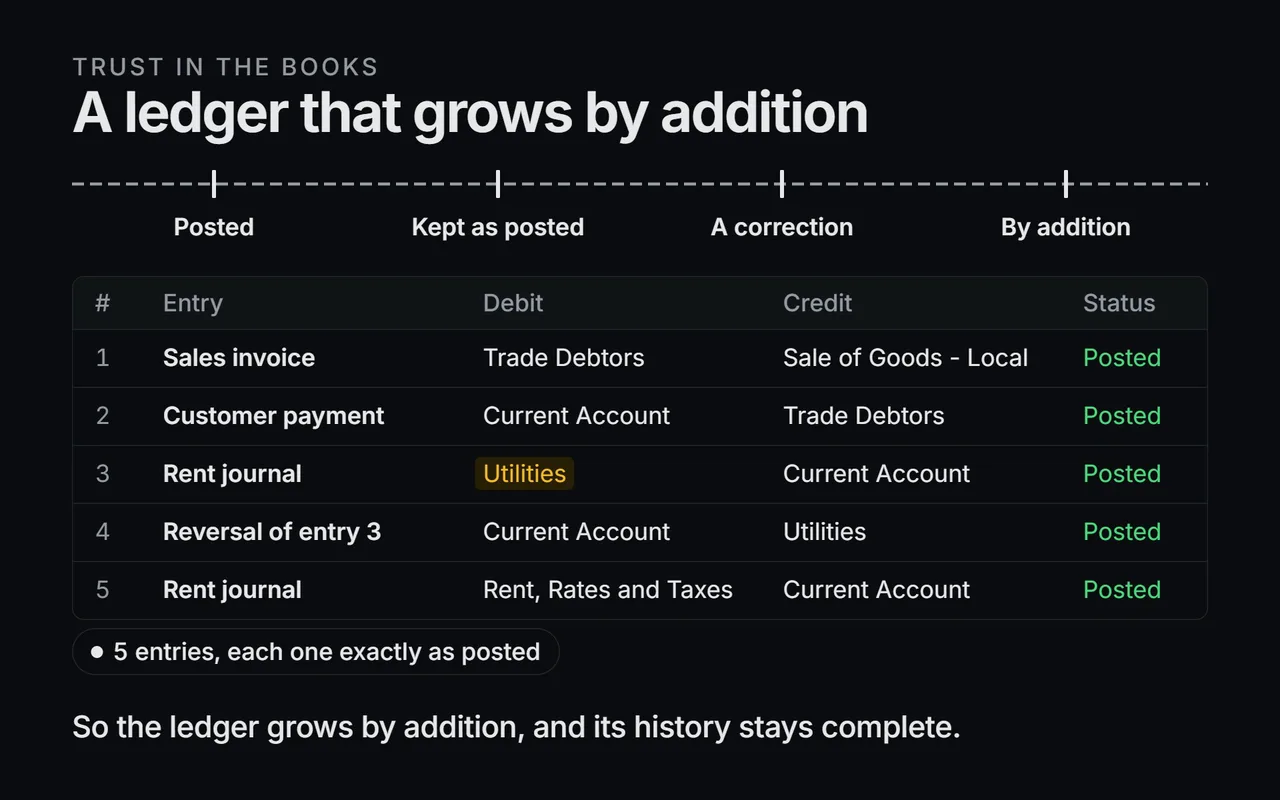
A ledger that grows by addition
- Entries land on the line, one after another.
- Each one stays as posted.
- The ledger grows by addition.
Each posting adds lines to the ledger. Once posted, a line stays exactly as it was written.
Every entry balances before it is saved. Axis compares the debits and the credits first, and refuses an entry whose sides differ. The assistant, the screens and every connected tool post through the same checked actions.
The assistant prepares postings and reads the ledger. The actions do the writing, each with its own checks.
Corrections post as reversals
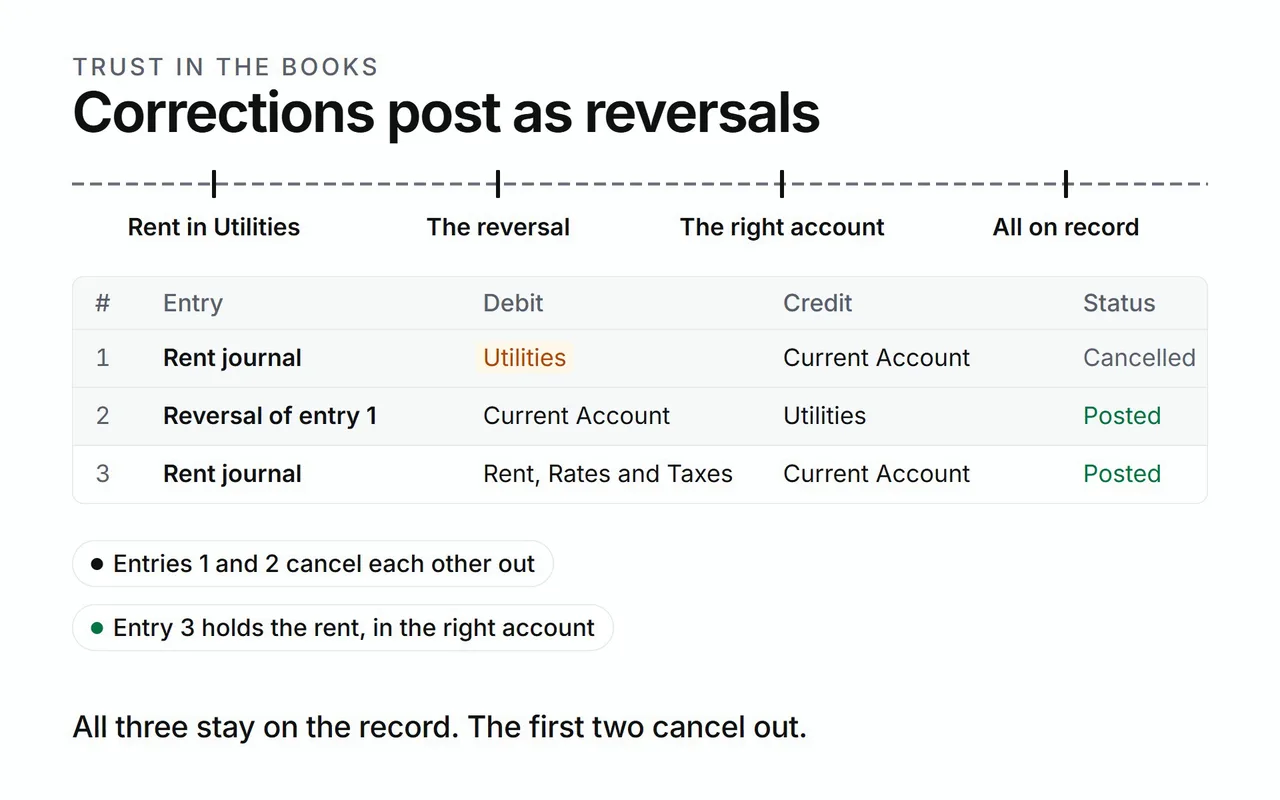
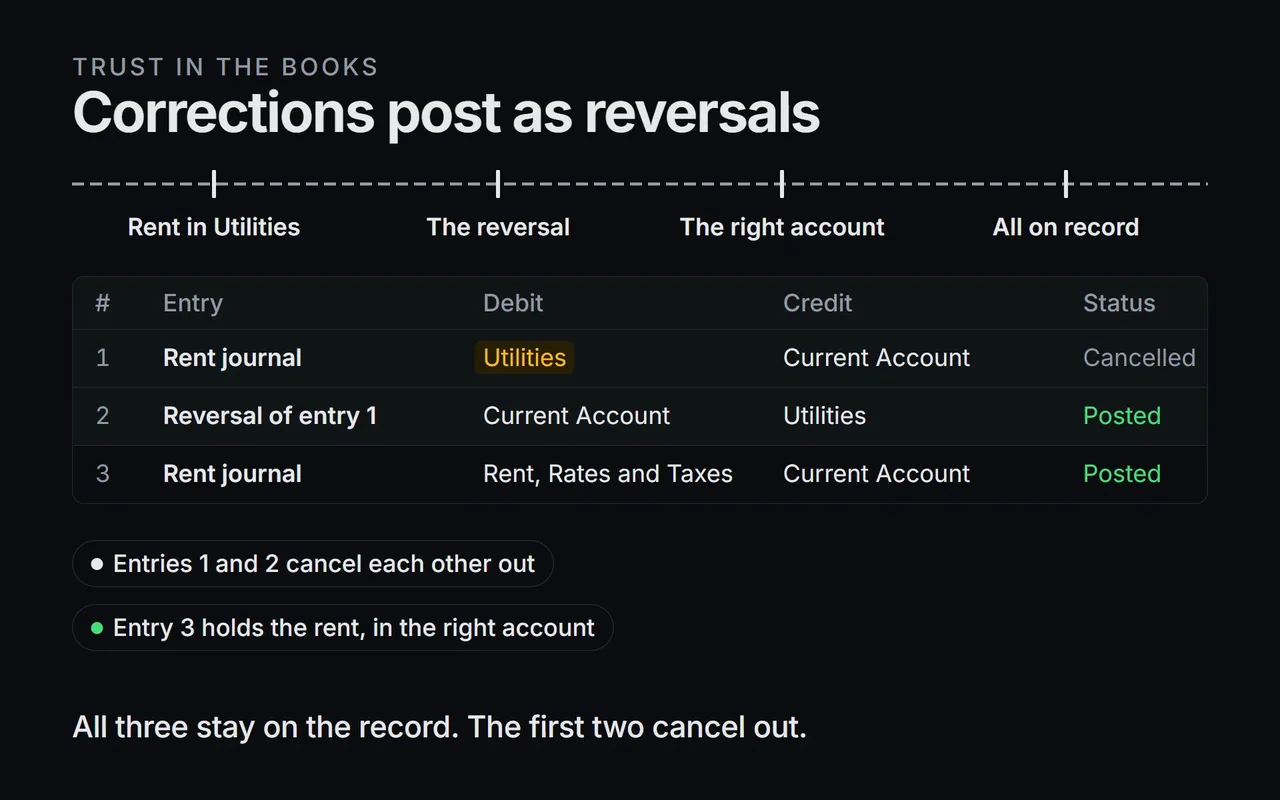
Corrections post as reversals
- Rent posts to the wrong account.
- A reversing entry lands beside it, approved like any posting.
- The correct entry follows.
- All three stay on the record, and the reports read them together.
A mistake is corrected by reversing it. The reversal mirrors each line of the original, with debit and credit swapped. Axis records which line reverses which.
In the ABC Corp ledger, this month's factory rent was posted to Utilities. You correct it in three steps:
- Ask the assistant to reverse the rent entry. The reversal waits on a card, like any posting.
- Approve it. The reversal is recorded under the original entry's number, JE-2026-00029.
- Ask for the corrected entry, to Rent. It is a posting of its own, so it brings its own card.
The original and its reversal both stay on the record. The figures leave the pair out together, so the reports show the corrected entry alone. A document is cancelled once, so its amounts leave the figures once.
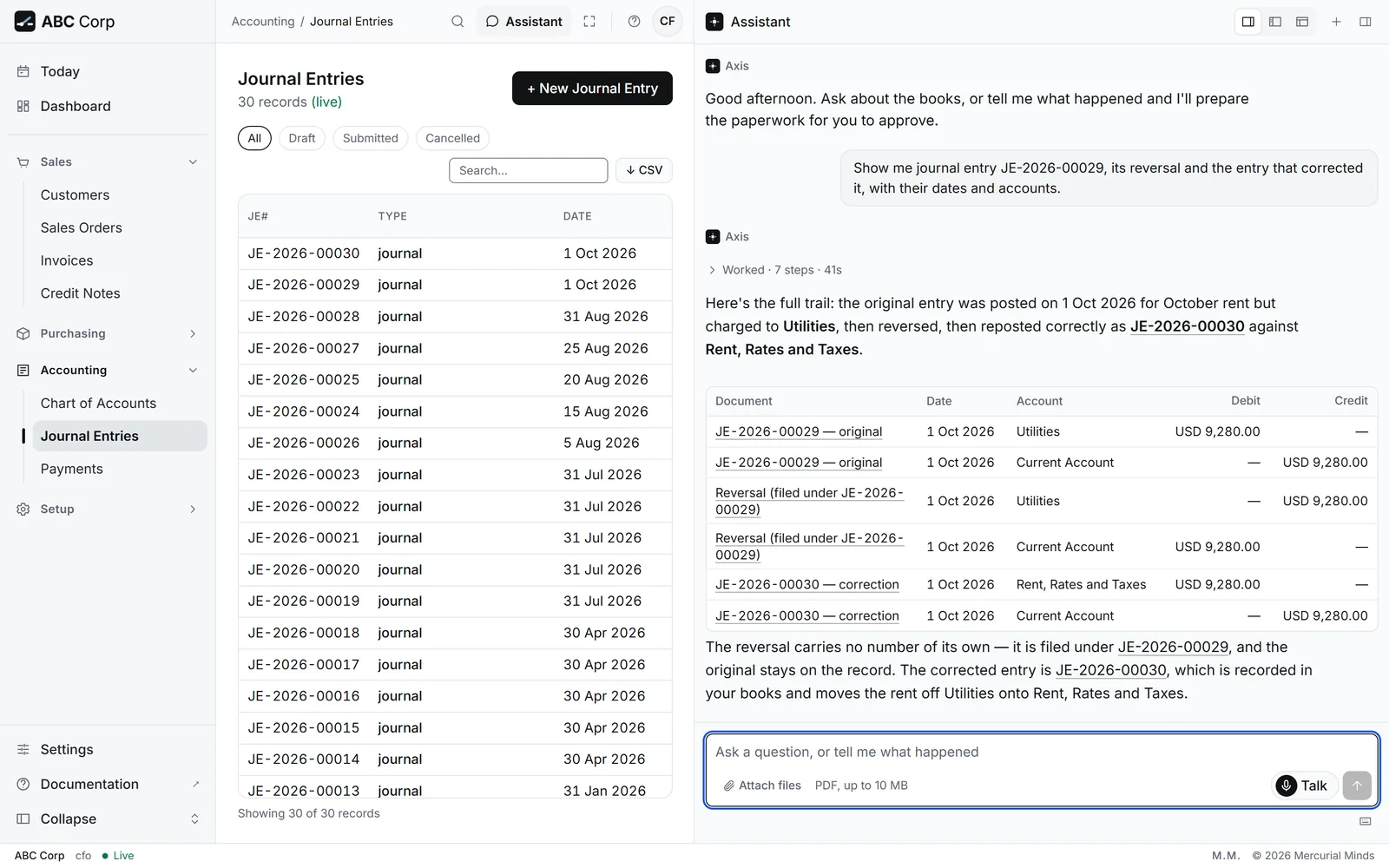
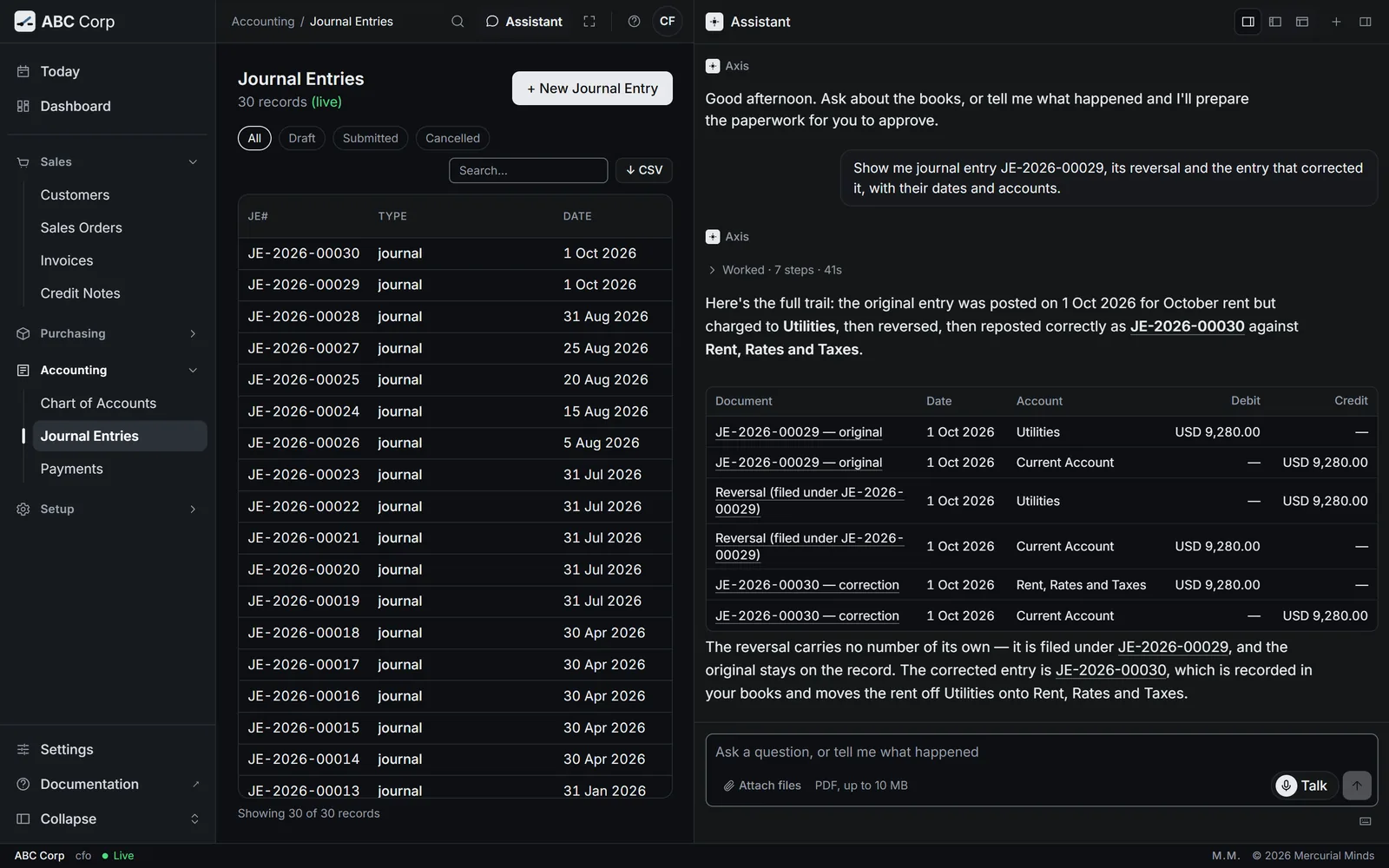
See Correct a posted entry for the task.
The integrity check
The integrity check
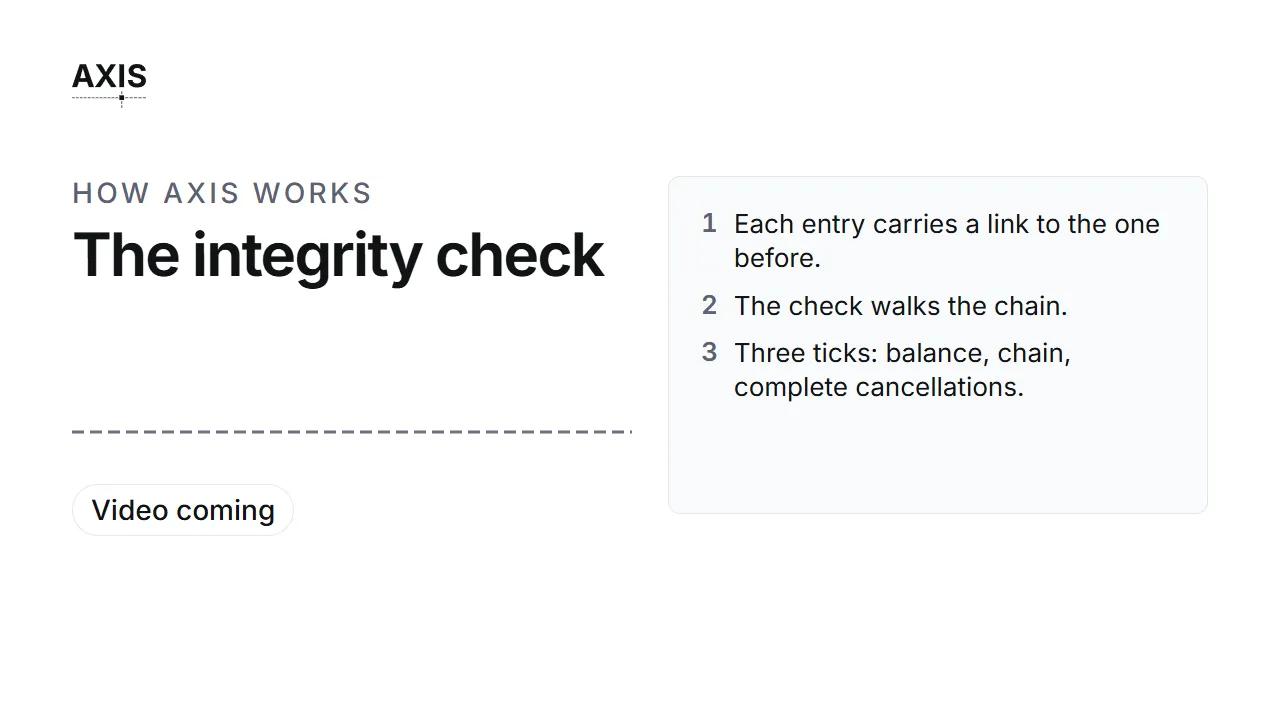
- Each entry carries a link to the one before.
- The check walks the chain.
- Three ticks: balance, chain, complete cancellations.
Each ledger line carries a fingerprint of its contents, linked to the line before it. Together they form a chain. A change to any earlier line breaks every link after it.
Ask the assistant:
Check the ledger integrity.
The check answers three questions for your company:
- Do the books balance? It adds every debit and every credit and compares the two.
- Is the chain whole? It recalculates each fingerprint in order, and counts any link that differs.
- Is every cancellation complete? Each cancelled document must be wholly cancelled, original and reversal together. The check names any document left half cancelled.
The third question catches a fault the first two miss. A half-cancelled document still balances, and its fingerprints still match. Its figures would still be wrong, so the check looks for it by name.
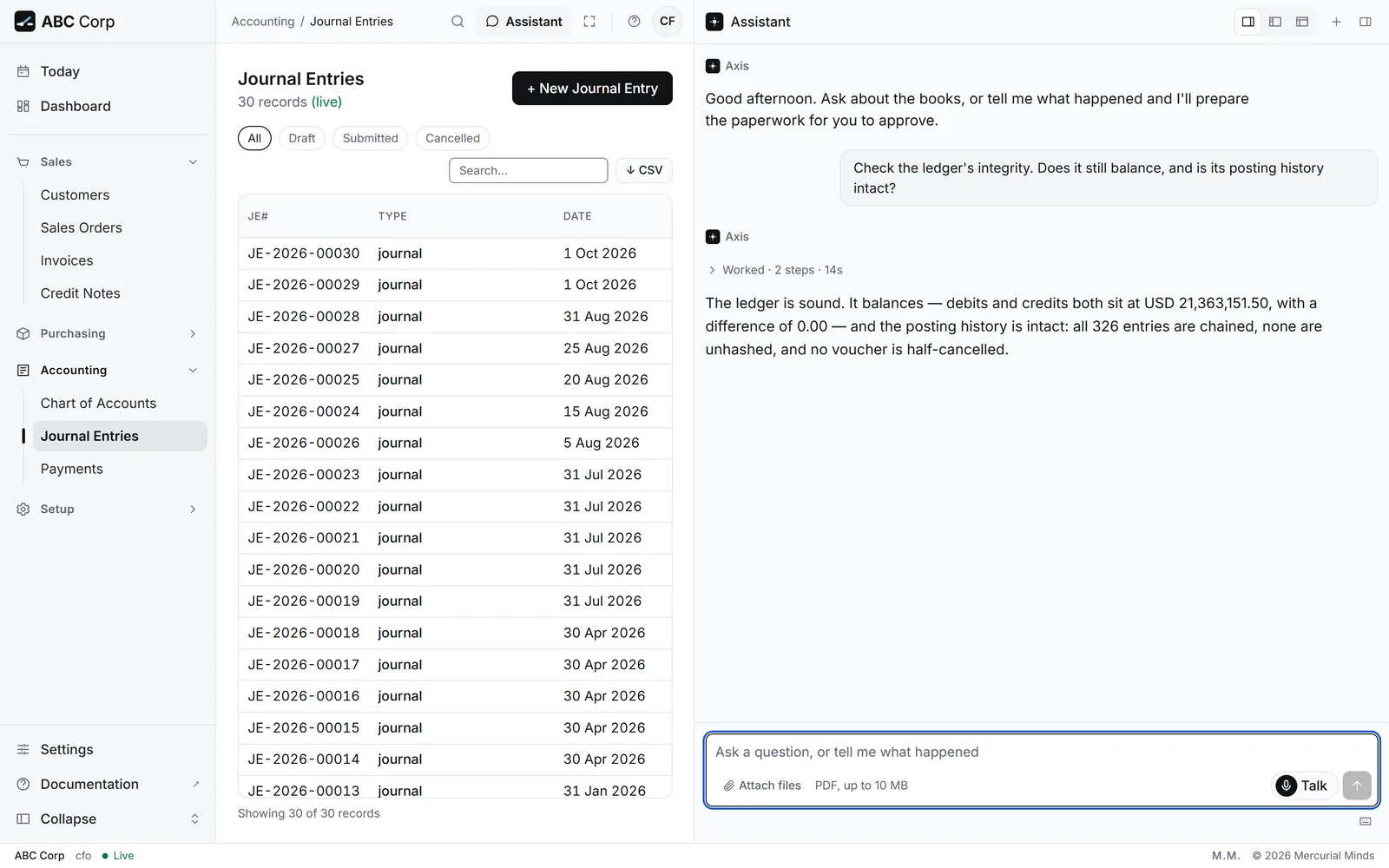
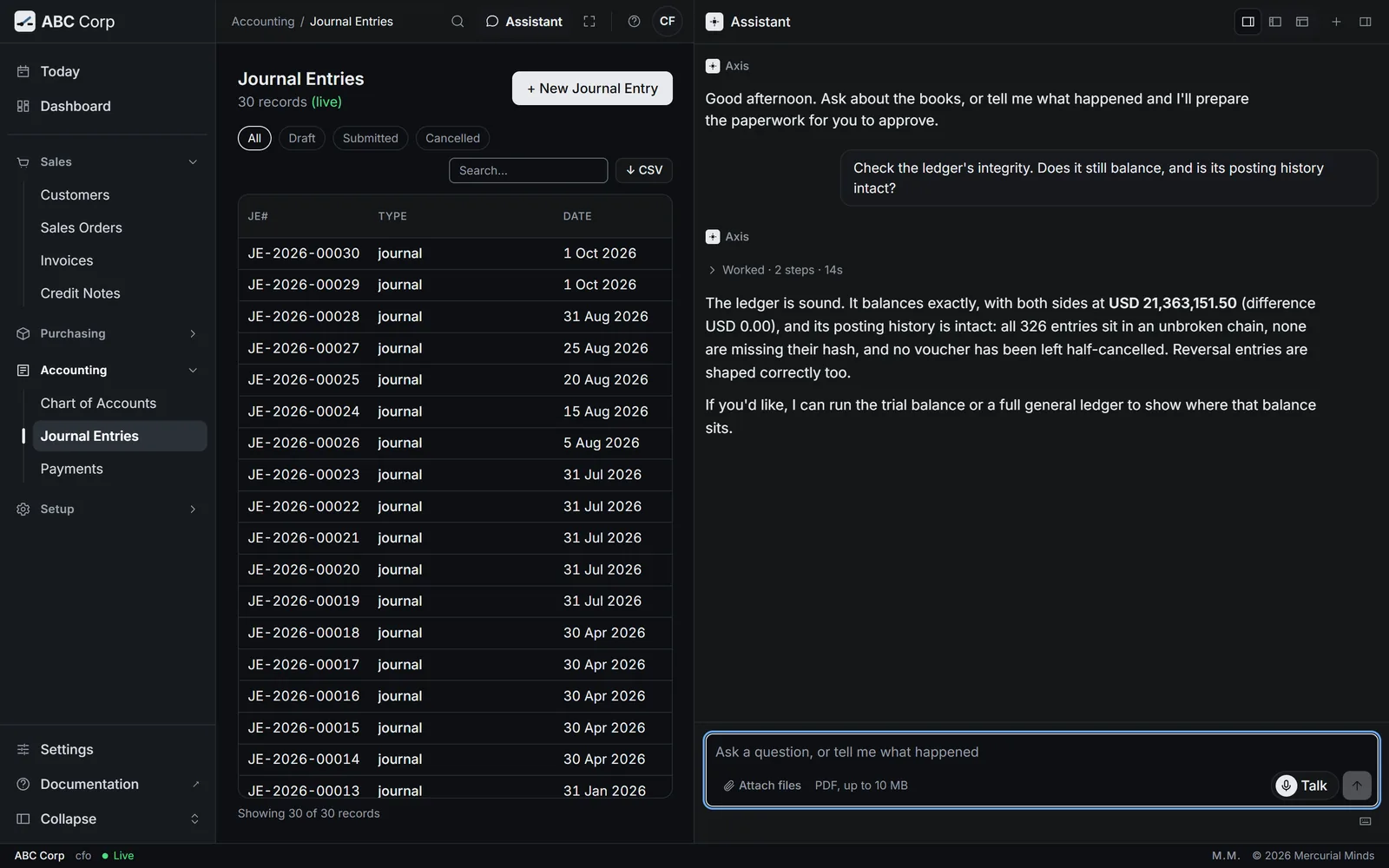
See Run the integrity check for the task. The CFO role runs it.
Exact to the cent
Axis keeps every amount as an exact decimal, from the moment you type it to the report. It stores each amount as written, digit for digit.
So a total is the sum of its lines, to the cent. USD 264,254.50 stays USD 264,254.50 through every step.
An amount sent in an inexact form stops the whole save. The books stay exact.
Currencies
Each company keeps its books in one currency. ABC Corp keeps its books in US dollars.
- Exchange rates are held by date. A document in another currency carries its exchange rate.
- Rates can be fetched. Axis can fetch the latest rates from a public exchange-rate service.
- Foreign balances revalue at period end. Axis posts the gain or loss on balances held in other currencies. See Revalue foreign balances.
The audit trail
Changes made through the actions write rows to the audit log. Each row records:
- The sign-in account that made the change.
- The person behind it. When the account belongs to an employee, the row shows the employee's name. Otherwise it shows the account name followed by "(sign-in account)".
- The company the changed record belongs to.
- What changed: the action, the record, and its values.
Axis takes the person from your signed-in session at the moment of the change, every time. The name is fixed when the row is written, so it stays right if the login later passes to someone else.
In the shipped roles, the CEO role reads the audit log. Changes to users and roles have an audit log of their own.
Approvals
Every posting, cancellation and closing waits for a person to press Approve. The card shows each detail exactly as it will run. See Approvals.
Your server
Axis runs on your own server, as three containers: the database, the API and the web app. You choose where the server sits, and your data stays there.
Settings come from the server's environment, so the same build runs on a laptop and in production. Outside your server, Axis reaches four places. They are the model you configure, the exchange-rate service when you fetch rates, and GitHub when you approve a module install. The fourth is Fish Audio, during a Talk call.
Your own model
The assistant works with any model behind an OpenAI-compatible endpoint. That includes a model you host yourself, on your own hardware.
The model sees the results of the actions it runs, so your business data reaches it. Host the model yourself to keep that data on your own machines.
The ledger's rules live in the actions. A stronger model chooses the right action more often. Every model meets the same checks, the same approvals and the same balanced entries.
Talk and your voice
Talk is the assistant's voice. It speaks through Fish Audio.
- The rules stay the same. A spoken question runs as you, with your role, through the same actions and the same approval cards.
- Approval stays on screen. The voice points you to the card. Your press on Approve decides.
- Axis keeps the words. Your questions and the answers stay in the conversation as text. Each action is in the audit trail with your name, as usual.
- Fish Audio hears the call. It receives the sound of your voice during the call, and the text of each answer it speaks. Fish Audio's own terms say how long it keeps them.
Keys and your own AI tool
A person can connect an AI tool to Axis with their own key.
- The key is the person. It carries that person's role, checked on every call. The audit trail names the person.
- Decisions come back to Axis. A standard key returns each posting, award and cancellation to Axis, to approve on a card.
- A wider key is marked. A key that may confirm those itself is chosen when it is made, and Settings marks it Destructive allowed.
- Administrators can stop any key. Users and Roles lists every key with its last use. Revoke one, or disable the account to stop them all.
- The deployment can switch keys off. Your administrator can turn keys off for the whole deployment, and every key stops at once.
- The tool receives what it asks for. Results go to the AI tool and its provider. Choose the tool with care.
Questions
Can a posted entry be edited?
A posted entry stays as it was posted. To change it, reverse it and post the corrected entry. Both steps wait for your approval.
What does a break in the chain mean?
A line was changed outside Axis's actions. The check counts the links that differ, so you know at once. Talk to whoever runs your server.
Does a better model make the books more accurate?
The books are as exact with every model, because the actions keep them. A better model picks the right action more often.
Can I see who made a change?
Yes. Each audit row names the person and the sign-in account, with the company and the record that changed.
Next
- Correct a posted entry: reverse a mistake and post it again.
- Run the integrity check: prove the books are whole.
- Money and the books: every finance task.